

What is .htaccess?
A .htaccess file is a small settings file for your website. It gives the web server simple rules. The web server is the program that sends your pages to visitors. With .htaccess you can send visitors from one page to another (a redirect), block some visitors, or set up nice page links.
The file name starts with a dot. On Linux, that makes it a hidden file. Hidden files do not show up until you ask to see them.
Steps
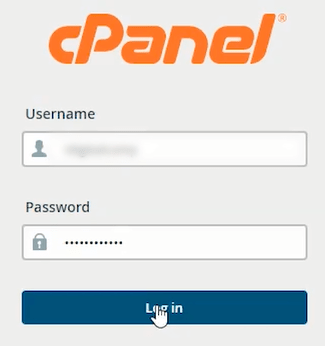
- Log in to cPanel. Your welcome email from Hostvento has the details.
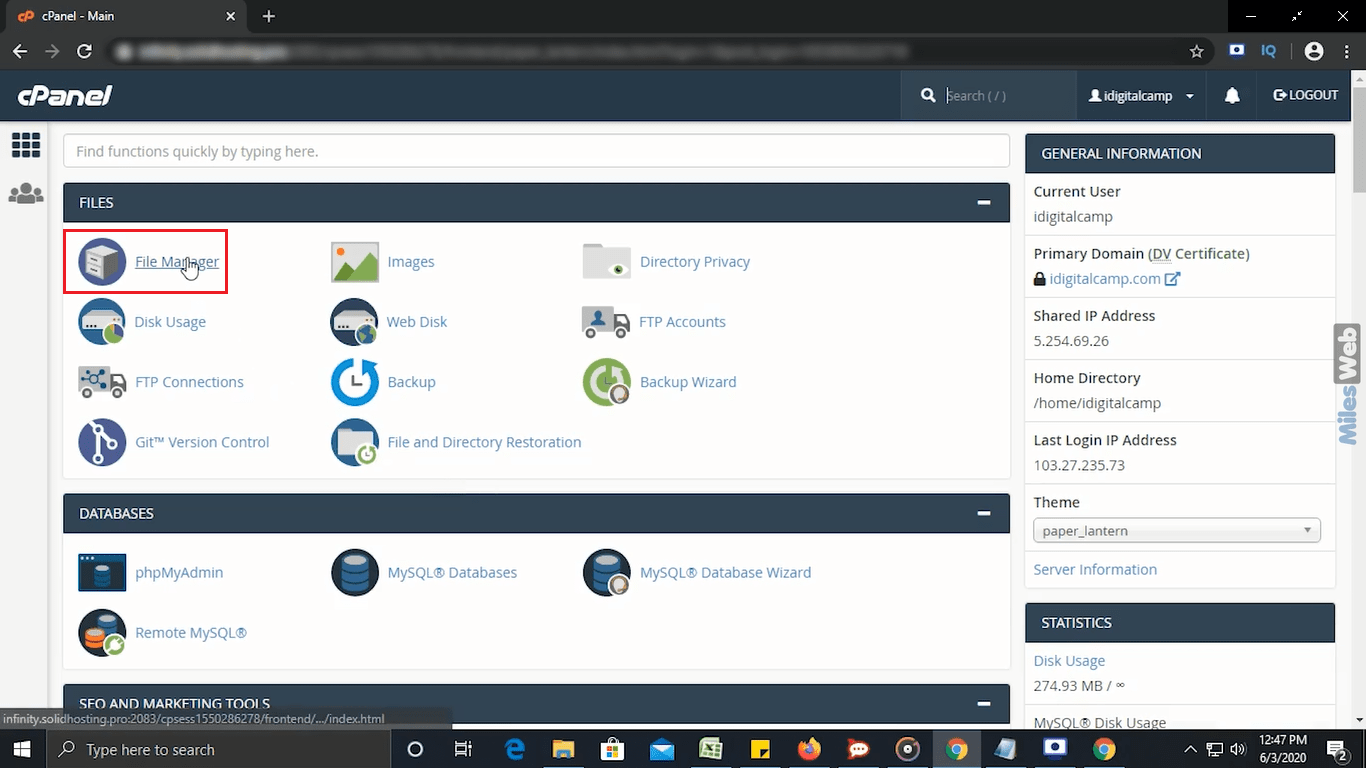
- Under Files, click File Manager.
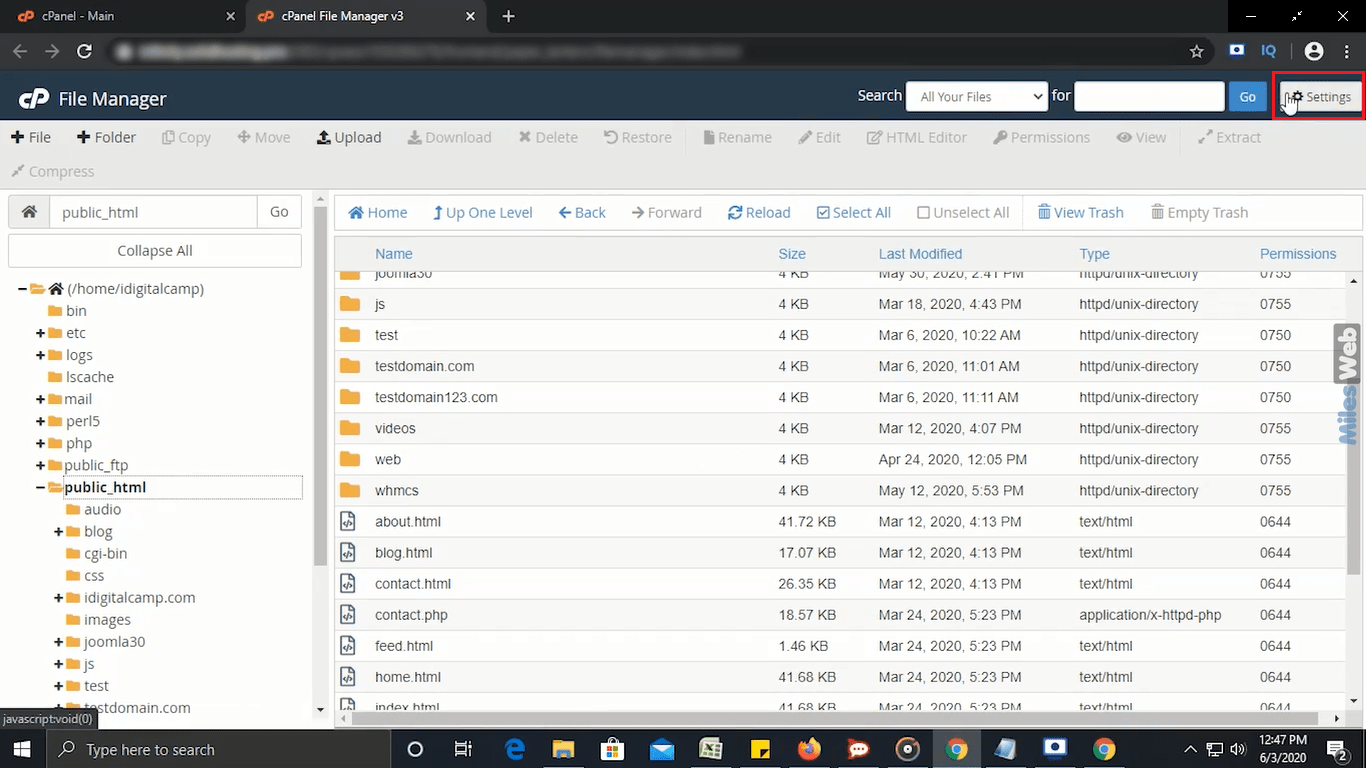
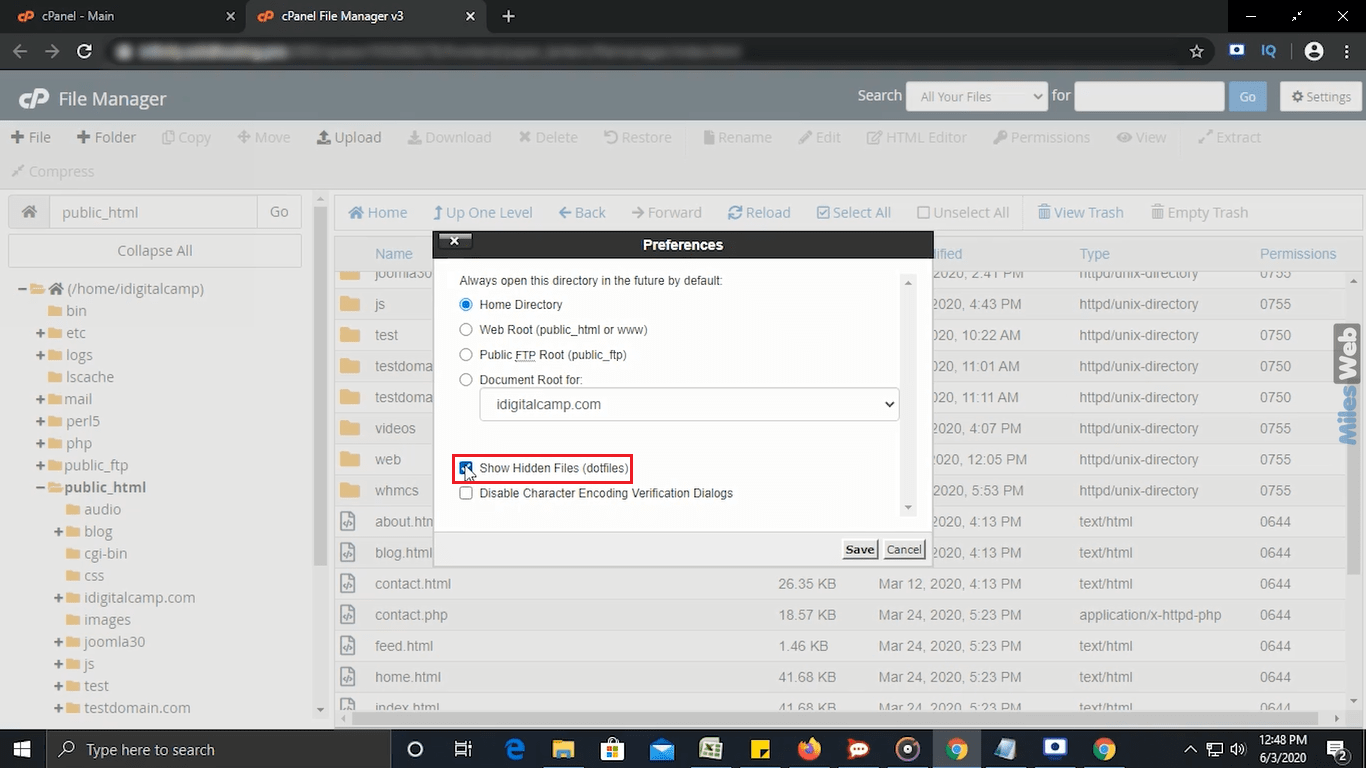
- Click Settings in the top right corner.
- Tick Show Hidden Files (dotfiles).
- Click Save.
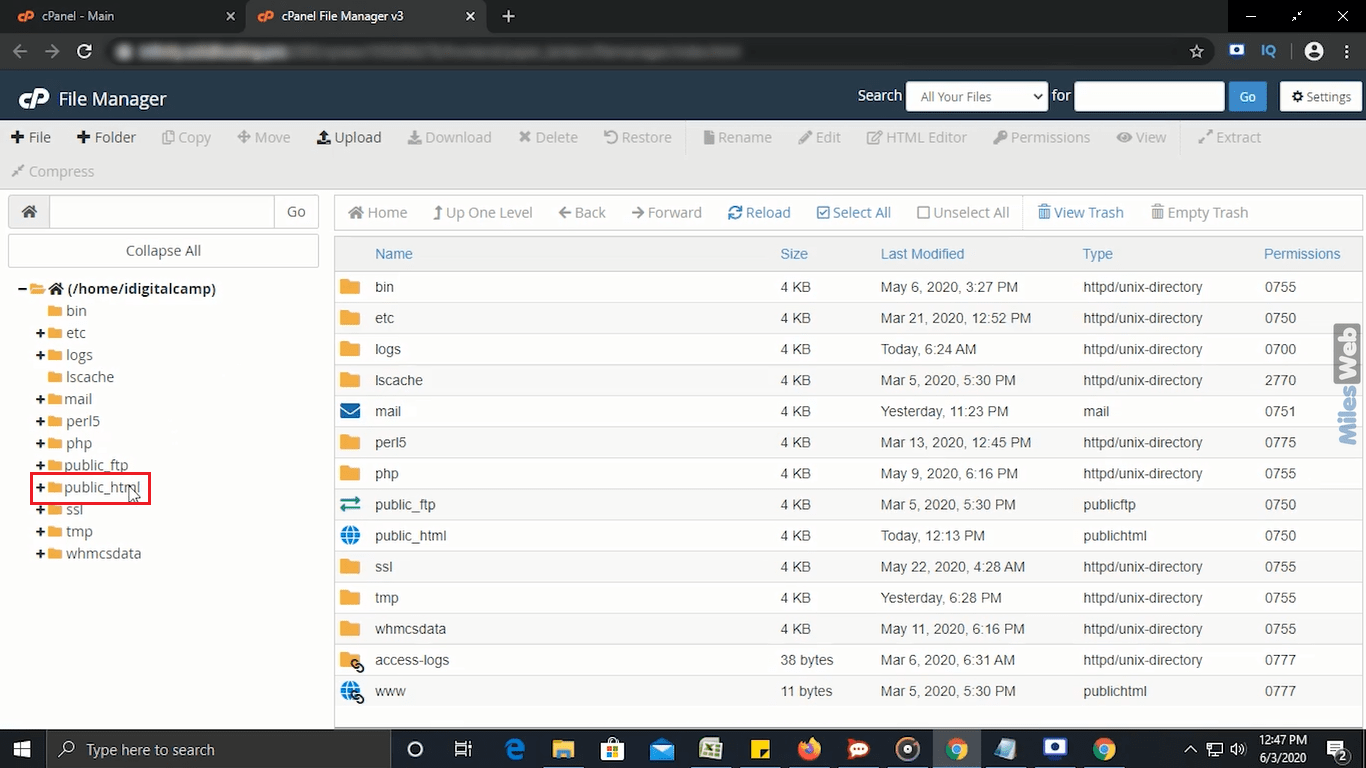
- Open the
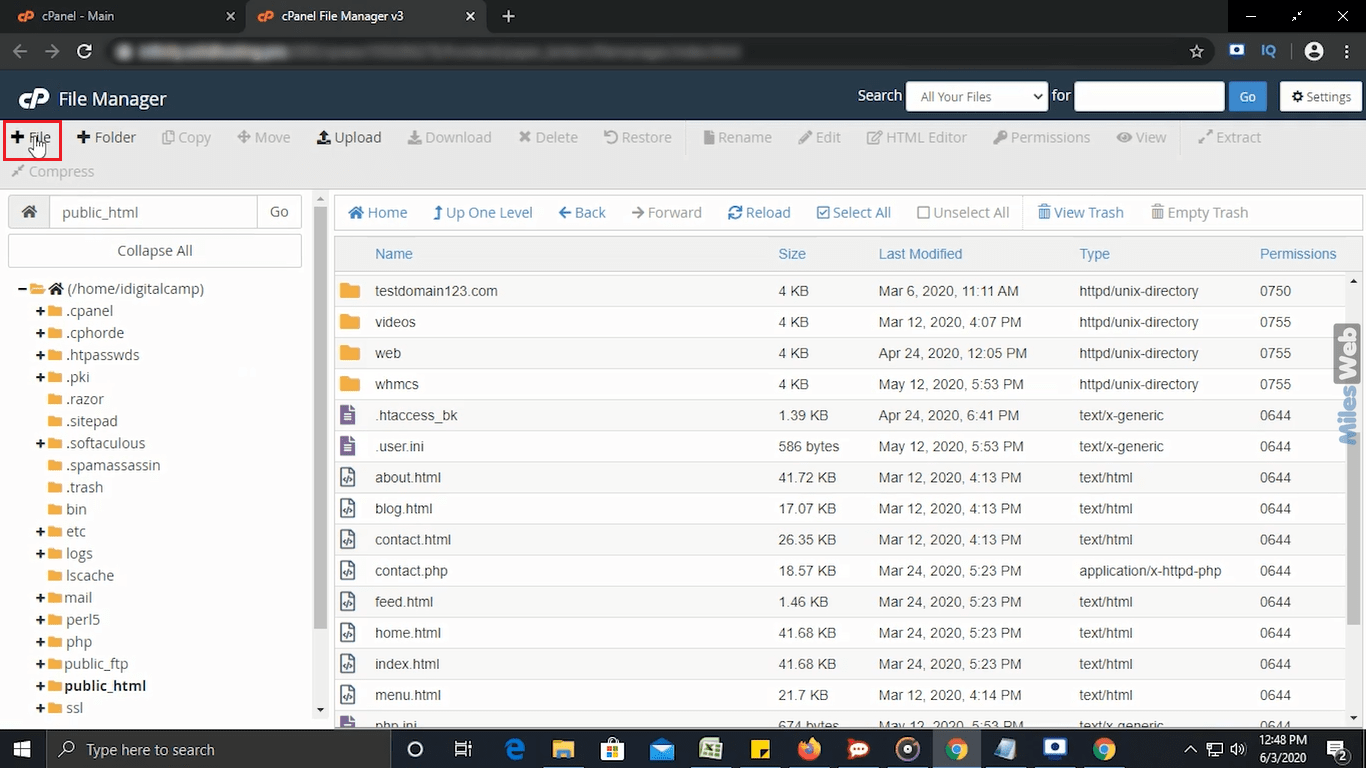
public_htmlfolder. This is where your main website lives. - Find the file named
.htaccess. If you cannot see it, your site may not have one yet.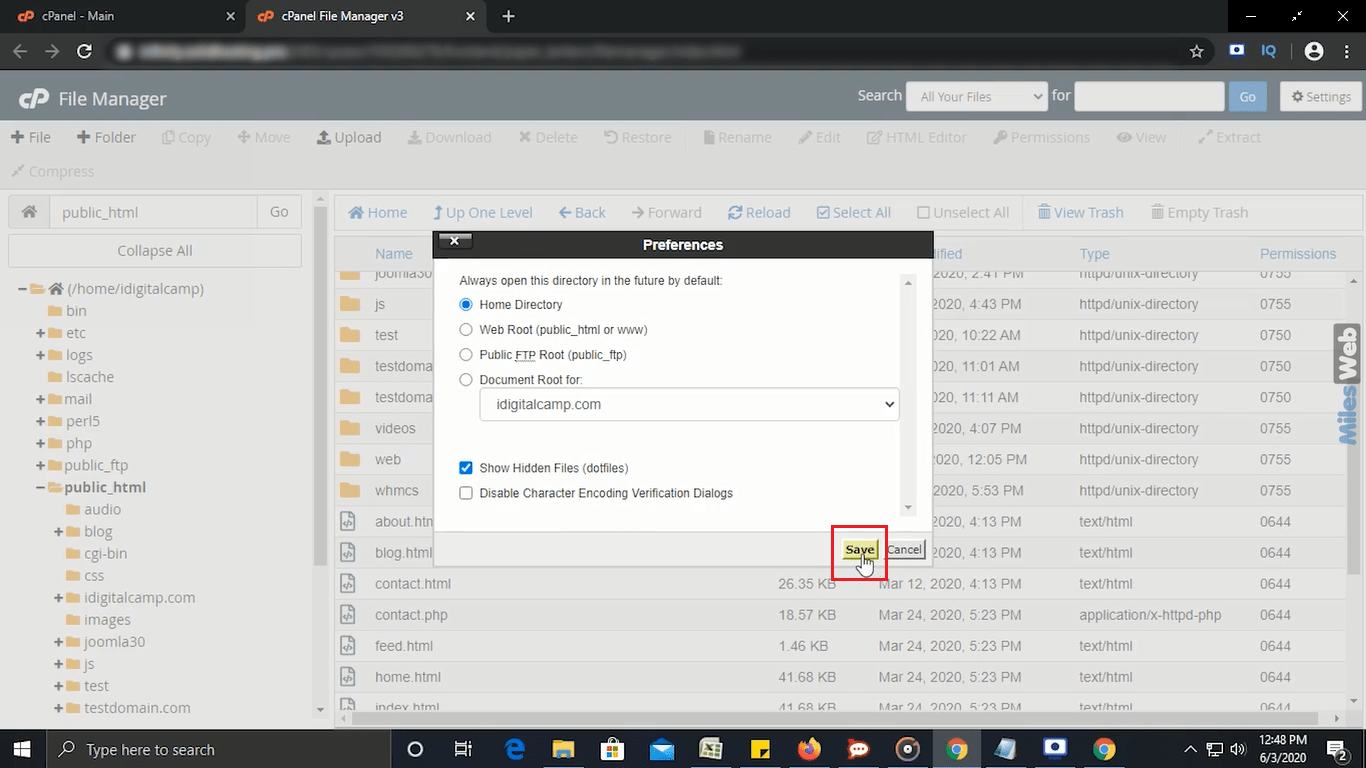
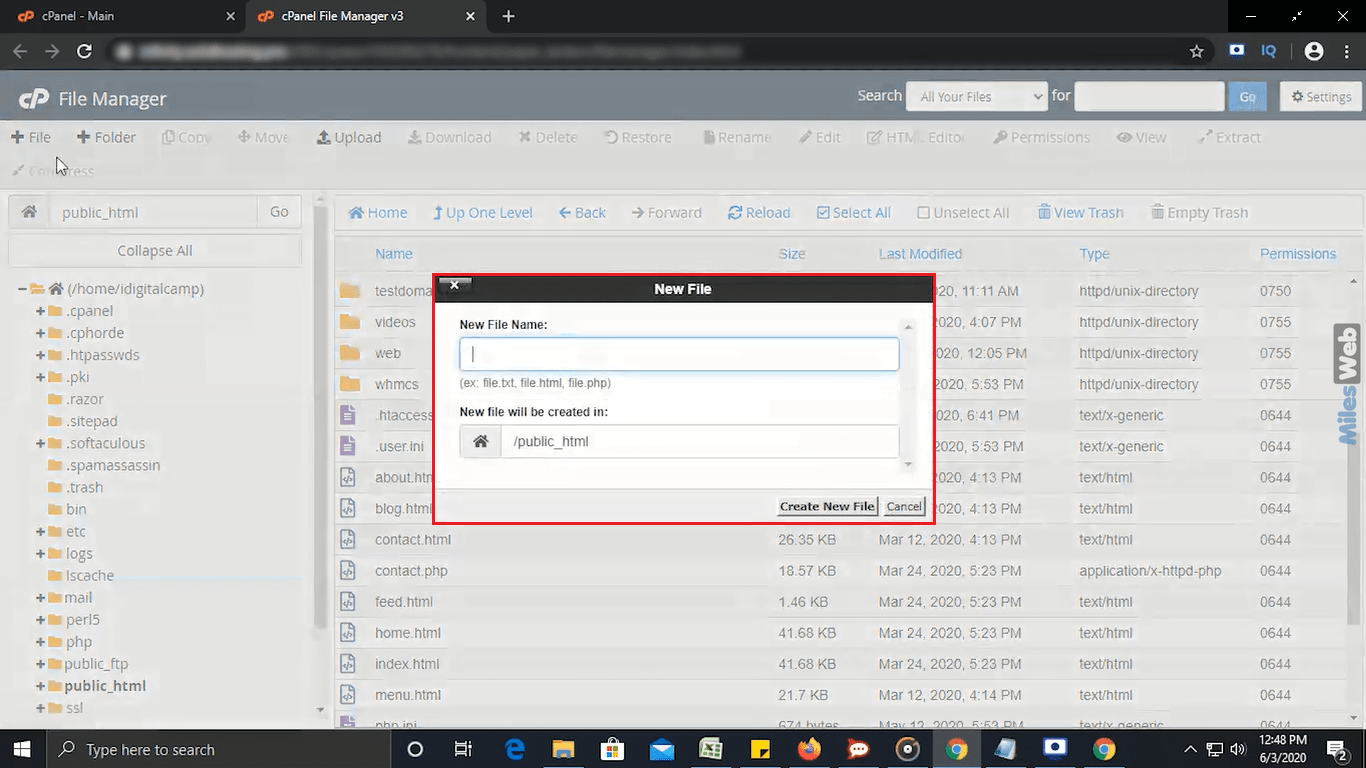
Make a backup copy first
- Right-click
.htaccessand choose Copy. - Type a new name like
/public_html/.htaccess-backup. - Click Copy File(s).
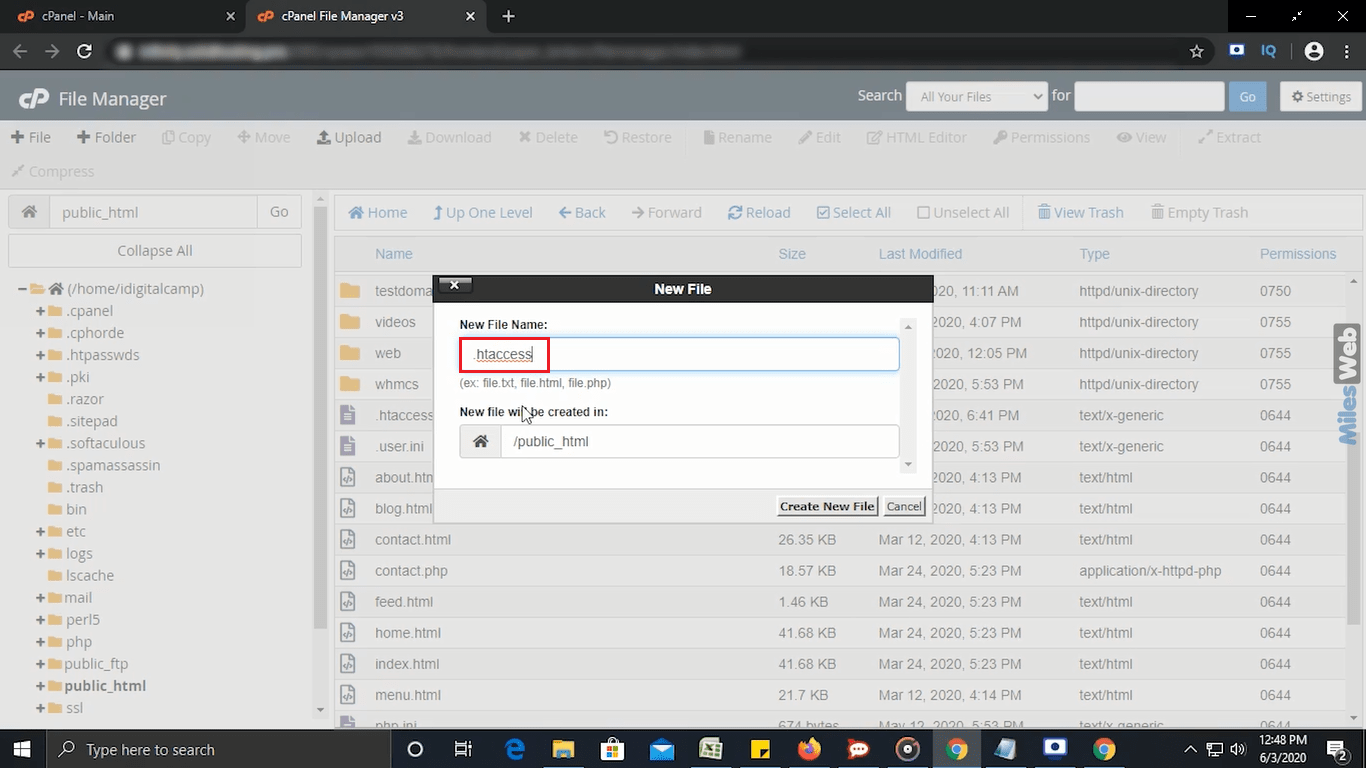
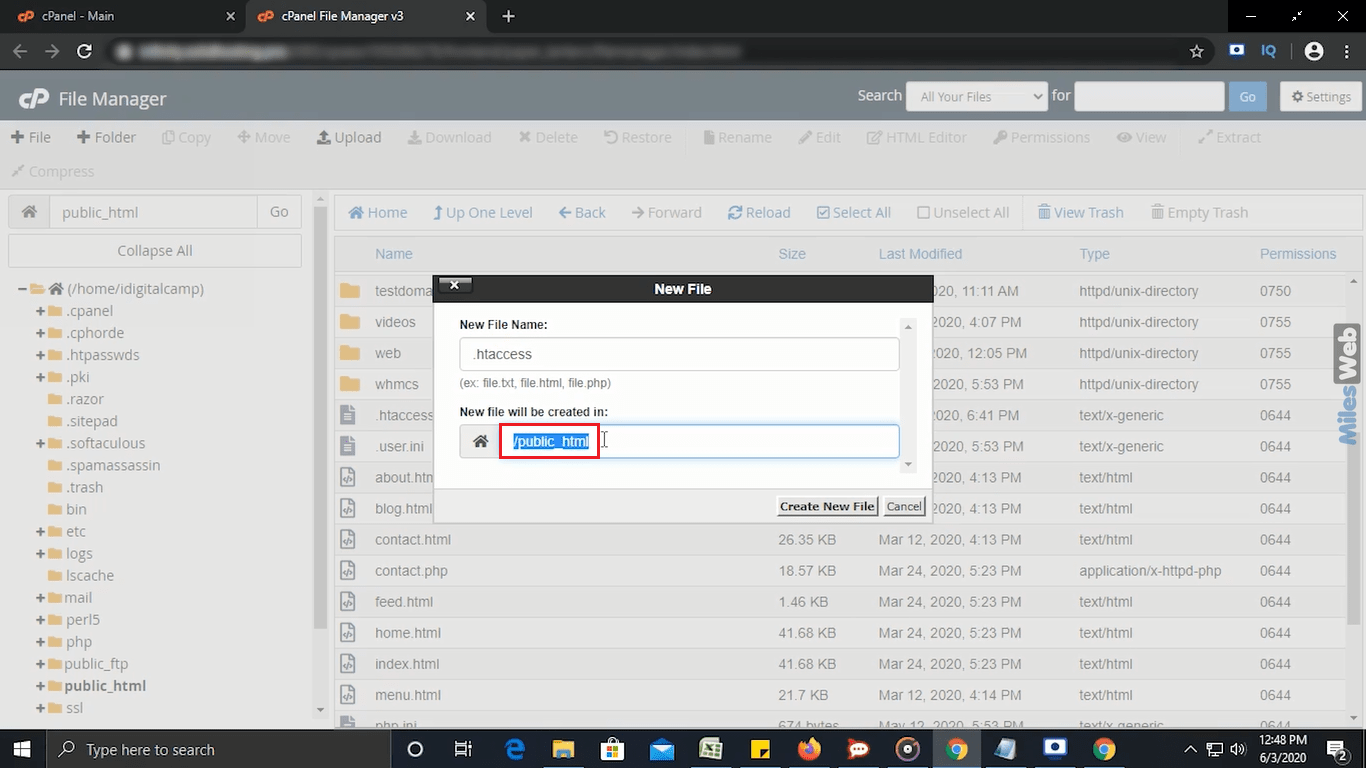
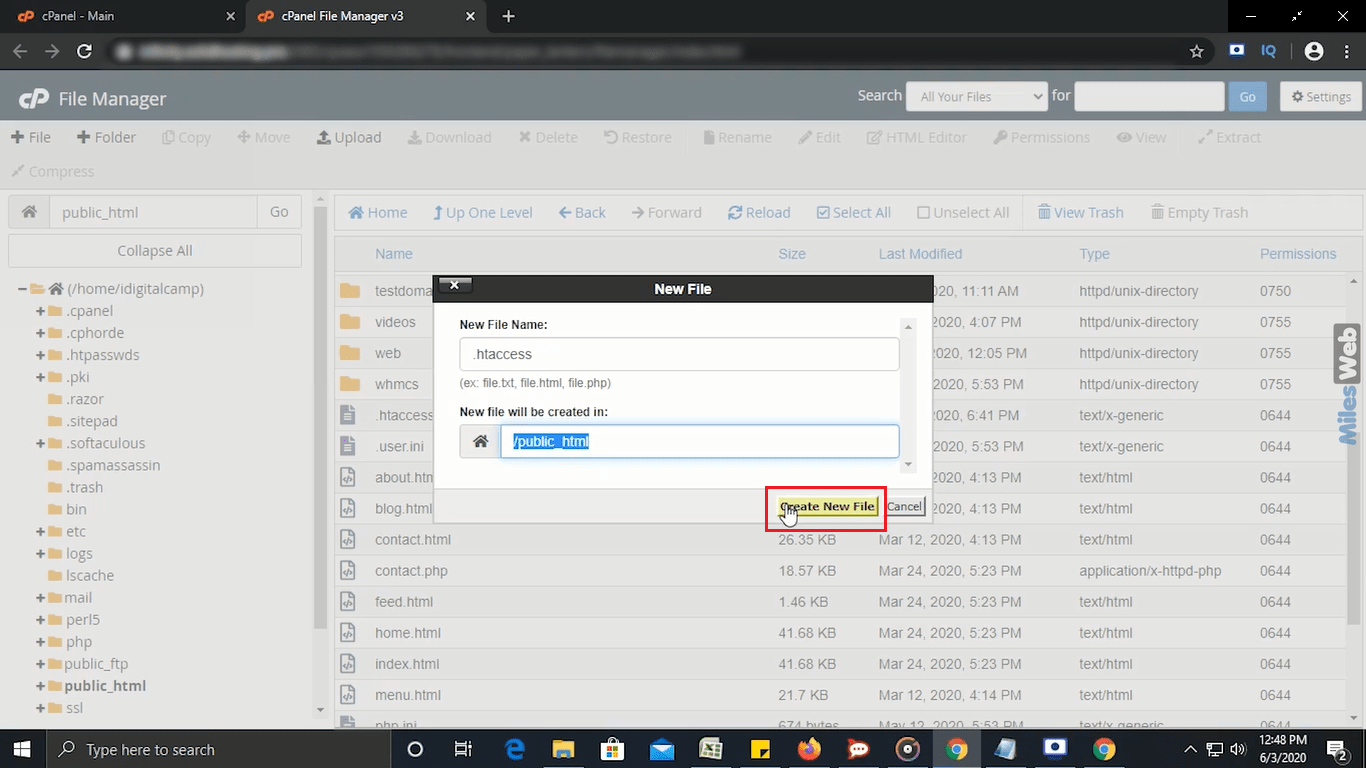
If something breaks later, you can delete the broken file and rename the backup back to .htaccess.
Edit the file
- Right-click
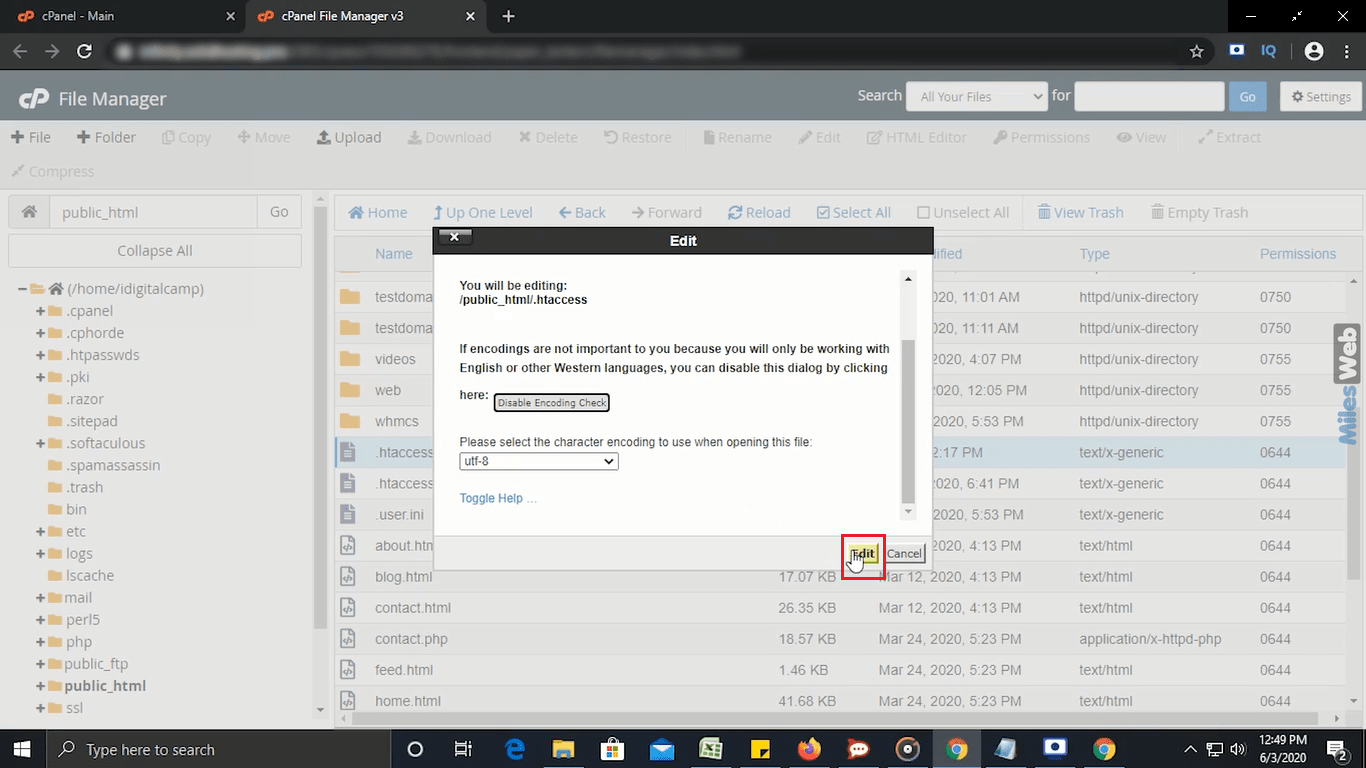
.htaccessand choose Edit.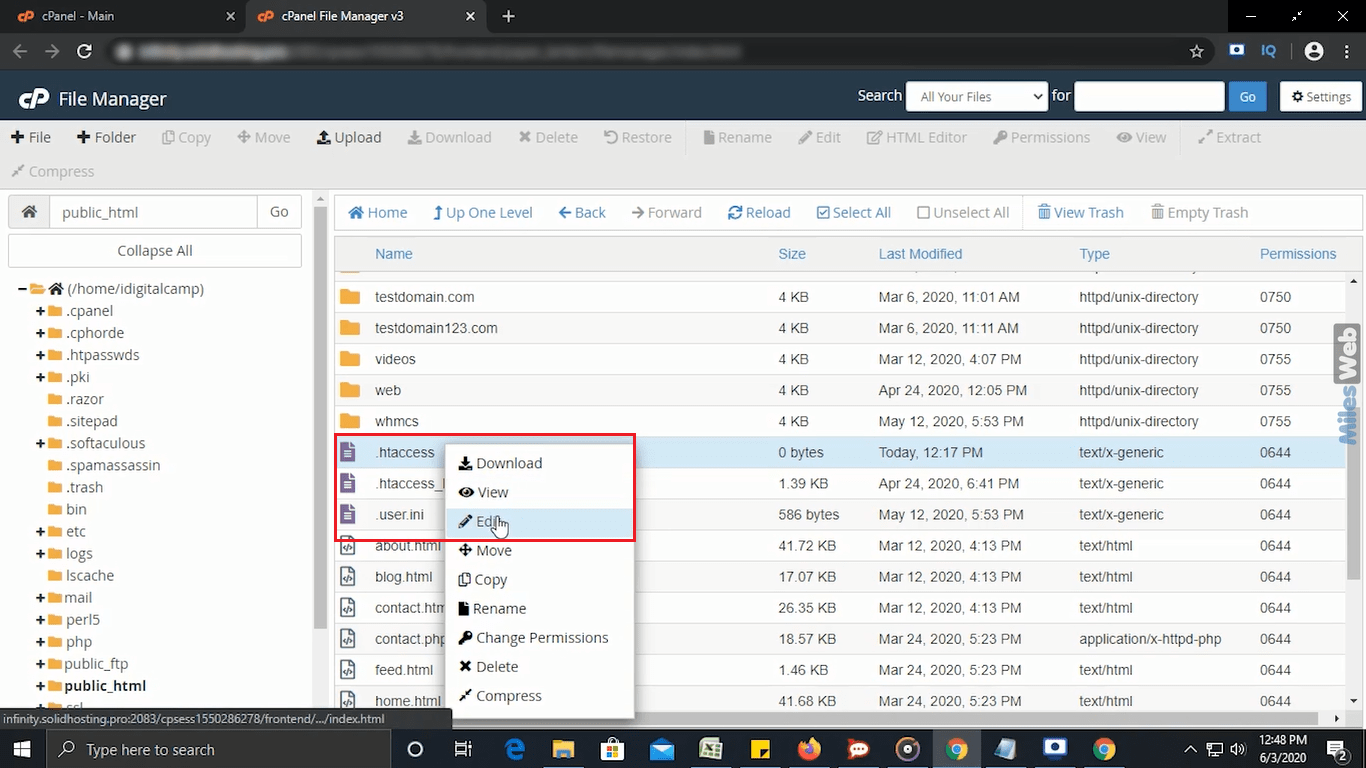
- A small notice may ask about encoding. Click Edit to continue.
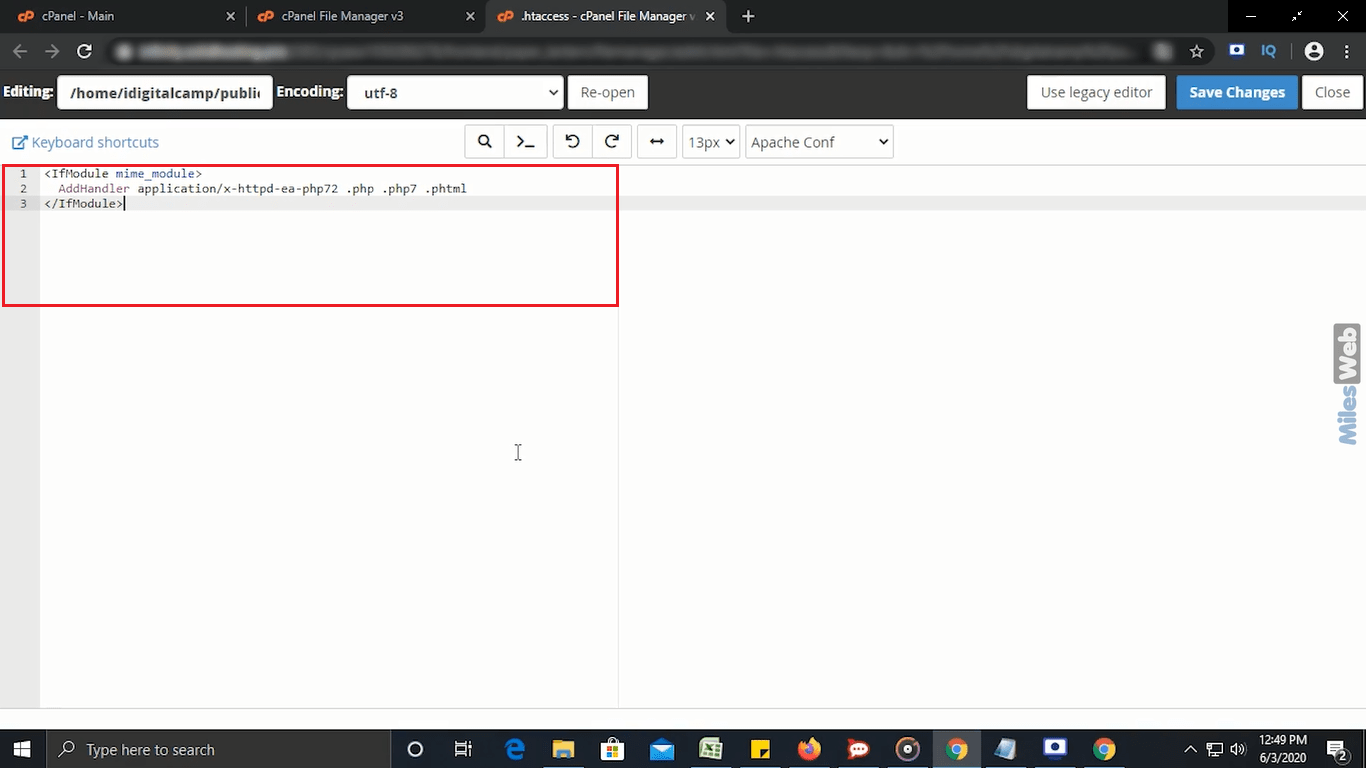
- A text editor opens. Add or change your rule. For example, this rule sends all visitors from http to https:
RewriteEngine On
RewriteCond %{HTTPS} off
RewriteRule ^(.*)$ https://%{HTTP_HOST}/$1 [R=301,L]
This tells the server: if the visit is not secure, send the visitor to the secure version of the same page.
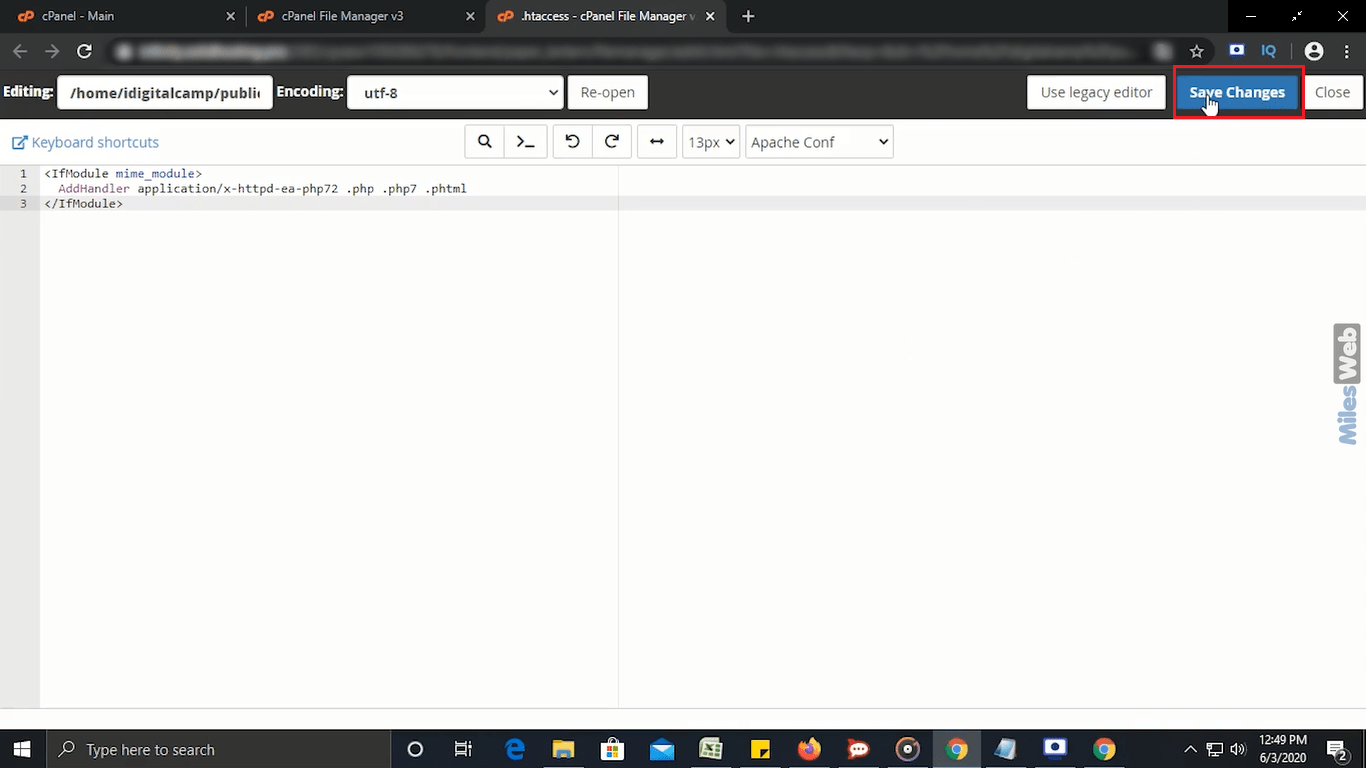
- Click Save Changes in the top right.
- Open your website in a new browser tab and check it still works.
If your site shows an error
You might see "500 Internal Server Error". This usually means a rule has a typo. Open the file again and remove your last change. Or restore the backup copy you made.
Need help? Open a support ticket.
Quick recap
- .htaccess is a hidden settings file for your website.
- Turn on Show Hidden Files in File Manager settings.
- Copy the file as a backup before editing.
- Right-click, choose Edit, then Save Changes.
- Test your site right away.