

Why secure a Linux VPS
A server on the internet is scanned by bots within minutes. A hacked server can leak data, send spam, join attacks or serve malware. A few good habits stop most attacks.
1. Keep the system updated
sudo apt update && sudo apt upgrade -yOn CentOS, Rocky and AlmaLinux use sudo dnf update -y. Turn on automatic security updates (unattended-upgrades on Ubuntu and Debian).
2. Use strong authentication
- Use long, unique passwords.
- Prefer SSH keys over passwords.
- Turn on two-factor authentication for your control panel and for SSH, if you can.
3. Set up a firewall
Allow only the ports you need. With UFW:
sudo ufw default deny incoming
sudo ufw default allow outgoing
sudo ufw allow OpenSSH
sudo ufw allow 80/tcp
sudo ufw allow 443/tcp
sudo ufw enable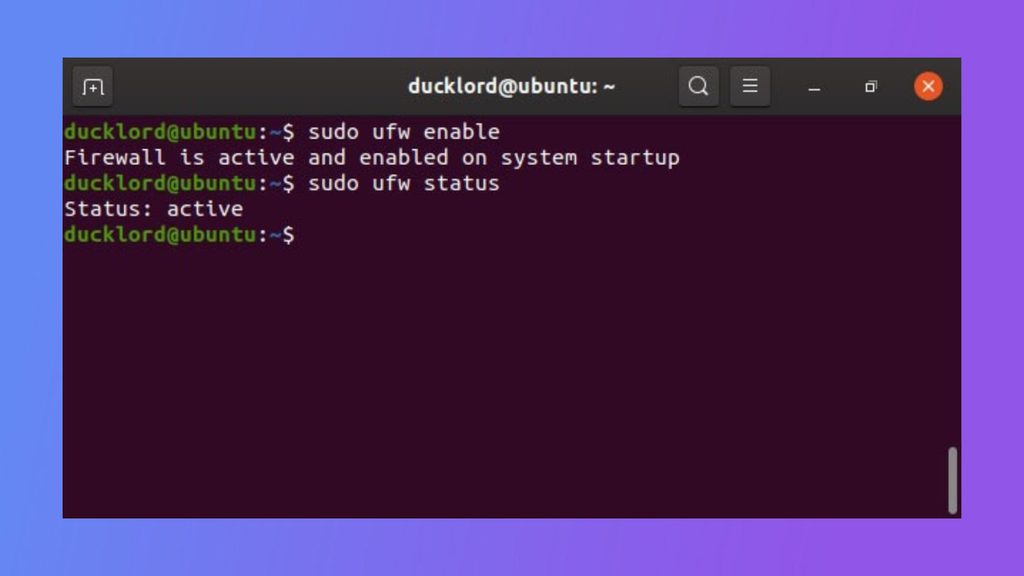
4. Turn off unused services
- List what runs.
sudo systemctl list-units --type=service --state=running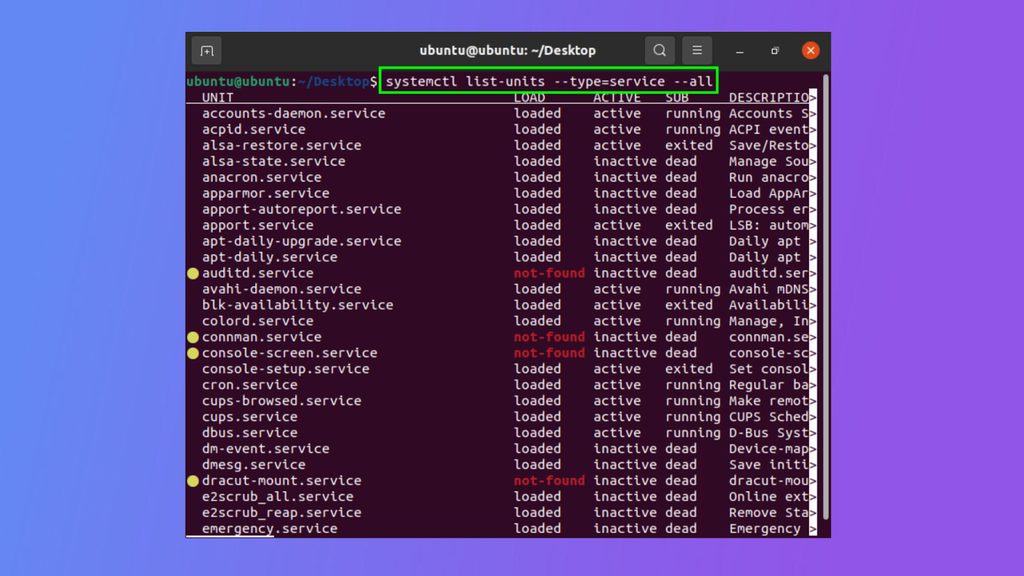
- Find what you do not need, such as old mail, FTP or print services.
- Stop them:
sudo systemctl stop service_name - Stop them from starting at boot:
sudo systemctl disable service_name - Remove packages you will never need.
- Test your server after you turn off services.
- Check again from time to time.
5. Use an intrusion detection or prevention tool
- Fail2Ban blocks IP addresses that fail to log in many times.
- AIDE or Tripwire detect changed files.
- rkhunter or ClamAV scan for malware.
6. Secure SSH
- Change the default port (22) to cut down on bot noise.
- Use SSH keys.
- Turn off root login: set
PermitRootLogin noin/etc/ssh/sshd_config. - Turn off password login when keys work:
PasswordAuthentication no. - Use 2FA for SSH if you can.
- Limit access by IP if you have a fixed address.
- Protect your keys with a passphrase.
- Keep the SSH server updated.
Restart SSH after you change the settings, and test in a second window before you close the first one.
7. Back up your data
Make regular backups and keep them off the server. Test that you can restore.
8. Monitor your server
Read the logs (/var/log/auth.log, /var/log/secure), watch CPU, memory and disk use, and set up alerts.
Quick recap
- Update, use SSH keys, a firewall and Fail2Ban.
- Turn off services you do not use.
- Back up and monitor.