

What port forwarding is
Port forwarding sends traffic that arrives at one address and port to a different address and port. You can use it to reach a service on a private machine, or to move traffic from port 80 to a port such as 8080.
iptables does this with NAT rules (Network Address Translation).
Step 1: Install iptables
sudo apt install iptables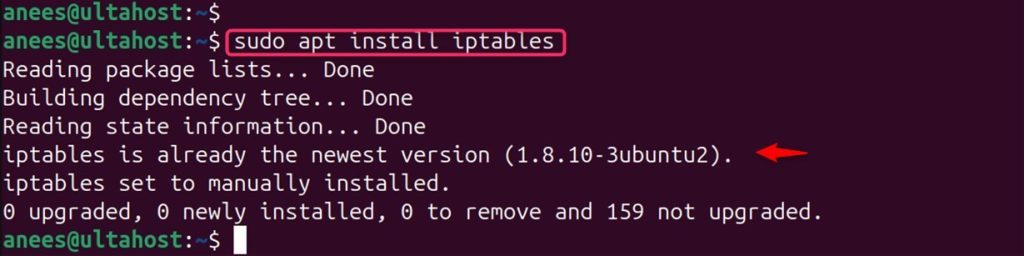
Step 2: Turn on IP forwarding
Open the file:
sudo nano /etc/sysctl.confAdd or uncomment this line:
net.ipv4.ip_forward=1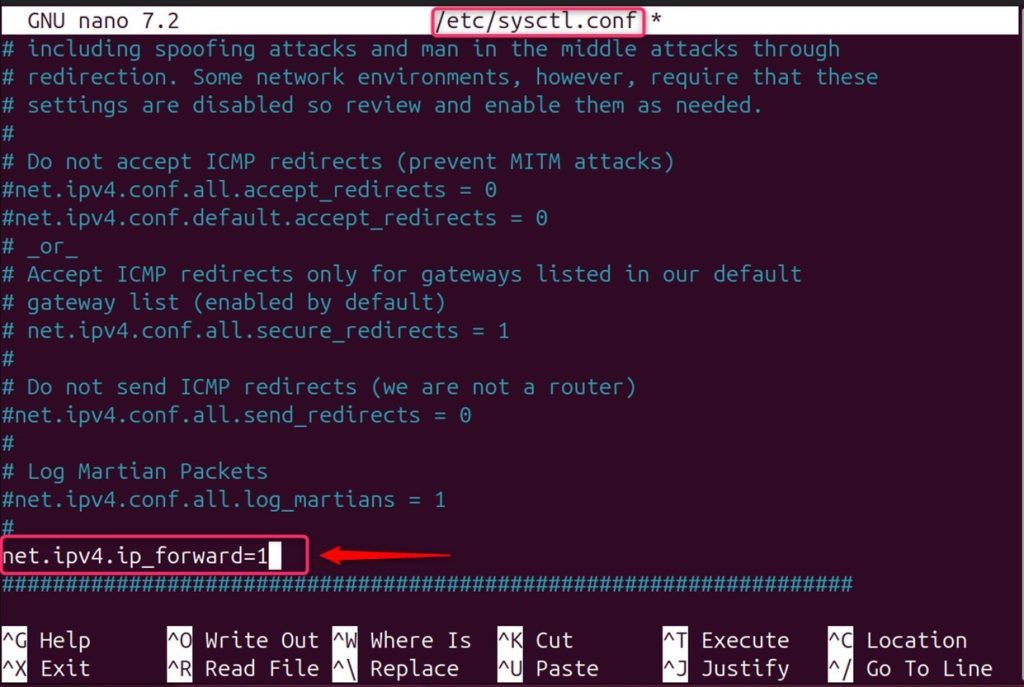
Load the setting:
sudo sysctl -p
List the current rules:
sudo iptables -L -n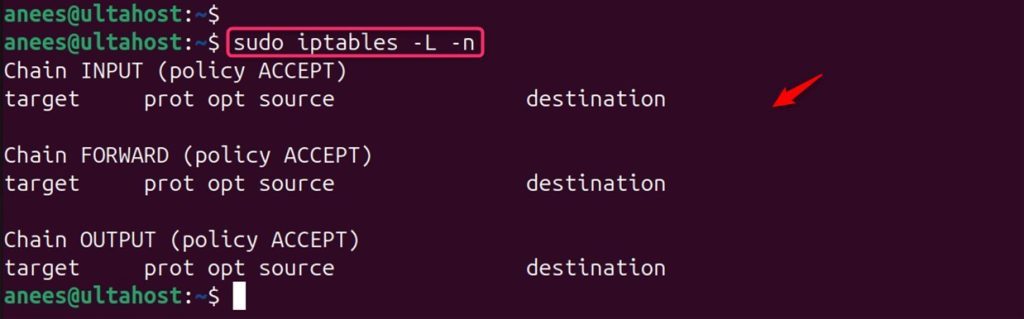
Step 3: Add the forwarding rule
The general form:
sudo iptables -t nat -A PREROUTING -p tcp --dport <original-port> -j DNAT --to-destination <destination-ip>:<new-port>Example: send port 80 to port 8080 on the machine 192.168.0.121:
sudo iptables -t nat -A PREROUTING -p tcp --dport 80 -j DNAT --to-destination 192.168.0.121:8080
If you forward to another machine, add a masquerade rule too, so that the replies come back through this server:
sudo iptables -t nat -A POSTROUTING -j MASQUERADEAlso allow the forwarded traffic if your FORWARD chain drops by default:
sudo iptables -A FORWARD -p tcp -d 192.168.0.121 --dport 8080 -j ACCEPTStep 4: Save the rules
Rules are lost at a reboot unless you save them. Install the saving tool first with sudo apt install iptables-persistent. Then:
sudo netfilter-persistent save && sudo netfilter-persistent reload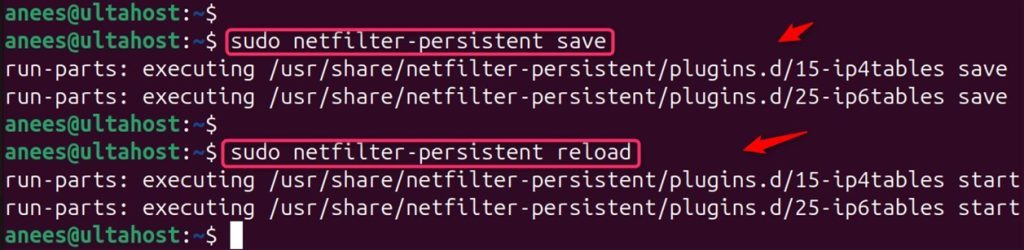
Step 5: Check the rules
sudo iptables -t nat -L -n -v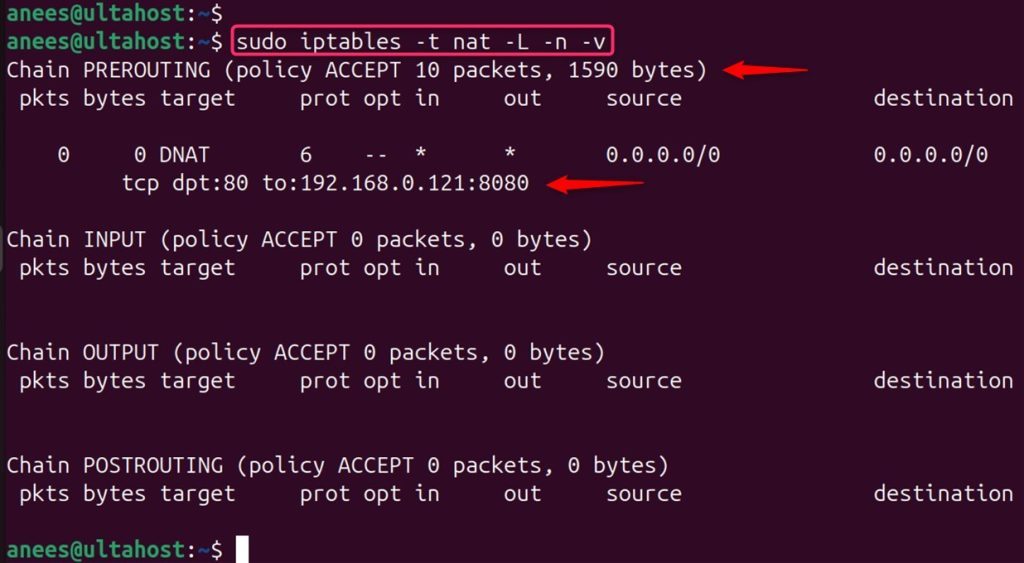
Step 6: Test
From another machine, request the address:
curl 192.168.0.121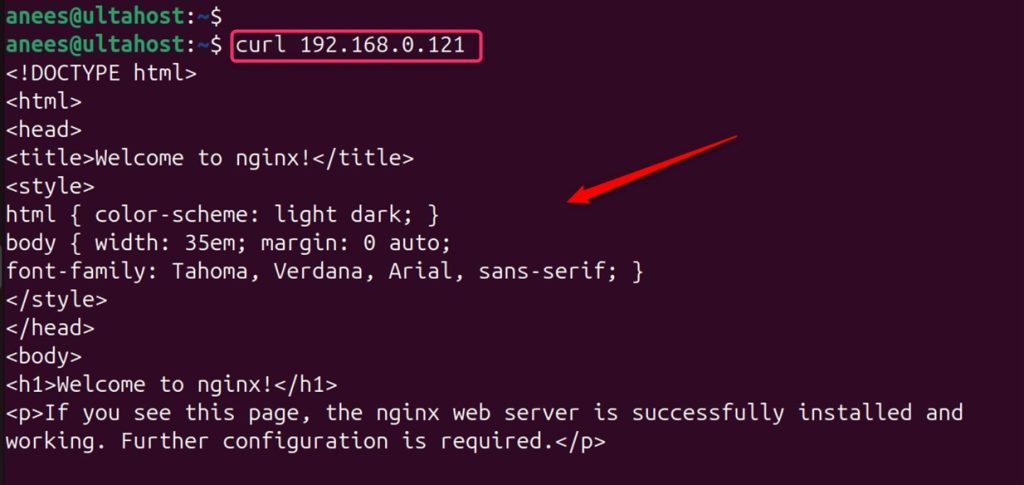
Quick recap
- Turn on
net.ipv4.ip_forward. - Add a DNAT rule in the
nattable. - Save the rules so they survive a reboot.