
Common reasons
- Your account does not have the right to install plugins and themes.
- On a multisite network only super admins can install them.
wp-config.phphas a setting that blocks file changes.- Your host blocks direct installs.
- A security or optimization plugin hides the button.
- WordPress core files are damaged or missing.
Fix 1: Check user permissions
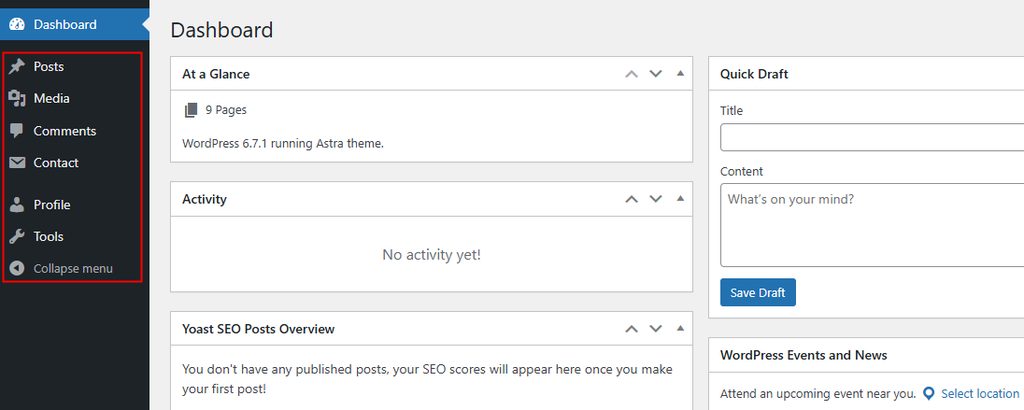
Only users with the Administrator role can install plugins and themes.
- Log in with an administrator account.
- Go to Users > All Users, find your account and check the role.
- Change it to Administrator if it is wrong.
Fix 2: Check multisite settings
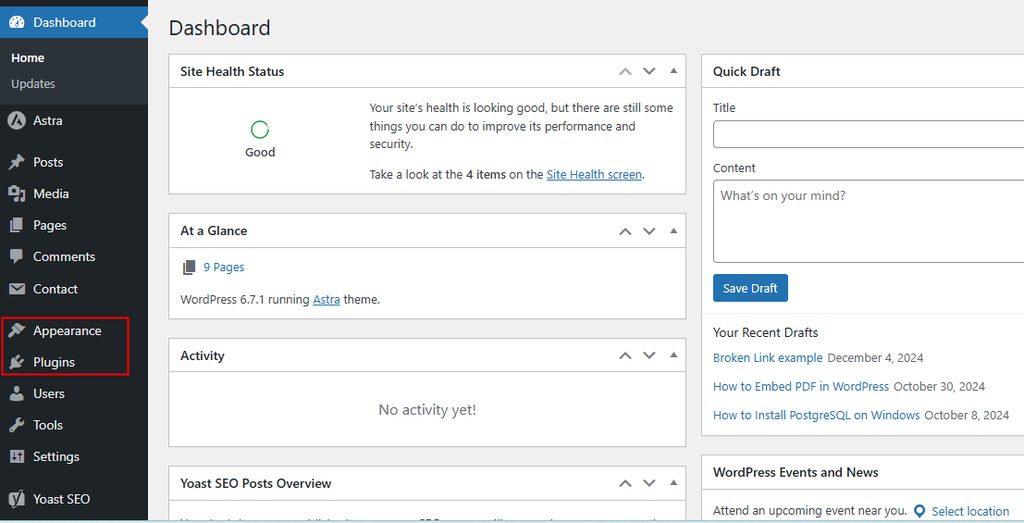
On a multisite network, the network admin can install plugins. Go to Network Admin > Settings > Network Settings and check Enable administration menus for the Plugins menu. Only super admins can install new items unless the network setting allows more.
Fix 3: Disable conflicting plugins
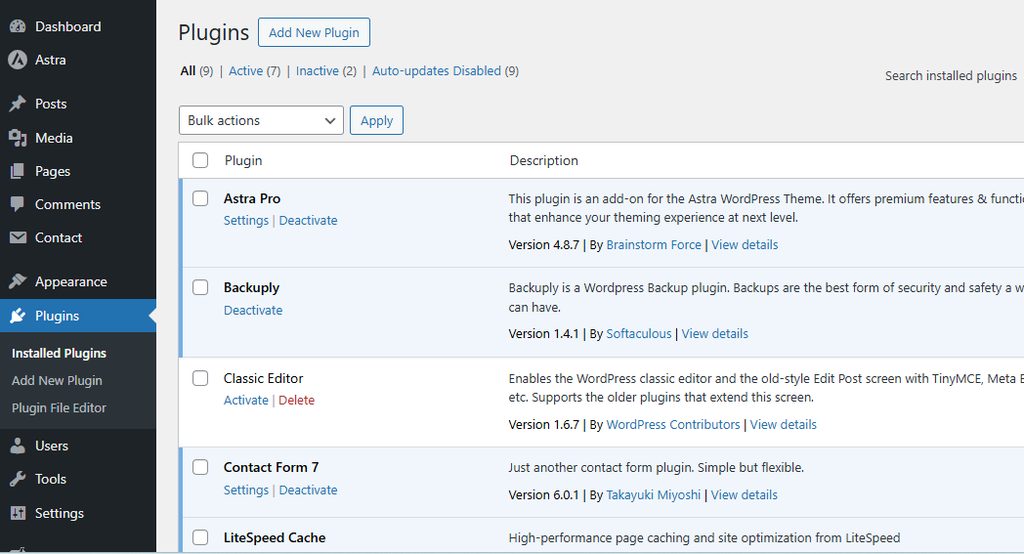
Some plugins remove the button. Disable all plugins under Plugins > Installed Plugins (or rename the wp-content/plugins folder through FTP), then enable them one by one until the button disappears again.
Fix 4: Reinstall the WordPress core files
- Back up your site.
- In Dashboard > Updates, click Re-install version. Or download WordPress from wordpress.org and upload the
wp-adminandwp-includesfolders by FTP. Do not overwritewp-contentorwp-config.php.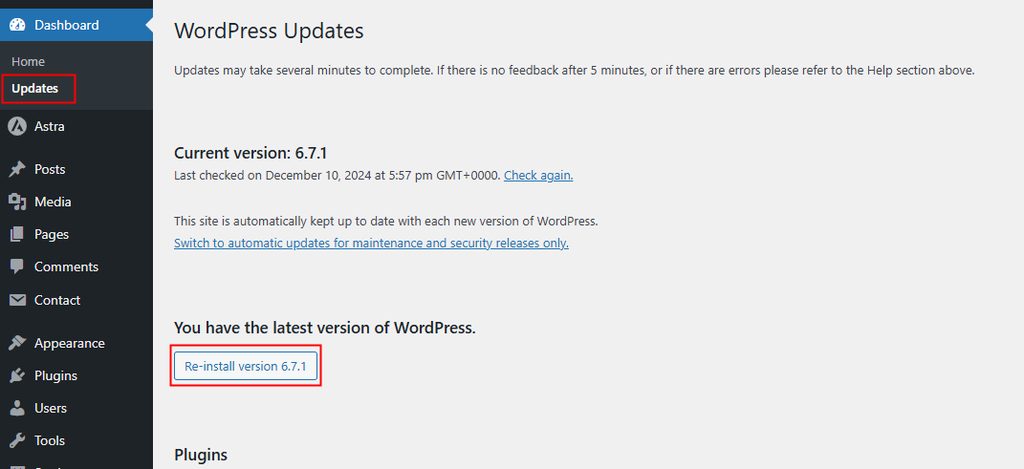
Fix 5: Check wp-config.php
Open wp-config.php in the main folder and look for these lines:
define('DISALLOW_FILE_MODS', true);This line blocks installs and updates of plugins and themes, and hides the button. Remove it or set it to false:
define('DISALLOW_FILE_MODS', false);Also check DISALLOW_FILE_EDIT, which only turns off the theme and plugin editors. If you see a low memory limit, raise it:
define('WP_MEMORY_LIMIT', '256M');Fix 6: Ask your host
Some managed hosts block installs by design. Contact support to check if a restriction is set.
Quick recap
- Check the role,
DISALLOW_FILE_MODSand plugin conflicts first.