

Try the solutions in this order.
Solution 1: Check the internet connection
Software Center needs the internet. Check the network:
nmcli dev status
The device should be connected. Test with ping -c 3 ubuntu.com.
Solution 2: Restart the computer
reboot
Solution 3: Update the system
sudo apt update && sudo apt upgrade -y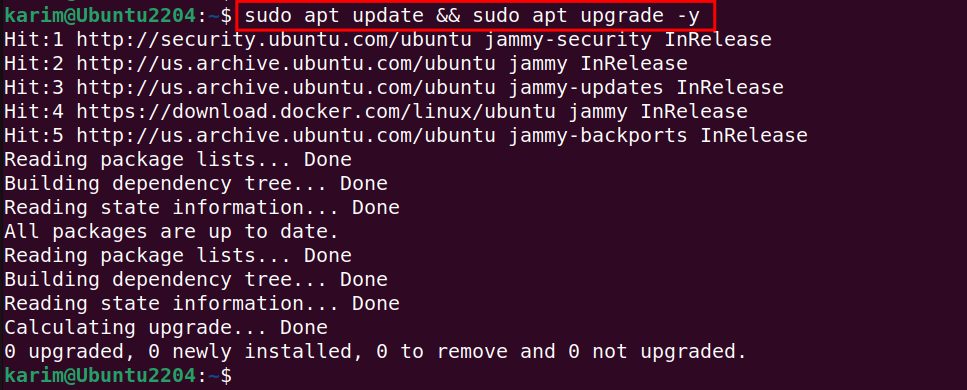
Solution 4: Clean up unused packages
sudo apt autoremove && sudo apt clean
Solution 5: Fix broken dependencies
sudo apt install --fix-broken -y
Solution 6: Restart GNOME Software
gnome-software --quit && gnome-software
You can also clear its cache:
rm -rf ~/.cache/gnome-softwareSolution 7: Reinstall GNOME Software
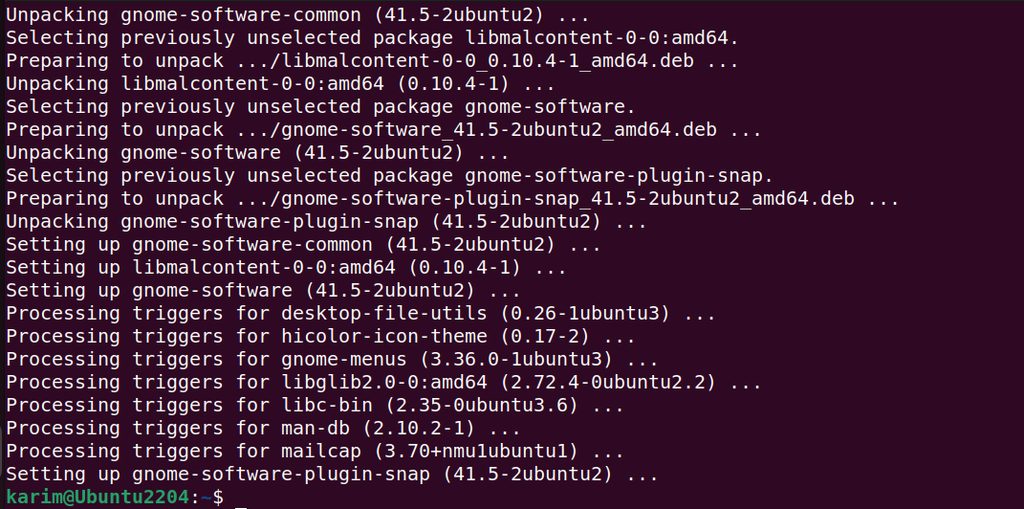
sudo apt purge gnome-software && sudo apt install gnome-software -y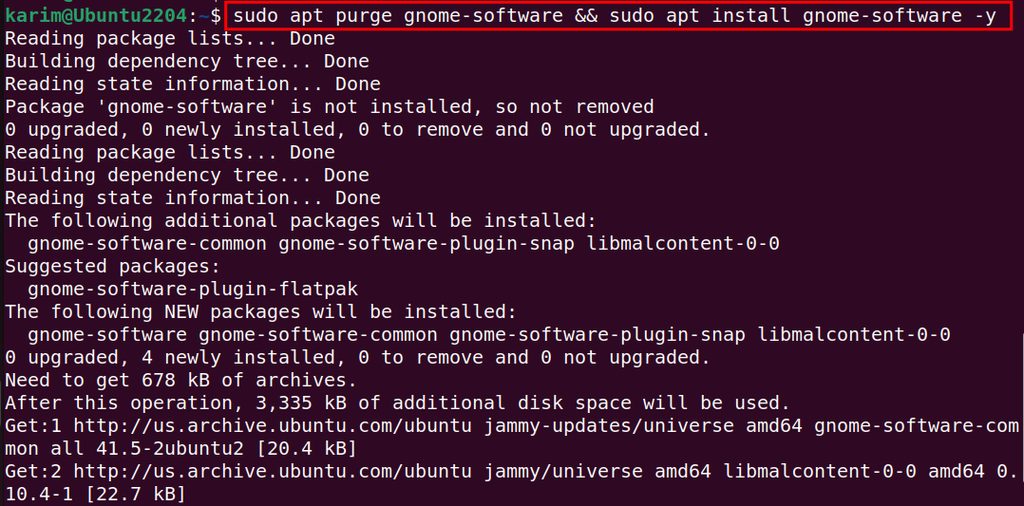
On current Ubuntu versions the app store is the App Center (a snap named snap-store). If it fails, refresh or reinstall it:
sudo snap refresh snap-store
sudo snap remove snap-store && sudo snap install snap-store
Still not working
- Make sure there is free disk space:
df -h. - Check that
snapdruns:systemctl status snapd. - Install software from the terminal with
aptorsnapinstead of the app.
Quick recap
- Check the network, update, fix dependencies, then restart or reinstall the app.