

Why use search operators
Operators narrow down results, so you find what you need with fewer clicks. Type them directly into the Google search box.
Basic operators
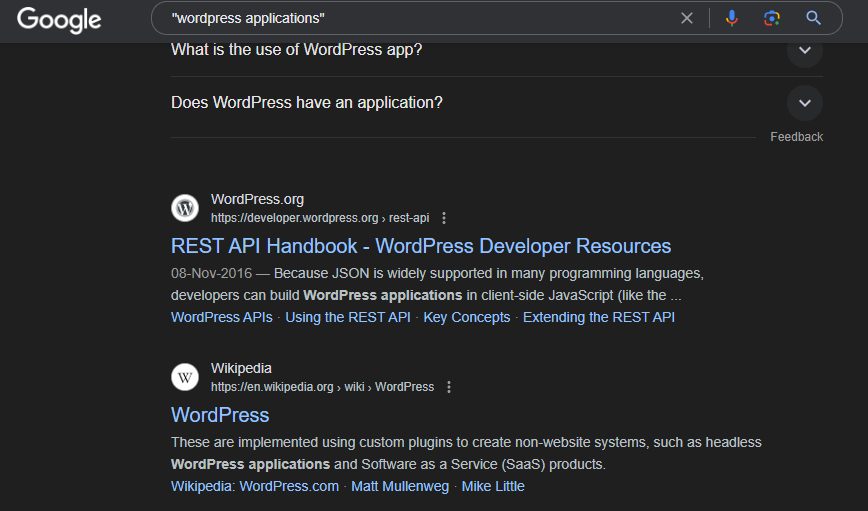
**Quotes " ".** Search for an exact phrase. Example: "wordpress applications" finds pages with that exact phrase.
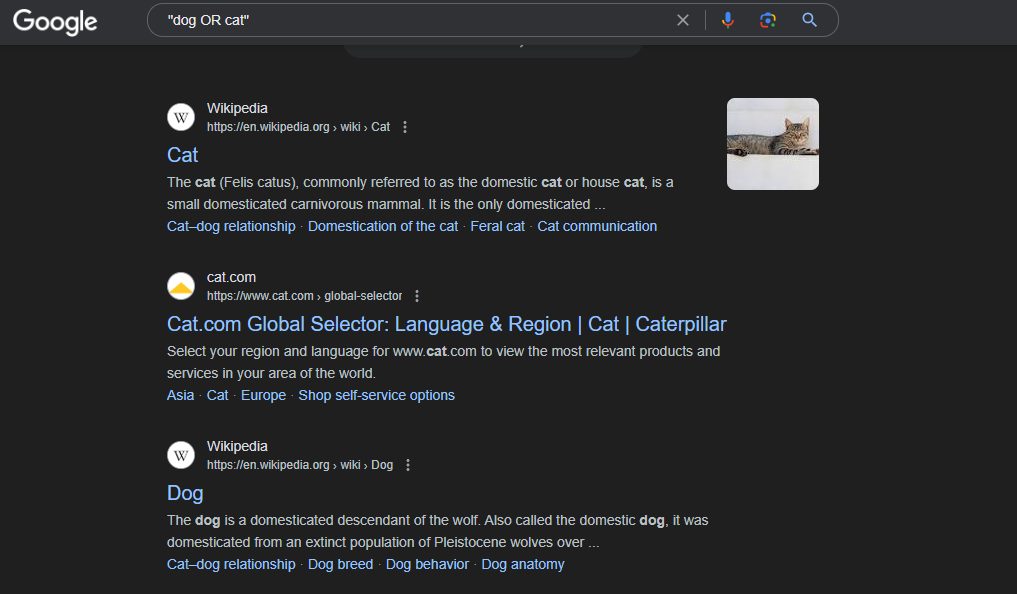
**OR (or the pipe |).** Find either term. Example: dog OR cat finds results about either animal.
**Parentheses ( ).** Group terms to control the order of a complex search. Example: (seo OR "search engine optimization") guide.
Advanced operators
**Minus -.** Leave out a word. Example: jaguar speed -car leaves out results about cars.
**Asterisk *.** A wildcard for a missing word. Example: "search engine * guide".
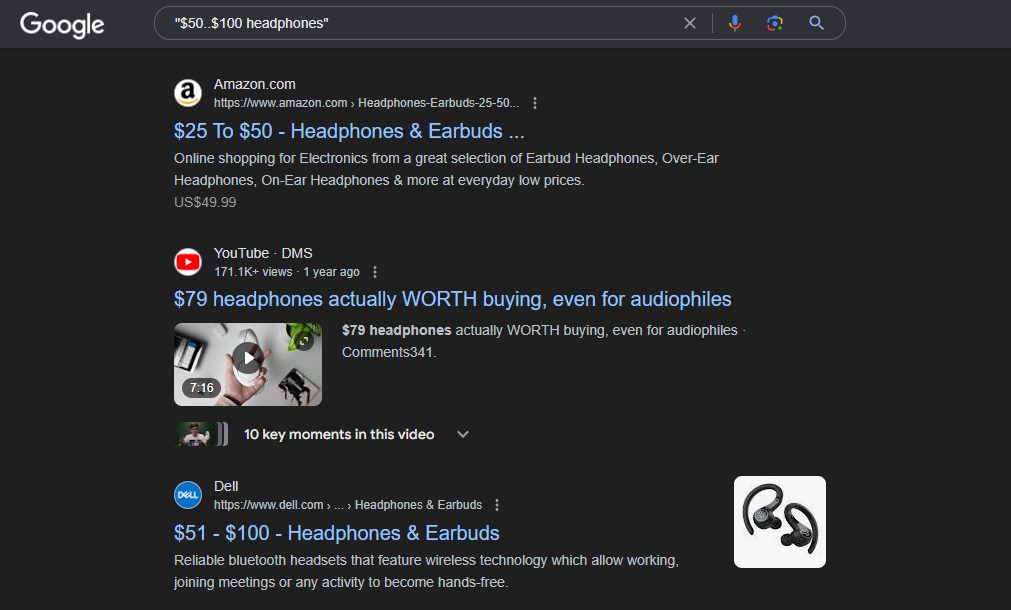
**Numbers range ...** Find a number range, or a price with a currency sign. Example: $50..$100 headphones finds headphones priced between $50 and $100.
site: Search inside one website. Example: site:example.com hosting.

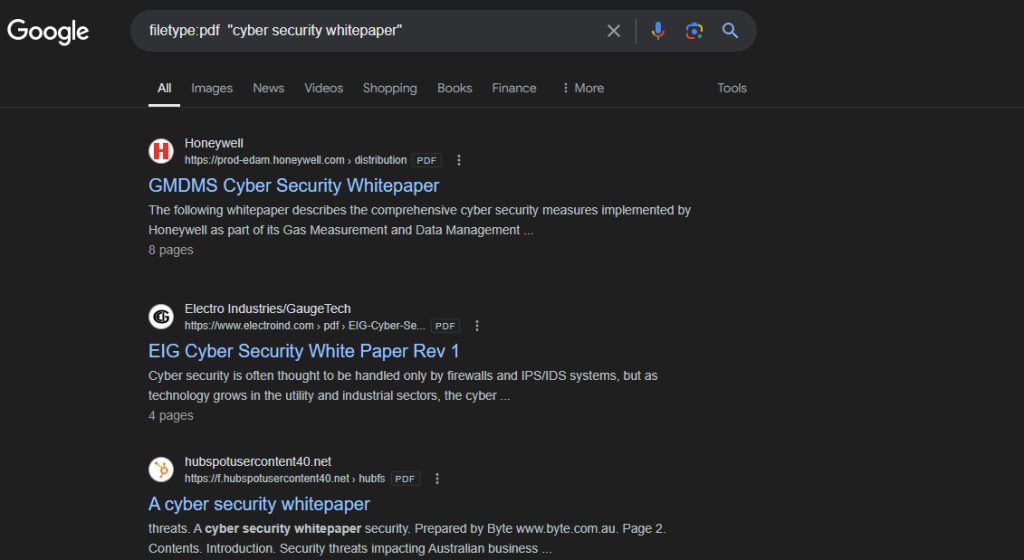
filetype: Search for a file type such as pdf, doc or ppt. Example: filetype:pdf "cyber security whitepaper".
intitle: Find words in the page title. Example: intitle:"search engine optimization guide".
allintitle: All words must be in the title. Example: allintitle: seo guide.
inurl: Find words in the address. Example: inurl:blog hosting.
intext: Find words in the page text. Example: intext:"web hosting".
related: Find sites like another site. Example: related:amazon.com.
cache: Show the saved copy of a page. Example: cache:example.com.
cache: and related:. If one no longer works, try another one.Combine operators
You can use several together:
site:example.com filetype:pdf "annual report" -draftThis finds PDF files on example.com with the phrase "annual report", and leaves out pages with "draft".
Quick recap
- Quotes find exact phrases,
-removes words. site:andfiletype:narrow the source and the format.- Combine operators for precise searches.