

Why convert
User input, files, forms and API answers often arrive as text, even when they look like numbers. Java keeps text (String) and numbers (int) apart. Before you can add or compare numbers, you must parse the string.

Integer.parseInt()
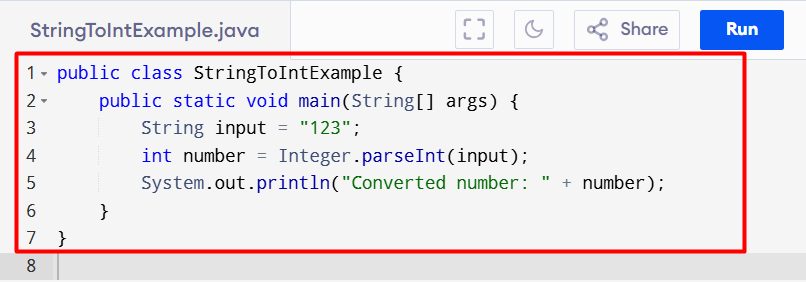
Integer.parseInt() returns a plain int. It is the most direct way.
public class StringToIntExample {
    public static void main(String[] args) {
        String input = "123";
        int number = Integer.parseInt(input);
        System.out.println("Converted number: " + number);
    }
}
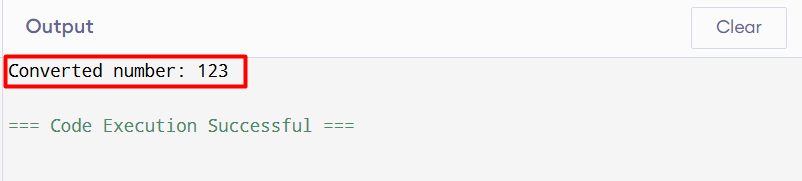
The string must hold a valid whole number.
Integer.valueOf()
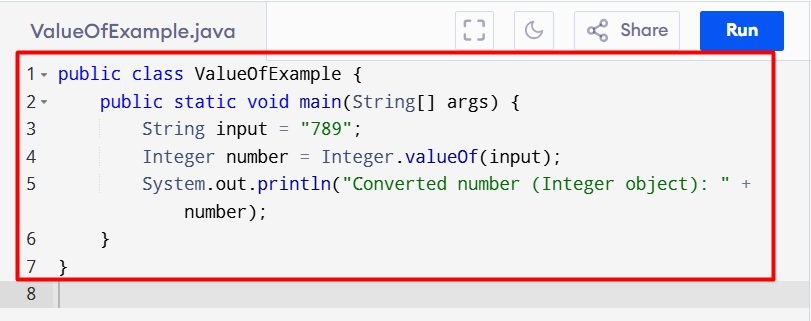
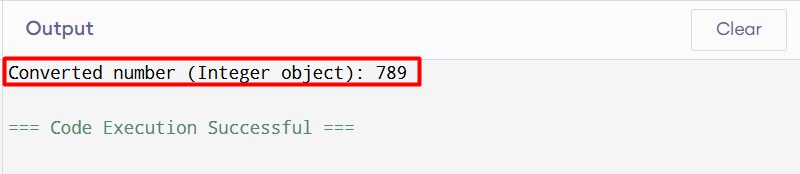
Integer.valueOf() returns an Integer object. Use it when you need an object, for example in a collection.
public class ValueOfExample {
    public static void main(String[] args) {
        String input = "789";
        Integer number = Integer.valueOf(input);
        System.out.println("Converted number (Integer object): " + number);
    }
}
Handle bad input
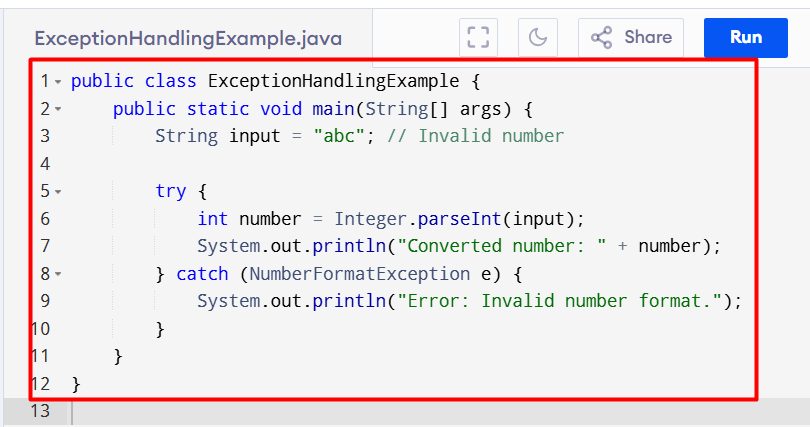
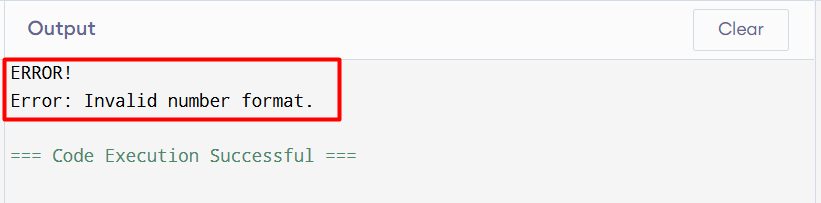
If the text is not a number, Java throws a NumberFormatException. Catch it:
public class ExceptionHandlingExample {
    public static void main(String[] args) {
        String input = "abc"; // Invalid number

        try {
            int number = Integer.parseInt(input);
            System.out.println("Converted number: " + number);
        } catch (NumberFormatException e) {
            System.out.println("Error: Invalid number format.");
        }
    }
}
parseInt() or valueOf()?
| Method | Returns | Use it when |
|---|---|---|
parseInt() | int | You need a simple number and speed |
valueOf() | Integer | You need an object |
More examples
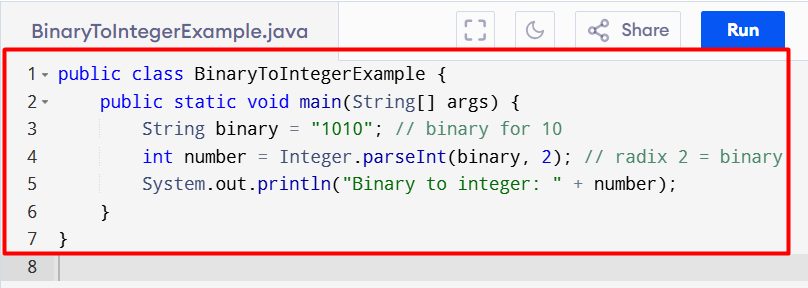
Binary, hex and other bases. Give the base as a second value:
public class BinaryToIntegerExample {
    public static void main(String[] args) {
        String binary = "1010"; // binary for 10
        int number = Integer.parseInt(binary, 2); // radix 2 = binary
        System.out.println("Binary to integer: " + number);
    }
}
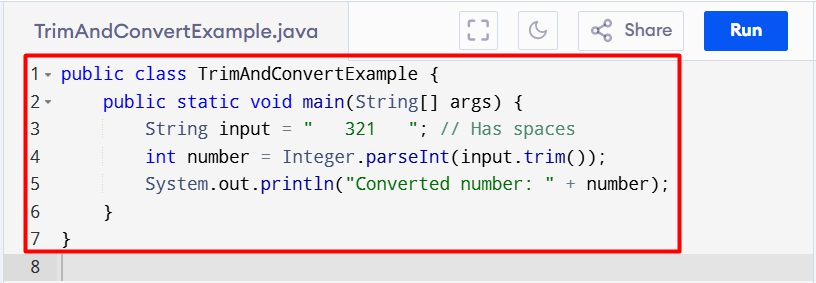
Text with spaces. Remove the spaces with trim():
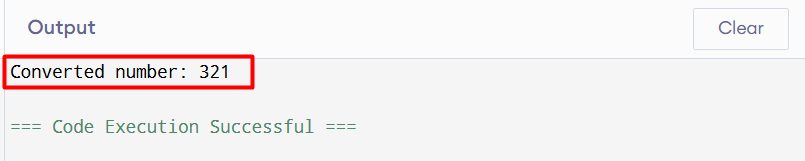
public class TrimAndConvertExample {
    public static void main(String[] args) {
        String input = "   321   "; // Has spaces
        int number = Integer.parseInt(input.trim());
        System.out.println("Converted number: " + number);
    }
}
Quick recap
parseInt()returns anint,valueOf()returns anInteger.- Catch
NumberFormatExceptionfor text that is not a number. - Use
trim()for spaces and a second argument for other bases.