

What it means
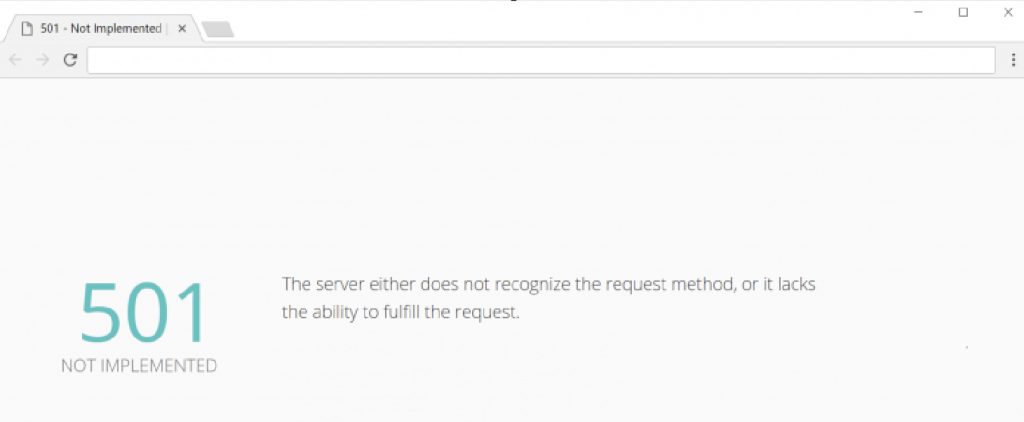
The HTTP status 501 Not Implemented means the server does not know how to do what the request asks, for example it does not support the HTTP method that was used (such as PUT, PATCH or DELETE).
Common causes
- The server does not support the method.
- A wrong web server configuration (Apache, Nginx or IIS).
- Old software or plugins.
- An API call with an unsupported method.
- A CDN or proxy that changes or blocks requests.
Diagnose
- Developer tools. Press
F12, open the Network tab and look at the request method and the response.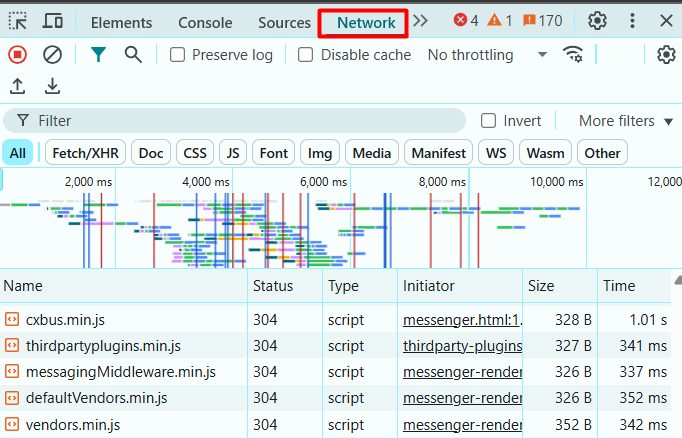
- Server logs. Read the error log of your web server for the request that failed.
- Other browsers and devices. Test the same page.
- Online tools. Test the URL with a tool that shows headers, or use
curl -v.
Fix it
1. Confirm the request method. Make sure you use the right method (GET, POST...) for that URL, and that the API supports it.
2. Restart the web server.
sudo systemctl restart apache2or:
sudo systemctl restart nginx3. Update or reinstall the server software. Install the updates for your web server, PHP and the CMS.
4. Update or disable problem plugins. In WordPress, turn off plugins one by one and check.
5. Check the firewall and proxy. A firewall or WAF may block some methods.
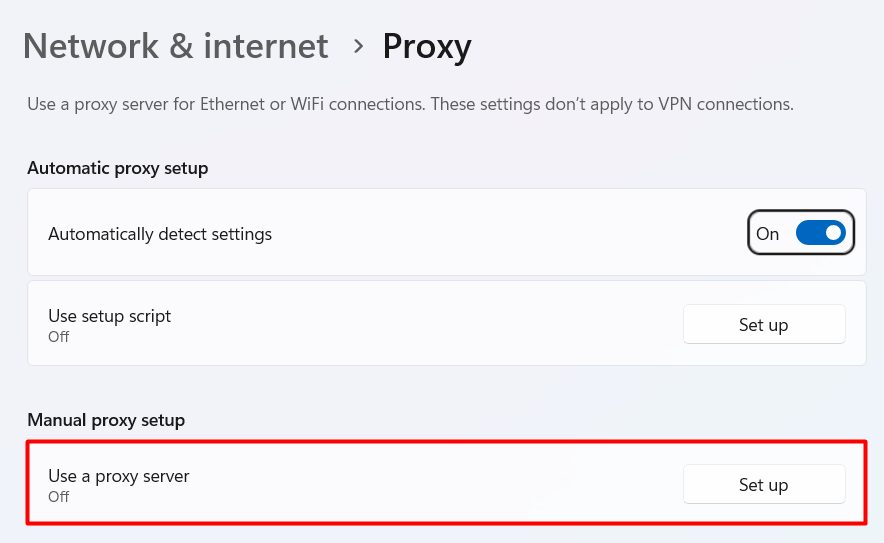
6. Disable the CDN for a test. Turn it off or change the CDN. If the error goes, check the CDN settings for allowed methods.
7. Contact hosting support. If the error stays, open a ticket with Hostvento support and send the URL, the time and the request method.
Quick recap
- 501 means the server cannot perform the request method.
- Check the method, the plugins, the web server and the proxy or CDN.
- Ask support if you cannot find the cause.