

Windows
Step 1: Check Python
python --version
If Python is not installed, install it from python.org and tick Add python.exe to PATH.
Step 2: Check pip
pip --version
Step 3: Install NumPy
pip install numpy
Step 4: Check it
Open Python and run:
import numpy
print(numpy.__version__)
Linux
Step 1: Check Python
python3 --version
If it is missing:
sudo apt install python3Step 2: Check pip
pip3 --version
If it is missing: sudo apt install python3-pip.
Step 3: Install NumPy
pip3 install numpyIf you need another package index (a mirror), give its address:
pip3 install numpy --index-url https://pypi.org/simple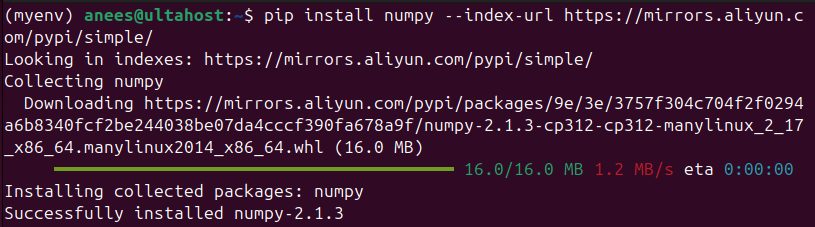
On new Debian and Ubuntu systems pip may say externally-managed-environment. Use a virtual environment:
python3 -m venv venv
source venv/bin/activate
pip install numpy
Step 4: Check it
import numpy
print(numpy.__version__)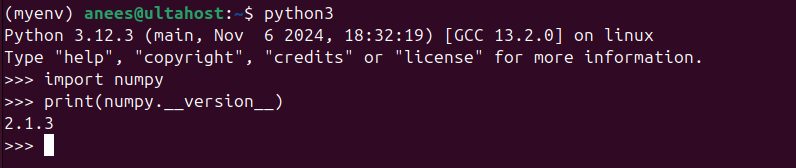
A quick example
import numpy as np

a = np.array([1, 2, 3])
print(a * 2)
Quick recap
pip install numpy(orpip3 install numpy).- Use a virtual environment on new Linux systems.
- Check with
numpy.__version__.