

What is man
man shows the manual page of a command, a function or a file format. It is the quickest way to learn a command without leaving the terminal.
Syntax
man [option] [section] [command]Common options
-for--whatisshows a one-line description of the command.-kor--apropossearches the manual names and descriptions for a keyword.-aor--allshows all matching manual pages one after the other.
Move around a manual page
- Space moves forward one page.
- Enter moves forward one line.
- b moves back one page.
- /word searches for a word, and n goes to the next match.
- q quits.
Examples
1. Read the manual of a command
man cat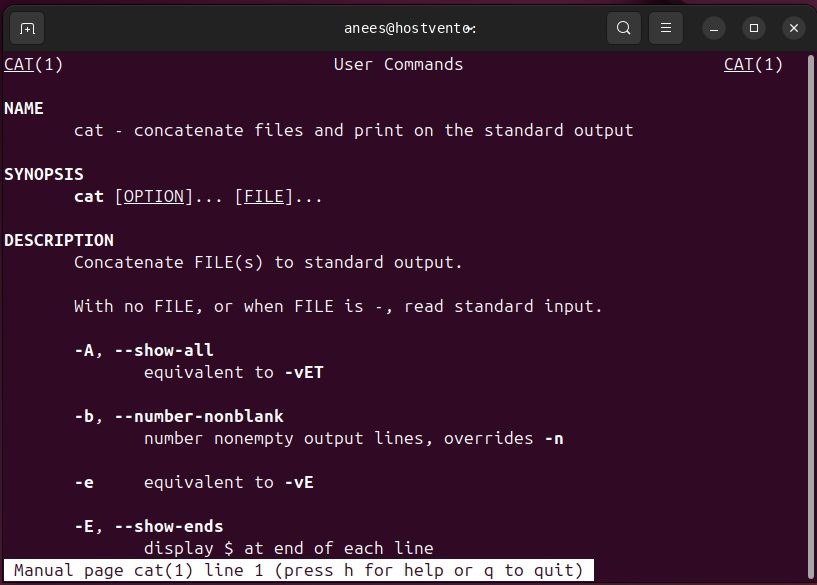
2. Search by keyword
man -k systemctl
The same search is available as apropos systemctl.
3. Read a specific section
Manuals are split into sections:
| Section | Content |
|---|---|
| 1 | User commands |
| 2 | System calls |
| 3 | Library functions |
| 4 | Special files (devices) |
| 5 | File formats and configuration |
| 6 | Games |
| 7 | Overviews and conventions |
| 8 | Administration commands |
The name printf is both a command (section 1) and a C function (section 3). Pick the section:
man 3 printf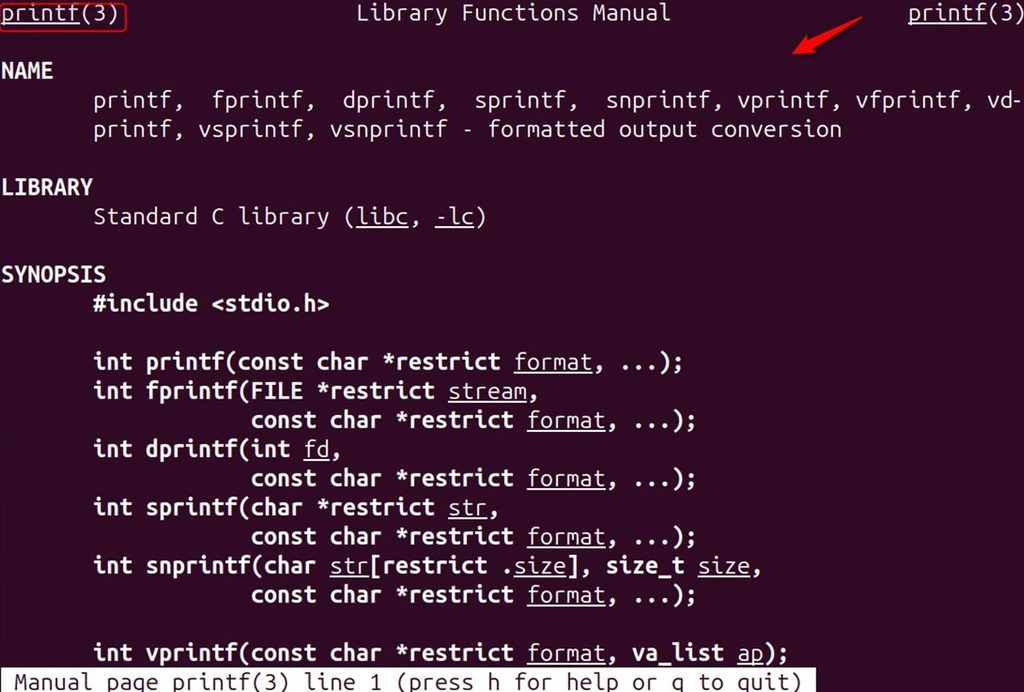
4. Find a system call
man 2 open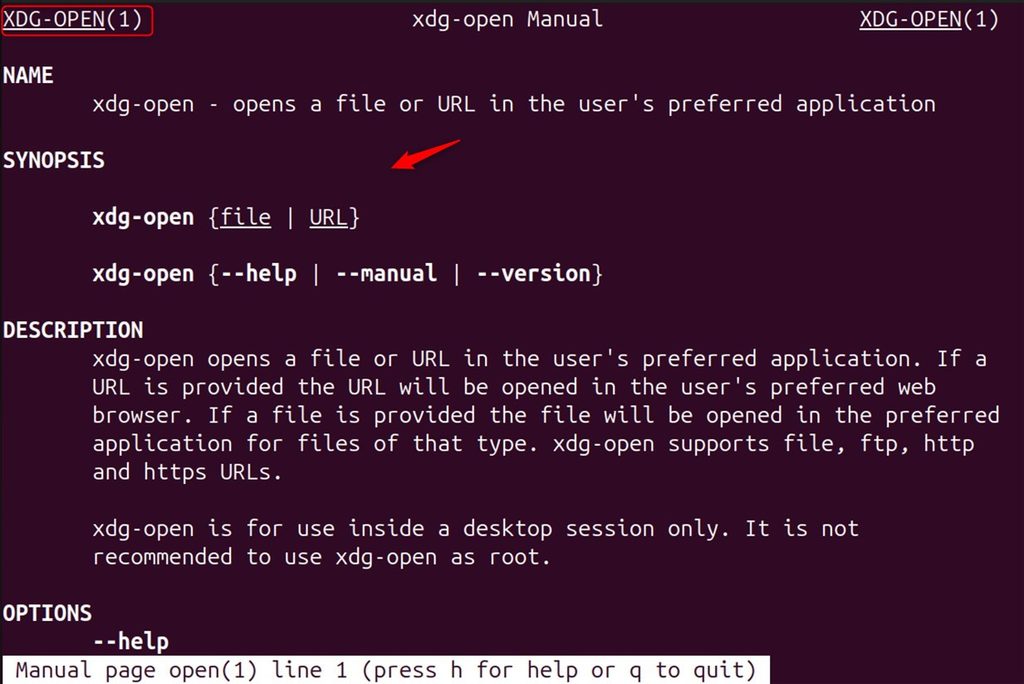
5. Find a specific section of a page
Show where the page lives and list all its sections:
man -f printf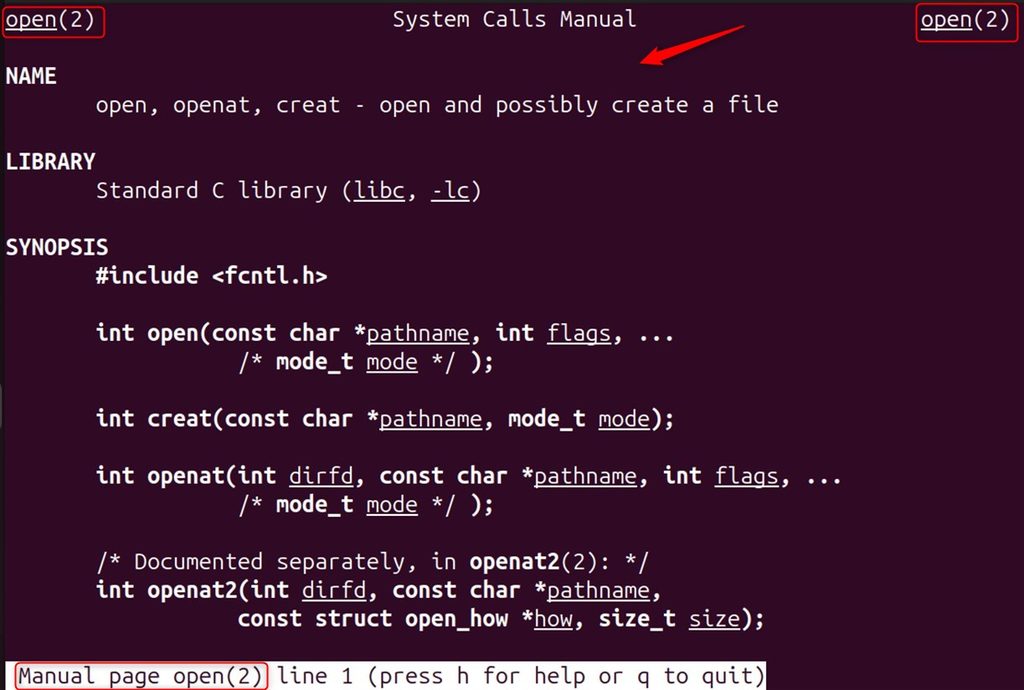
Tips
- Use
command --helpfor a shorter summary. - Use
info commandfor longer GNU documentation. man manexplains the manual system itself.- If a page is missing, install the manual package, for example
sudo apt install man-db manpages.
Quick recap
man commandshows the manual,man -k wordsearches.- Quit with
q.