

What you need
XAMPP gives you a local server:
- X: works on Windows, macOS and Linux.
- A: Apache, the web server.
- M: MySQL (MariaDB), the database.
- P: PHP.
- P: Perl.
System requirements
- Windows 10 or later (64-bit).
- A 2 GHz or faster CPU.
- 4 GB of RAM or more.
- 1 GB or more of free disk space.
- A PHP version that your PrestaShop version supports (XAMPP has a recent one).
- MySQL 5.6 or later (XAMPP has a recent one).
Extras
- A web browser (Chrome, Firefox or Edge).
- A text editor for config files (Notepad++, for example).
- An FTP client (optional).
Step 1: Download the software
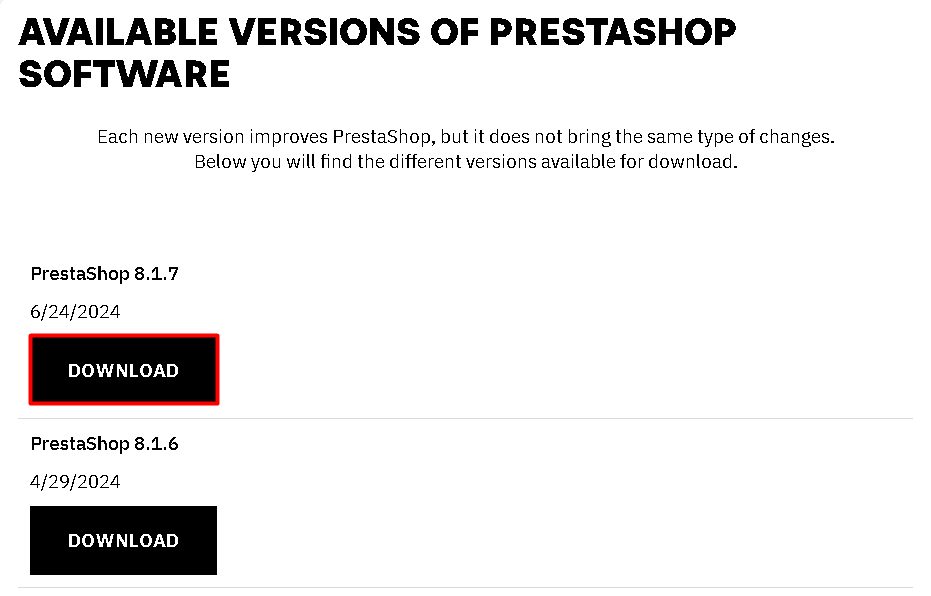
Download XAMPP from the Apache Friends website and PrestaShop from the PrestaShop website. Check that the versions work together.
Step 2: Install XAMPP and extract PrestaShop
- Install XAMPP (the default folder is
C:\xampp). Start Apache and MySQL in the Control Panel. - Extract the PrestaShop zip into
C:\xampp\htdocs\prestashop. If the zip holds another zip calledprestashop.zip, extract that one into the same folder.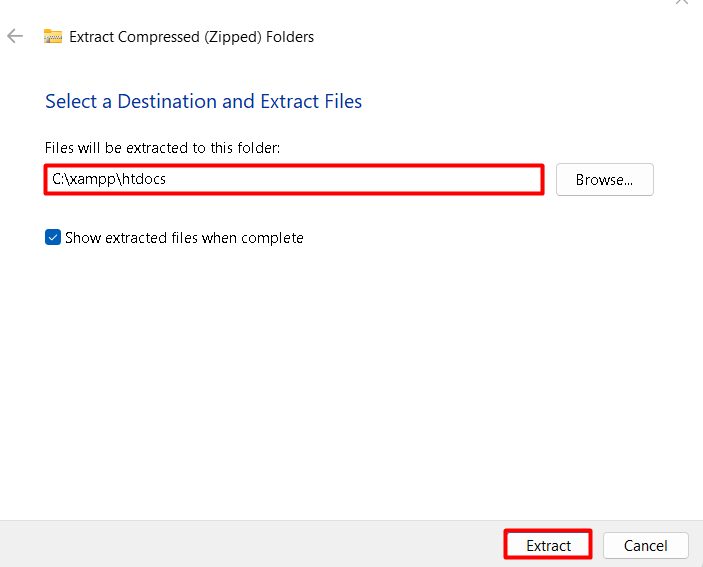
Step 3: Create the database
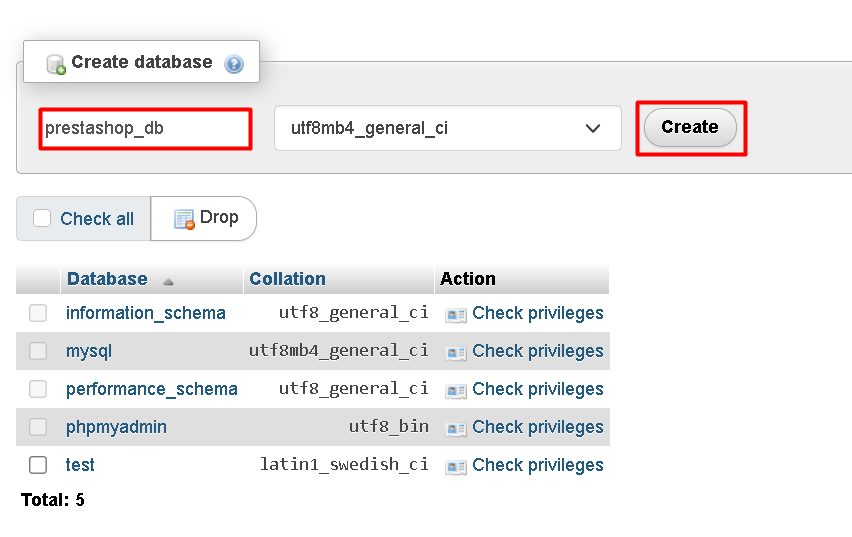
Open http://localhost/phpmyadmin. Click New, enter a name such as prestashop and click Create.
Step 4: Run the installer
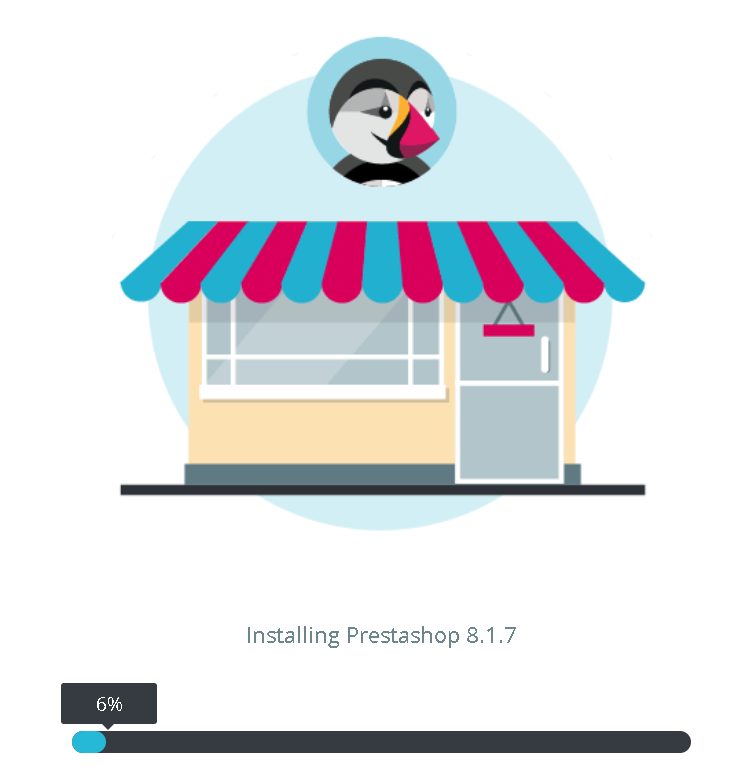
Open http://localhost/prestashop in your browser. The installer starts.
- Choose the language.
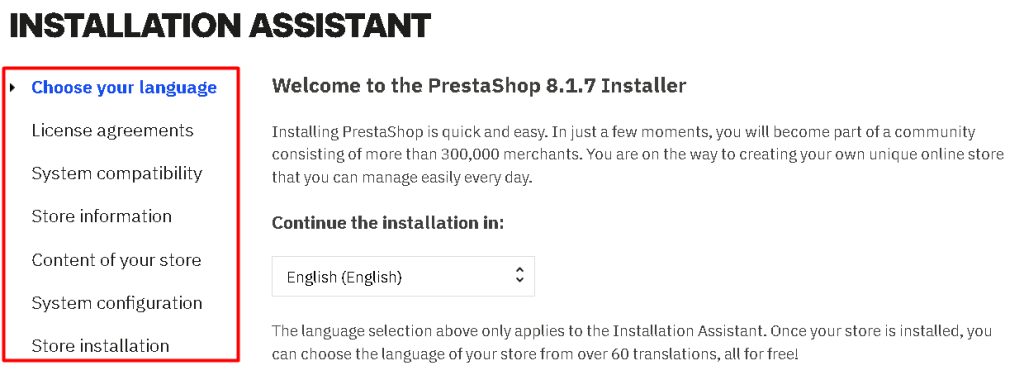
- Accept the license.
- The installer checks the system. If an extension is missing (for example
intlorzip), enable it inphp.ini(remove the;before the line), save and restart Apache. - Enter the store information and the admin account.
- Enter the database details: server
localhost, databaseprestashop, userrootand an empty password (default XAMPP). - Click Next and wait for the install.
- Delete the
installfolder when it asks, and note the admin folder name.
Step 5: Open the store
- The shop front is at
http://localhost/prestashop. - The back office is at
http://localhost/prestashop/admin-xxxx(the exact name is shown at the end of the install).
Warning: XAMPP is for local tests only. Do not publish this setup.
Quick recap
- Install XAMPP, extract PrestaShop into
htdocs. - Create a database in phpMyAdmin.
- Run the web installer and delete the
installfolder.