

What is a third party app?
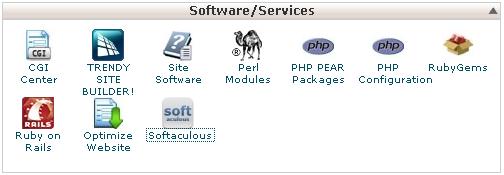
A third party app is software made by another company or person. Your host did not make it. Softaculous is a tool in cPanel that installs well known apps with one click. If your app is not on its list, you can install it yourself. The steps are a little longer, but they are not hard.
Before you start
- Download the app from its official website.
- Read the app's own install guide. Each app has small differences.
- Check what the app needs, such as the PHP version. PHP is the language many web apps run on.
Steps
- Log in to your Hostvento client area at https://secure.hostvento.com/clientarea.php.
- Open Services, choose your hosting plan and log in to cPanel.
- Open File Manager in the Files section.
- Go to the
public_htmlfolder. This is the folder that shows on the web. Open a sub folder if you want the app at a different address. - Click Upload and choose the zip file you downloaded.
- When the upload finishes, go back to File Manager. Right-click the zip file and choose Extract.
- Back in the main cPanel screen, open MySQL Databases. Many apps need a database, which is a place to store their data.
- Create a new database and write down its name.
- Create a new database user with a strong password. Write down both.
- Under Add User To Database, add the user to the database and give it All Privileges.
- Open the app's address in your browser. Most apps show an install page.
- Type in the database name, user and password when asked. Follow the screens.
- Delete any install folder or file the app tells you to remove after setup.
Tip: Always take a backup before you add new software to a live site. Do not install apps from sites you do not trust.
Need help?
Hostvento support can help with hosting settings. For problems inside the app, the app's own help pages are the best place to look. If you want the app on a VPS or dedicated server, you may need root access. Ask Hostvento support.
Quick recap
- Download the app from its official site.
- Upload and extract it with File Manager.
- Create a database and a user in MySQL Databases.
- Run the app's install page and enter the database details.
- Back up first and remove leftover install files.