

What it means
A secure connection needs both sides to use the same encryption rules.
- TLS version. Newer versions are stronger.
- Cipher suites. The algorithms used for encryption.
If the browser and the server share no TLS version or cipher, Chrome shows ERR_SSL_VERSION_OR_CIPHER_MISMATCH.
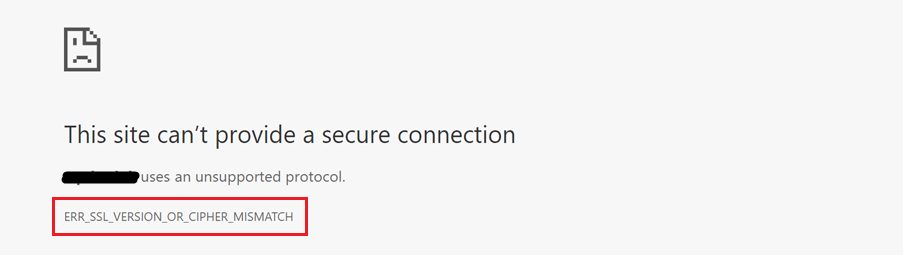
Common causes:
- The server uses old TLS versions or weak ciphers.
- The browser is very old.
- Cached browser data is damaged.
- Antivirus or a firewall interferes with secure connections.
- The site has no valid certificate for the domain you opened (for example, a certificate for
wwwonly).
Diagnose
- Use Qualys SSL Labs (SSL Server Test). It shows the supported TLS versions and ciphers of a site.
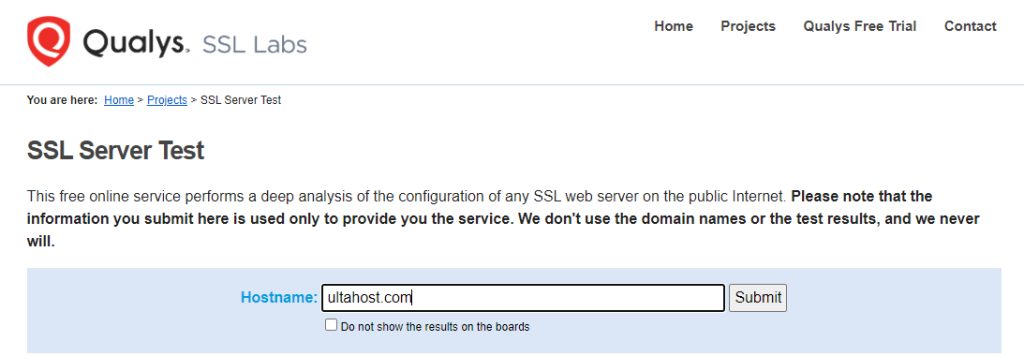
- Open the Security tab in the browser developer tools to see the connection details.
Fixes for visitors
- Clear the cache and cookies.
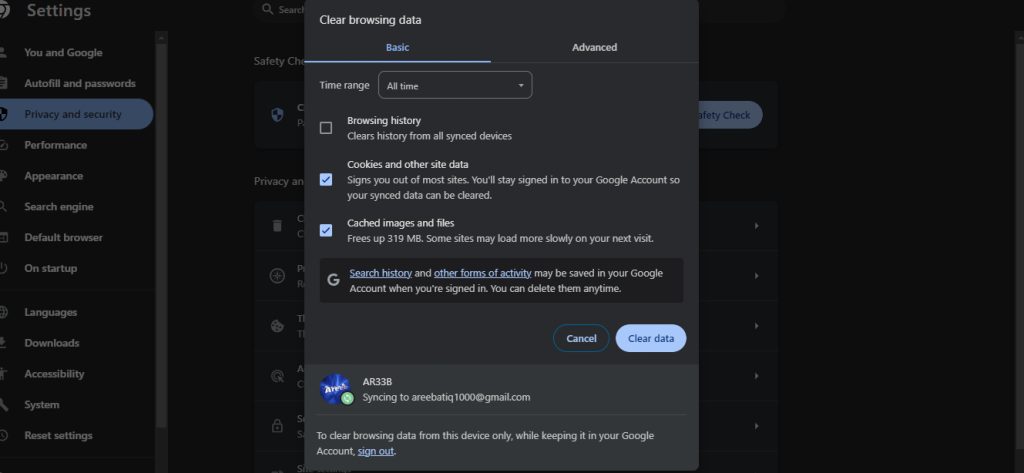
- Update your browser to the latest version.
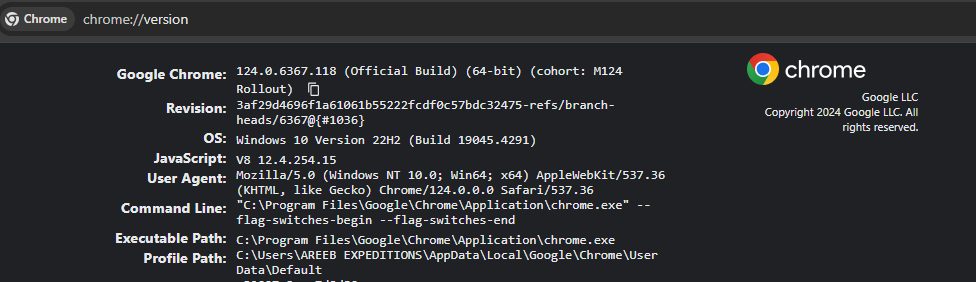
- Turn off your antivirus or HTTPS scanning for a moment and test.
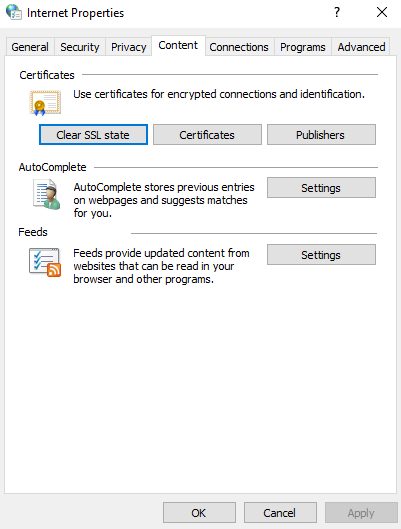
- Clear the SSL state. On Windows, open Internet Options, then the Content tab, then click Clear SSL state.
Fixes for site owners
- Use TLS 1.2 and TLS 1.3, and turn off older versions. Ask your host to update the server settings if you cannot.
- Use strong, current cipher suites. Mozilla's SSL Configuration Generator gives you a safe list.
- Make sure the certificate covers all names you use, with and without
www. - Install the full certificate chain.
- After the change, reload the web server and test again.
Prevent it
- Keep your browser updated, so it supports current TLS.
- Check that sites use HTTPS and show a padlock.
- Keep the SSL/TLS settings of your server up to date.
Quick recap
- The browser and server share no TLS version or cipher.
- Visitors: clear cache, update the browser, check the antivirus.
- Owners: enable TLS 1.2/1.3, use modern ciphers, and cover all domain names.