

What is mixed content?
SSL makes your page load over https://, which is secure. Mixed content happens when the page itself is secure, but some parts still load over plain http://. Those parts can be images, scripts or style files. It is like a locked house with one open window. Browsers warn about it or block those parts.
Find the problem
- Open your page in Chrome.
- Right-click and choose Inspect. Open the Console tab.
- Look for messages that say "Mixed Content". They show the exact
http://link.
Fix it in WordPress
- Take a backup of your site and database first.
- Go to Settings then General. Make both WordPress Address and Site Address start with
https://. Click Save Changes. - Install a plugin that updates old links, such as a search-and-replace plugin.
- Search for
http://yourdomain.comand replace withhttps://yourdomain.com. Run it once on the database. - Clear your site cache and any caching plugin.
Fix it in a normal HTML site
- Open File Manager in cPanel.
- Edit the page files that hold old links.
- Change
http://tohttps://in image, script and link tags. - Save and reload the page.
Example change:
<img src="http://example.com/photo.jpg">
<img src="https://example.com/photo.jpg">
The second line is the fixed one. It loads the picture securely.
If the link is on someone else's site
Check that the other site supports https. If it does, change the link. If it does not, host the file on your own site instead.
Tip: After you fix the links, a force-https redirect in
.htaccess keeps visitors on the secure version. Ask support if you need help.Quick recap
- Mixed content means a secure page loads insecure parts.
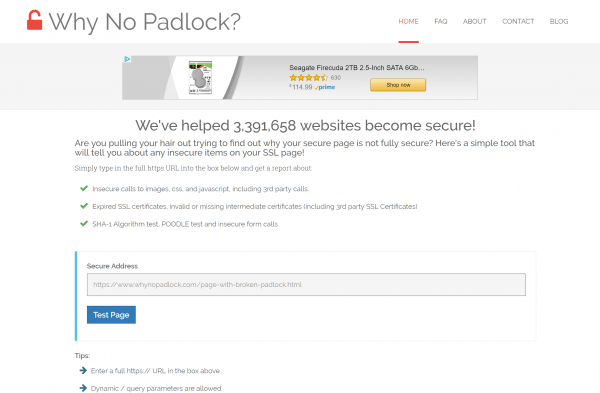
- Find the
http://links in the browser Console. - Change them to
https://. - In WordPress, set https addresses and run a search-and-replace.
- Back up first and clear caches.