

Why it matters
- Programs are built for one architecture. A 64-bit system can run most 32-bit programs only with extra libraries.
- 64-bit systems can use much more RAM.
- Drivers must match your architecture.
Method 1: uname
uname -m
| Output | Meaning |
|---|---|
i686 or i386 | 32-bit |
x86_64 or amd64 | 64-bit |
Method 2: arch
arch
It prints the same value: x86_64 for 64-bit and i686 for 32-bit.
Method 3: lscpu
lscpu
Look at the line CPU op-mode(s).
32-bit, 64-bitmeans a 64-bit CPU that can run both modes.32-bitmeans a 32-bit CPU.
The line Architecture shows the architecture of the running system.
Method 4: Desktop settings
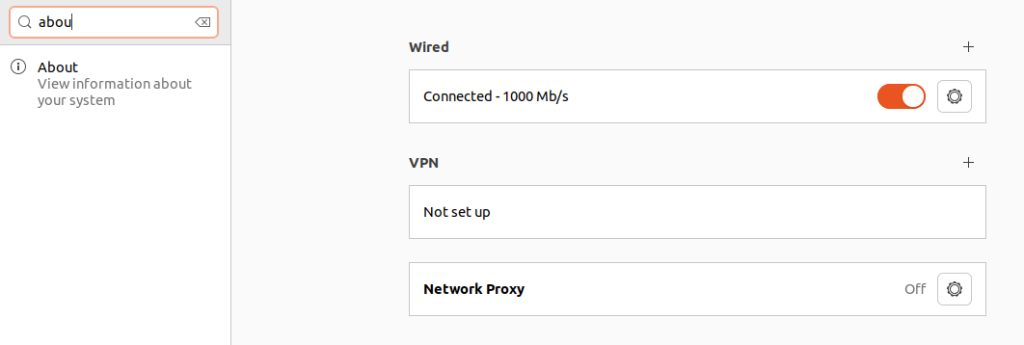
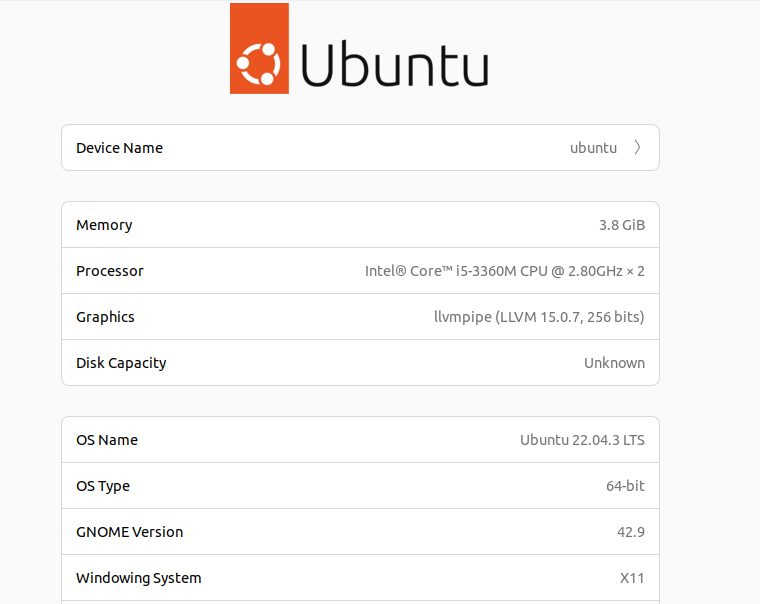
Open Settings, then About. Look for OS type or Architecture.
Method 5: Package tools
On Debian and Ubuntu:
dpkg --print-architecture
A result of amd64 is 64-bit. You can also run getconf LONG_BIT. It prints 32 or 64.
Quick recap
uname -mis the fastest check.x86_64oramd64means 64-bit.i686means 32-bit.