

How to spot broken packages
- Error messages.
aptsays "unmet dependencies", "broken packages" or "held broken packages" during an install or update. - Check the package list:
sudo apt list --installed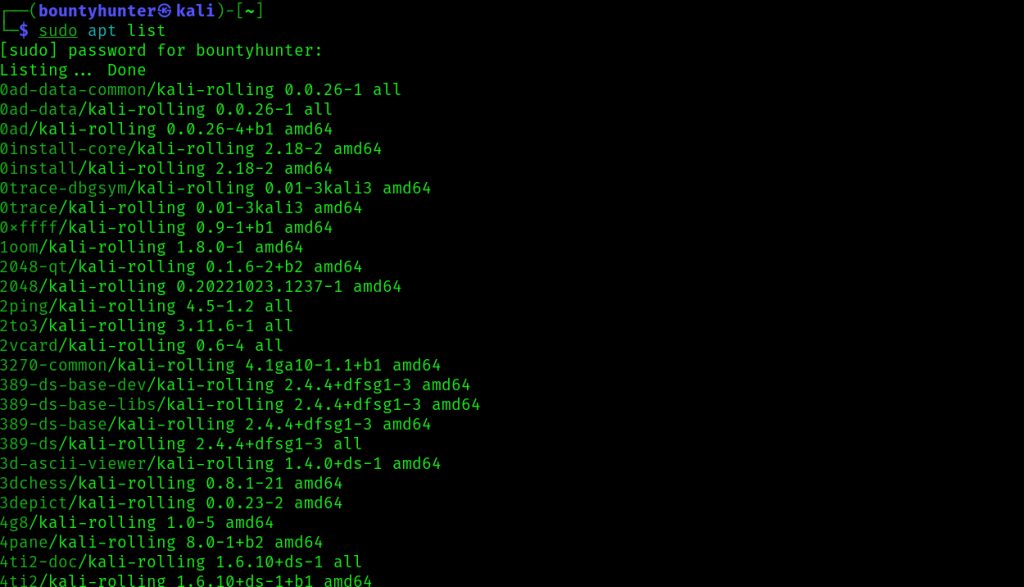
- Find damaged packages. This lists packages in a bad state:
dpkg -l | grep ^..rFixes
Try them in this order.
1. Update and fix missing
sudo apt update && sudo apt upgrade -f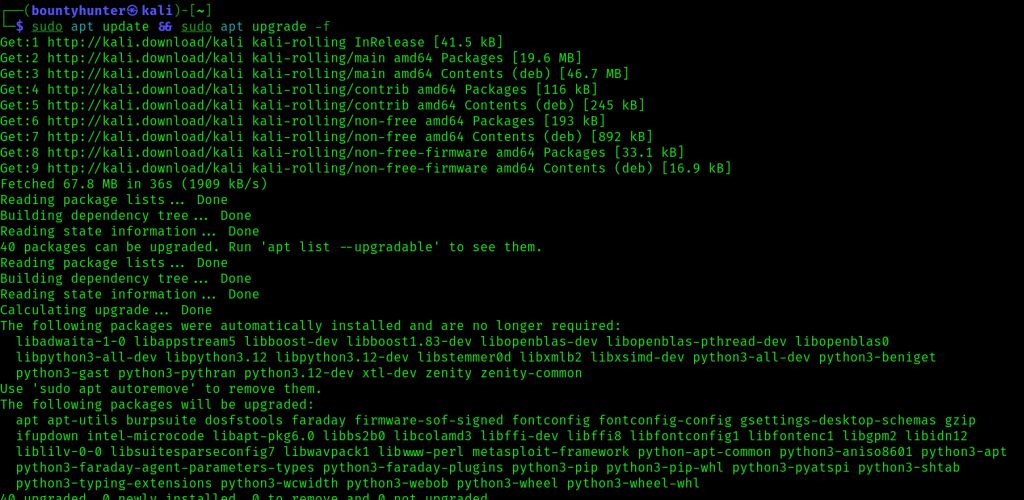
You can also use sudo apt --fix-broken install.
2. Reinstall the package
sudo apt install --reinstall <package_name>3. Configure half-installed packages with dpkg
sudo dpkg --configure -a4. Force an overwrite
If a package fails because a file belongs to another package:
sudo apt install -o dpkg::options::="--force-overwrite" <package_name>Warning: Use this only when you know which file clashes. It can replace system files.
5. Remove and install again
sudo apt remove --purge <package_name>
sudo apt update
sudo apt install <package_name>
Good habits
- Run
apt updateandapt upgradeon a regular basis. - Use only the official Kali repositories.
- Search the exact error text if the problem is new.
- Write down the changes you make to packages.
Quick recap
apt --fix-broken installanddpkg --configure -afix most cases.- Reinstall or purge the package that fails.
- Keep Kali updated.