

Why it happens
wgetis not installed on the system. Many minimal and container images leave it out.- It is installed, but its folder is not in the
PATH.
Fix 1: Install wget
First check whether it is there:
wget --version
Debian and Ubuntu
sudo apt install wget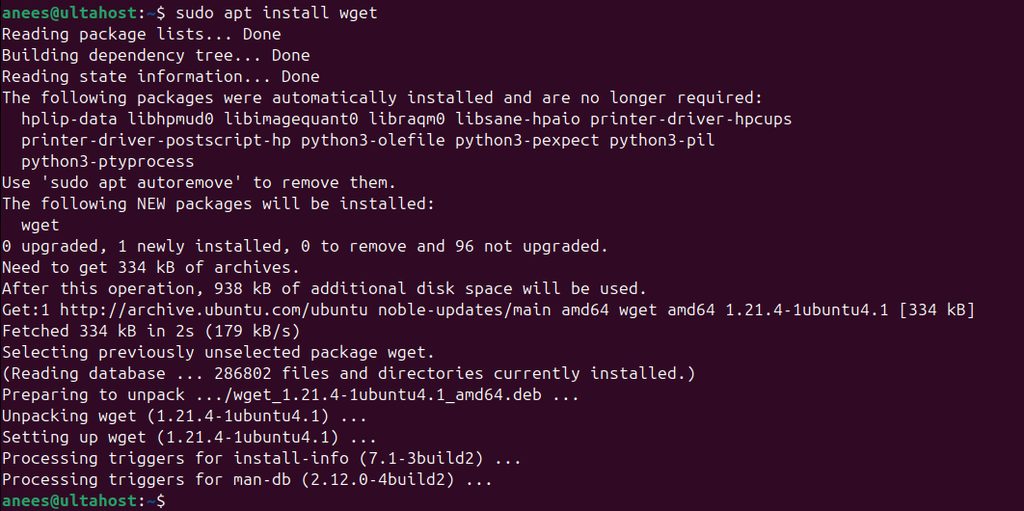
Check again:
wget --version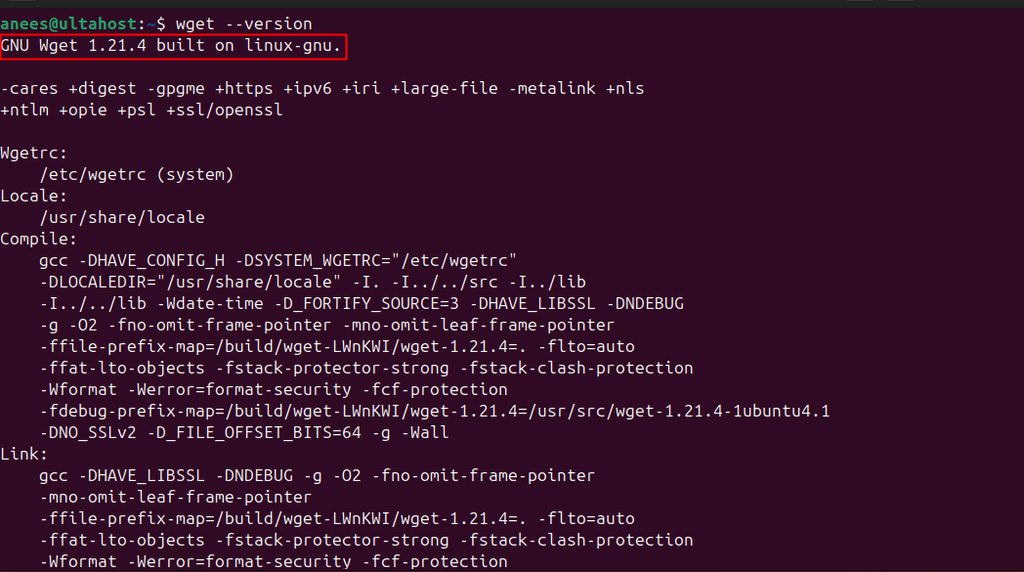
CentOS, Rocky, AlmaLinux and Fedora
sudo dnf install wgetOn older systems use sudo yum install wget.
Arch Linux
sudo pacman -S wgetmacOS (Homebrew)
brew install wgetFix 2: Add wget to the PATH
If it is installed, find where:
which wget
If which prints nothing, search for the file with find / -name wget 2>/dev/null. Then add its folder to the PATH:
export PATH=$PATH:/path/to/wgetPut the same line in ~/.bashrc to keep it.
Use curl in place of wget
If you cannot install wget, curl often works. To download a file:
curl -O https://example.com/file.zipQuick recap
- Install wget with
apt,dnforpacman. - If it is installed, fix the
PATH. curl -Ois a good backup.