

What a DNS leak is
OpenVPN encrypts your traffic, but your computer may still send DNS requests (the lookups of site names) to your ISP's DNS server. That is a DNS leak. It shows the sites you visit.
Common causes on Ubuntu:
- OpenVPN is not set up to use the DNS servers of the VPN.
systemd-resolvedand OpenVPN clash.- NetworkManager overrides the DNS settings.
Detect a leak
Online: connect to the VPN and open a DNS leak test website. If it shows your own ISP, you have a leak.
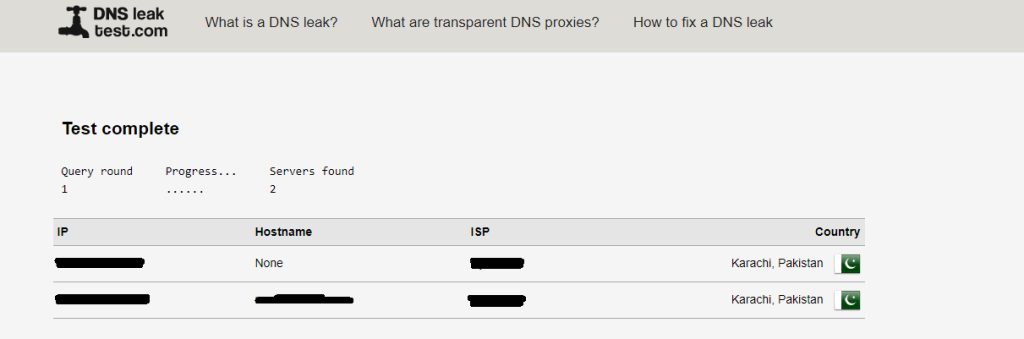
Command line:
resolvectl status
While the VPN is connected, the VPN interface (for example tun0) should list the VPN DNS servers.
Method 1: Use an update-resolv-conf script
- Download the script:
sudo wget -O /etc/openvpn/update-resolv-conf https://raw.githubusercontent.com/masterkorp/openvpn-update-resolv-conf/master/update-resolv-conf.sh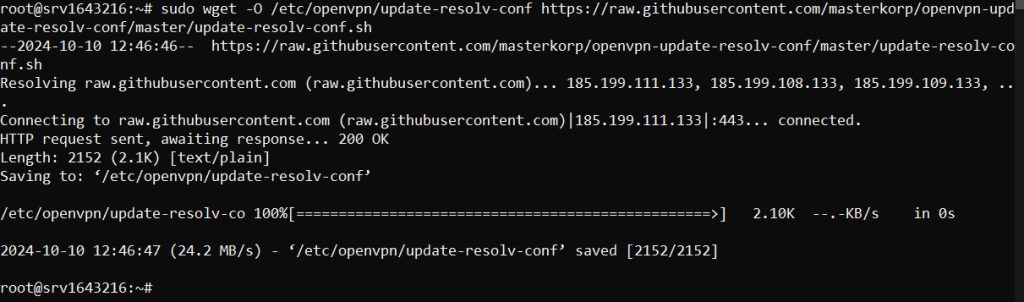
- Make it executable:
sudo chmod +x /etc/openvpn/update-resolv-conf- Add these lines to your
.ovpnclient file:
script-security 2
up /etc/openvpn/update-resolv-conf
down /etc/openvpn/update-resolv-conf
- Restart OpenVPN:
sudo systemctl restart openvpn@clientNote: The
openvpn package of Ubuntu already includes a script at this path on many releases. Check with ls /etc/openvpn/update-resolv-conf and download only if it is missing. Download scripts only from a source you trust.Method 2: Use systemd-resolved
- Install the helper package:
sudo apt install openvpn-systemd-resolved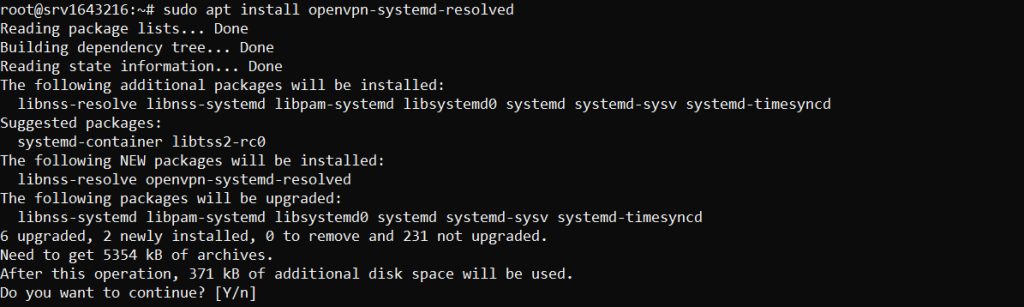
- Add these lines to the client file:
script-security 2
up /etc/openvpn/update-systemd-resolved
down /etc/openvpn/update-systemd-resolved- Restart OpenVPN:
sudo systemctl restart openvpn@clientMethod 3: Block outside DNS (Windows clients)
For Windows clients, add this line:
block-outside-dnsMore tips
- Use a VPN client that has DNS leak protection built in.
- Try another VPN server or protocol if the leak stays.
- Keep your system and VPN software updated.
Quick recap
- Test for leaks with
resolvectl statusand a DNS leak test site. - Use
update-resolv-conforupdate-systemd-resolvedin your client file. - Restart OpenVPN and test again.