

Why it happens

- Old tool.
ifconfigis deprecated, and new distributions do not install it. - Missing package.
ifconfigis part of thenet-toolspackage. - No permission. Some users cannot run it without
sudo. - PATH. The folder with
ifconfig(/sbin) is not in yourPATH.
Install net-tools
On Debian and Ubuntu:
sudo apt update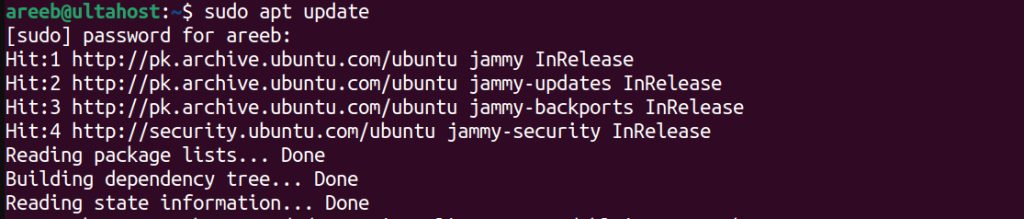
sudo apt install net-tools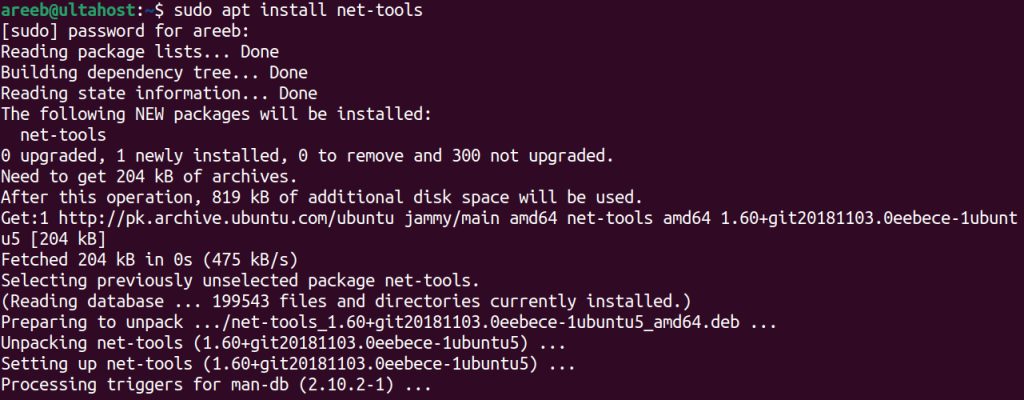
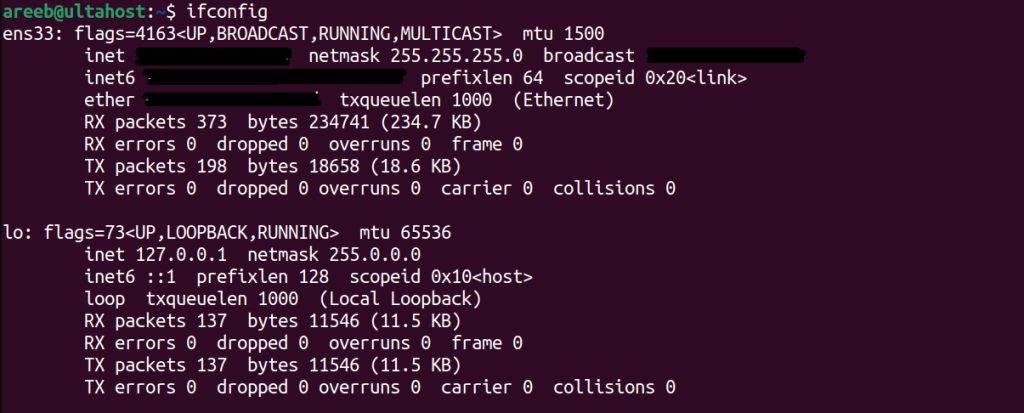
On CentOS, Red Hat and Fedora:
sudo yum install net-toolsOn Arch Linux:
sudo pacman -S net-toolsUse the full path
sudo /sbin/ifconfigAdd /sbin to PATH
Show the current value:
echo $PATHAdd the folder for this session:
export PATH=$PATH:/sbinTo make it permanent, add that line to ~/.bashrc.
Run with sudo
sudo ifconfigUse the ip command instead
The ip command is the modern replacement and is installed by default:
ip addr showip link show| Old | New |
|---|---|
ifconfig | ip addr show |
ifconfig eth0 up | ip link set eth0 up |
route -n | ip route show |
netstat -tuln | ss -tuln |
Tips
- After you install
net-tools, runifconfigto check that it works. - If you have several copies, use the full path to pick one.
- It is better to learn the
ipcommand, becauseifconfigmay disappear.
Quick recap
- Install
net-tools, or useip addr show. - Add
/sbinto thePATHif the command still is not found.