

What Cordova is
Apache Cordova wraps a web app (HTML, CSS and JavaScript) in a native shell, so you can publish it as a mobile app for Android and iOS from one code base.
Step 1: Install Node.js and npm
Update the system:
sudo apt update && sudo apt upgrade -y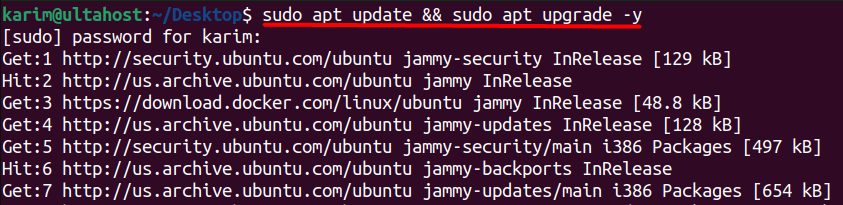
Install curl:
sudo apt-get install -y curl
Download the NodeSource setup script (version 22 is used here; pick a current LTS version):
curl -fsSL https://deb.nodesource.com/setup_22.x -o nodesource_setup.sh
Run it:
sudo -E bash nodesource_setup.sh
Install Node.js:
sudo apt-get install -y nodejs
Check the version:
node -v
Step 2: Install Cordova
sudo npm install -g cordova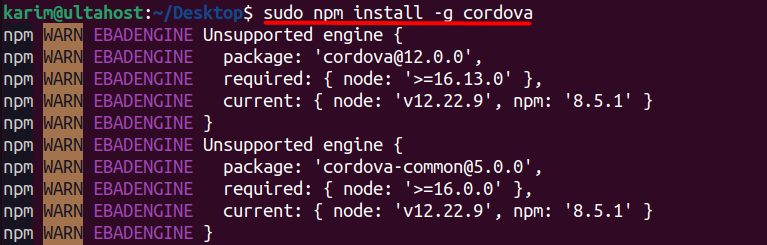
-g installs it globally, so the cordova command works everywhere.
Check it:
cordova -v
Create a first project
cordova create myApp com.example.myapp MyApp
cd myApp
cordova platform add android
To build for Android you also need the Android SDK and a Java JDK. Check your setup with cordova requirements.
Benefits of Cordova
- Cross-platform. One code base for several systems.
- Easy to learn. It uses HTML, CSS and JavaScript.
- Large community.
- Many plugins for the camera, GPS, files and more.
- Open source and free.
- Flexible. Use the tools and frameworks you like.
- Fast development.
Typical uses
- Hybrid mobile apps.
- Turning an existing web app into a mobile app.
- Quick prototypes.
Quick recap
- Install Node.js with NodeSource.
sudo npm install -g cordova.- Check with
cordova -v.