

System requirements
Minimum
- 256 MB of RAM
- 1 GB of disk space (10 GB if you run it in Docker)
Recommended
- 4 GB of RAM or more
- 50 GB of disk space or more
Step 1: Update Ubuntu
sudo apt update && sudo apt full-upgrade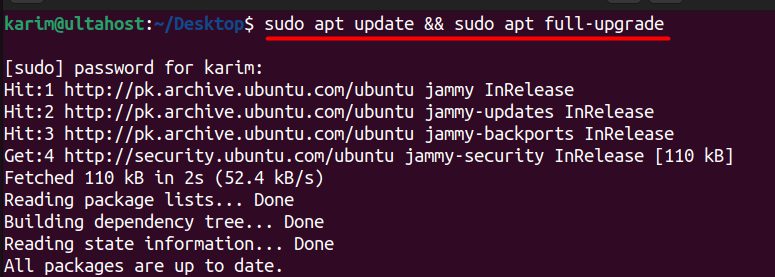
Step 2: Install Java
sudo apt install openjdk-17-jdk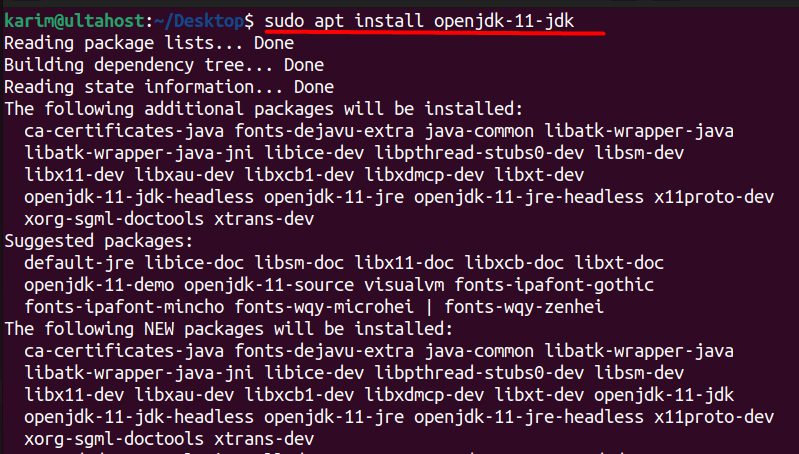
(Recent Jenkins versions need Java 17 or 21. Older ones ran on Java 11.) Check it with java -version.
Step 3: Add the Jenkins repository and install
Download the repository key:
sudo wget -O /usr/share/keyrings/jenkins-keyring.asc https://pkg.jenkins.io/debian-stable/jenkins.io-2023.key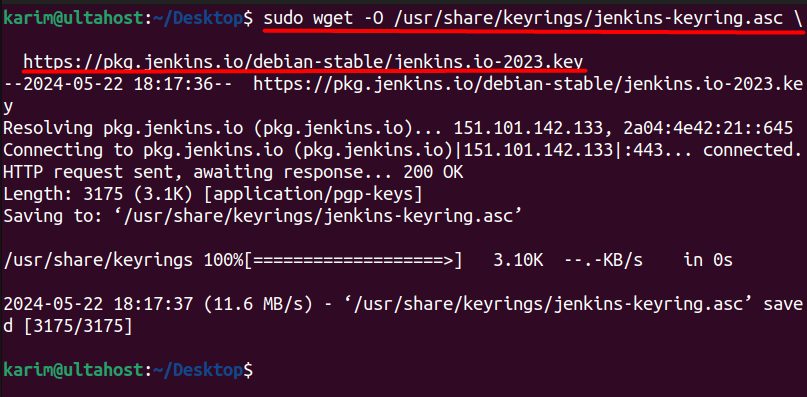
Add the repository:
echo "deb [signed-by=/usr/share/keyrings/jenkins-keyring.asc] https://pkg.jenkins.io/debian-stable binary/" | sudo tee /etc/apt/sources.list.d/jenkins.list > /dev/null
Install Jenkins:
sudo apt update && sudo apt install jenkins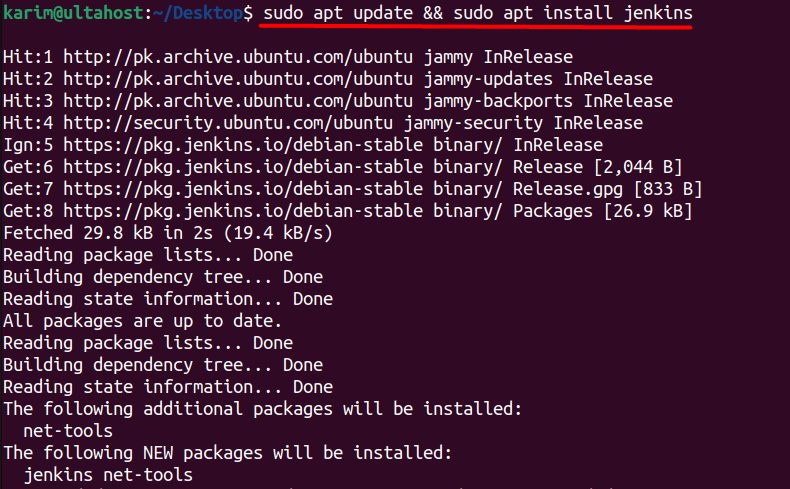
Step 4: Check the service
sudo systemctl status jenkins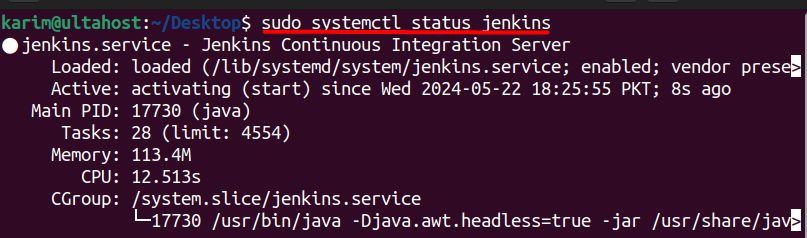
Start and enable it if needed:
sudo systemctl enable --now jenkinsStep 5: Open the firewall
Jenkins uses port 8080:
sudo ufw allow 8080Step 6: Unlock Jenkins
Open http://your_server_ip:8080 in your browser.
Jenkins asks for the first admin password. Read it from the server:
sudo cat /var/lib/jenkins/secrets/initialAdminPasswordPaste it into the Unlock Jenkins page.
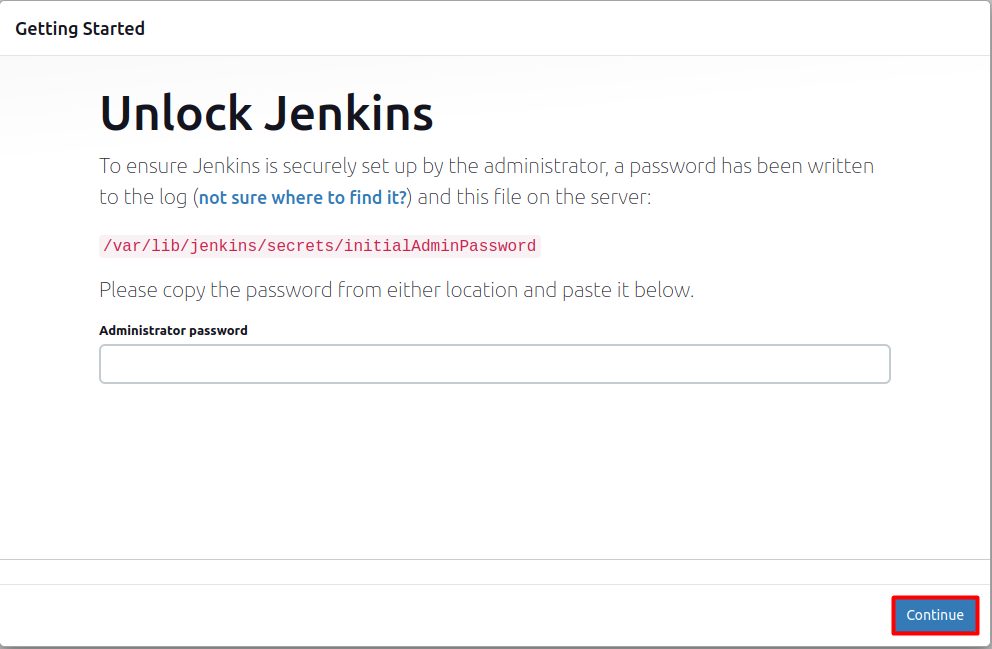
Choose Install suggested plugins, create your admin user and set the Jenkins URL. Jenkins is ready.
Tip: Put Nginx with HTTPS in front of Jenkins, and do not leave port 8080 open to the internet.
Quick recap
- Install Java 17, add the Jenkins repository and install.
- Open port 8080.
- Unlock Jenkins with the password from
initialAdminPassword.