

What Jira is
Jira Software is a tool for project management and issue tracking. It is popular with software teams for agile work.
Note: Atlassian is moving customers to cloud products and has ended new Server licenses. Check Atlassian's pages for what is available for self-hosted use (Data Center) in your region.
Step 1: Download Jira
Open the Jira Software download page and choose the Linux 64-bit installer.
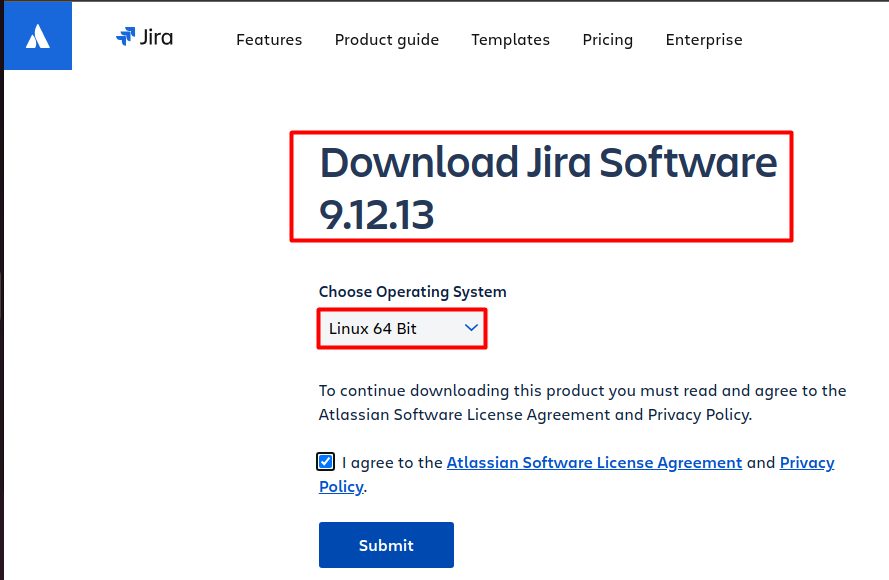
Or download it in the terminal (use the current version number from the Atlassian site):
wget https://www.atlassian.com/software/jira/downloads/binary/atlassian-jira-software-9.12.13-x64.bin -O atlassian-jira-software.bin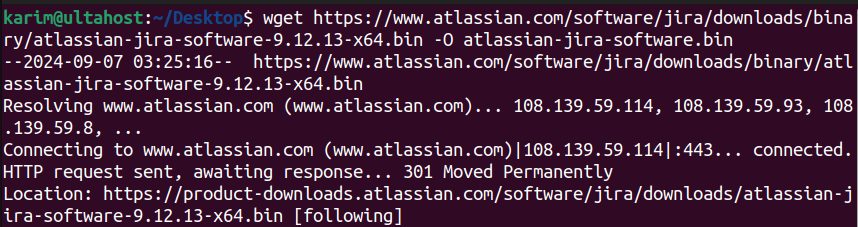
Step 2: Make the file executable
chmod +x atlassian-jira-software.bin
Step 3: Run the installer
sudo ./atlassian-jira-software.bin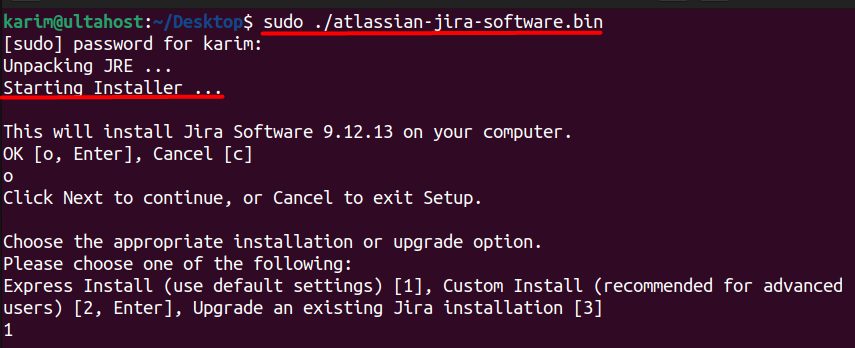
The installer asks you a few questions. It installs Jira in /opt/atlassian/jira, and sets up a service.
Step 4: Finish the setup
Choose how to install:
- Express install ("Set it up for me") uses the defaults.
- Custom install ("I'll set it up myself") lets you pick the folders, ports (default 8080) and other details.
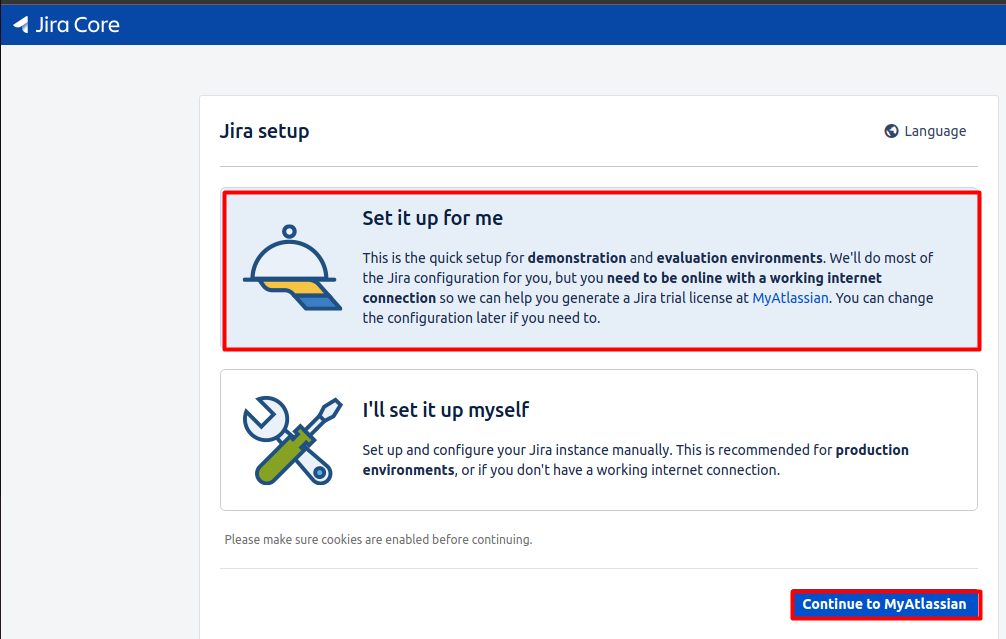
Then open http://your_server_ip:8080 in your browser. Jira asks you to:
- Choose the database (the built-in one is fine for tests; use PostgreSQL or MySQL for real use).
- Enter your license key (you can get a trial).
- Create the admin account.
Features of Jira
- Project management. Boards, backlogs and sprints.
- Issue tracking. Track bugs, tasks and stories.
- Collaboration. Comments, mentions and notifications.
- Customization and integration. Workflows, fields and many apps.
- Reports and analytics. Burn-down charts and more.
Quick recap
- Download the
.binfile,chmod +x, and run it withsudo. - Choose express or custom install.
- Finish the setup at port 8080.