

About Kotlin
Kotlin is a modern language that runs on the JVM. Google recommends it for Android apps. Its main features:
- Java interoperability. You can use Java libraries.
- Null safety. Helps to avoid null pointer errors.
- Extension functions.
- Data classes.
- Coroutines for asynchronous code.
- Type inference.
- Functional programming features.
- Operator overloading.
Kotlin needs a Java runtime. Install one first if you do not have it: sudo apt install default-jdk.
Method 1: Snap
Step 1: Update the package list
sudo apt update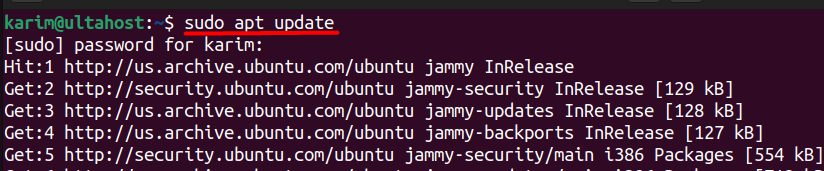
Step 2: Install Kotlin
sudo snap install kotlin --classic
Step 3: Check it
kotlin -version
Method 2: SDKMAN
SDKMAN lets you install and switch between versions of many SDKs.
Step 1: Install SDKMAN
First install curl and the tools it needs:
sudo apt install curl zip unzip
curl -s https://get.sdkman.io | bash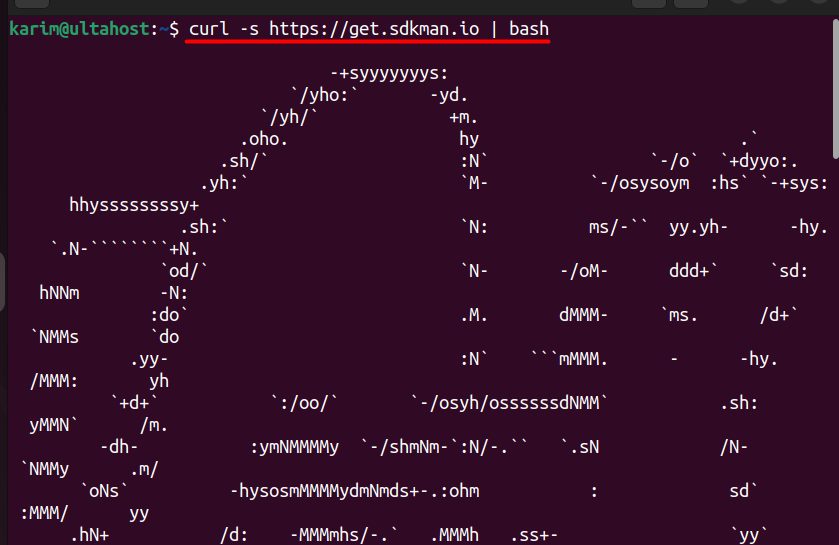
Open a new terminal, or run:
source "$HOME/.sdkman/bin/sdkman-init.sh"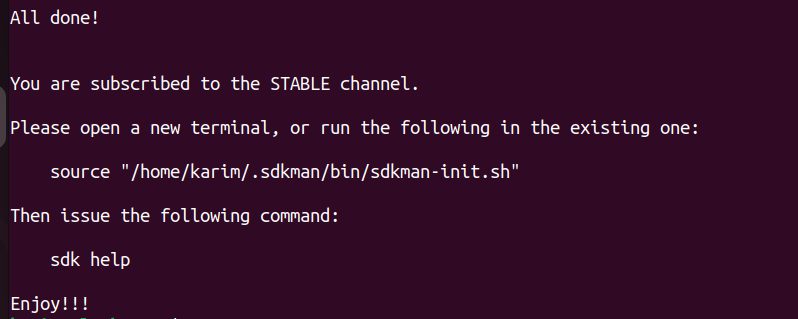
Step 2: Install Kotlin
sdk install kotlin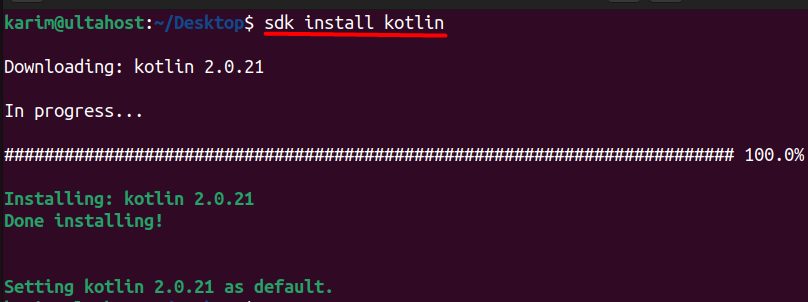
Try it
Create hello.kt:
fun main() {
    println("Hello, Kotlin!")
}
Compile and run:
kotlinc hello.kt -include-runtime -d hello.jar
java -jar hello.jar
Why use Kotlin
- Better productivity with less code.
- Safer code.
- More readable code.
- Works with your Java code.
- Great for Android and server apps.
Quick recap
sudo snap install kotlin --classicis the fast way.- SDKMAN is best if you need several versions.
- Check with
kotlin -version.