

What LibreOffice is
LibreOffice is a free, open-source office suite. It has a word processor (Writer), spreadsheets (Calc), presentations (Impress), drawings (Draw), a database (Base) and formulas (Math). It opens and saves Microsoft Office files too.
Method 1: APT
Update the package list
sudo apt update
Install LibreOffice
sudo apt install libreoffice libreoffice-gtk3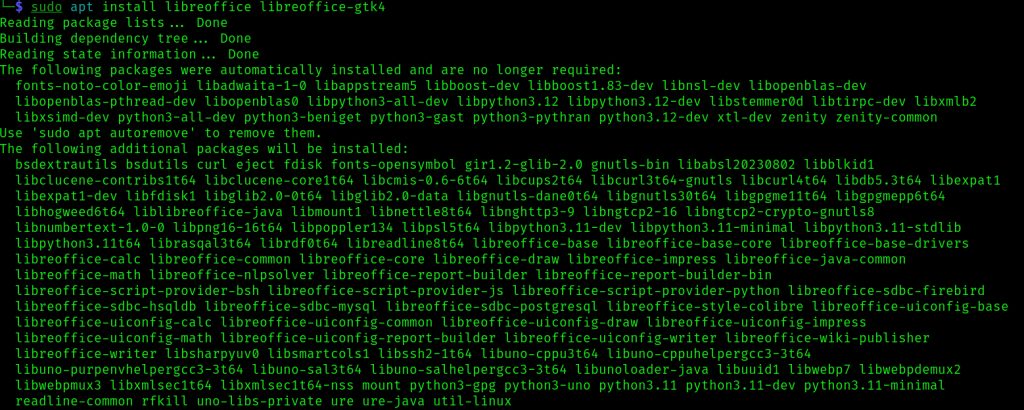
(The GTK package makes the look fit a GTK desktop. For a newer Kali that offers it, libreoffice-gtk4 also works.)
Check it
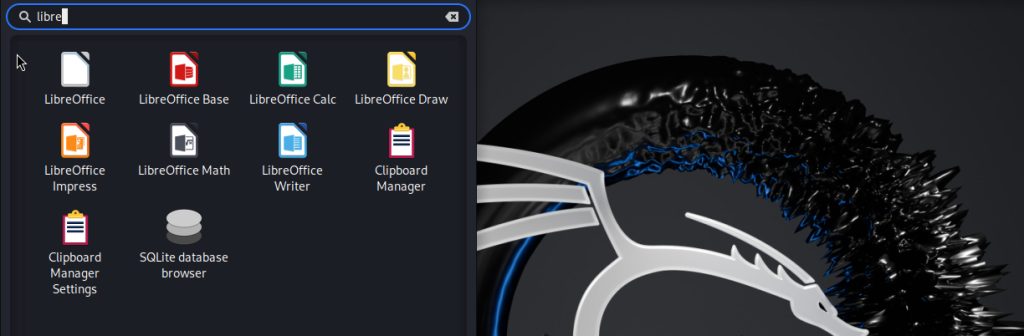
Open the applications menu and search for LibreOffice. You see the icons for Writer, Calc and others. You can also run libreoffice --version.
Method 2: The official .deb package
- Open the LibreOffice download page and download the
.debpackage for Linux (x64).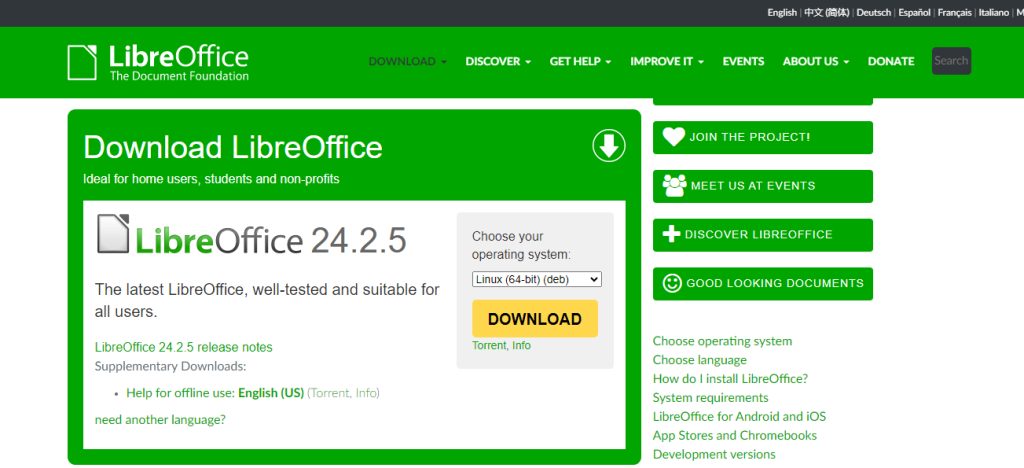
- Save the file in a folder you can find, such as
Downloads.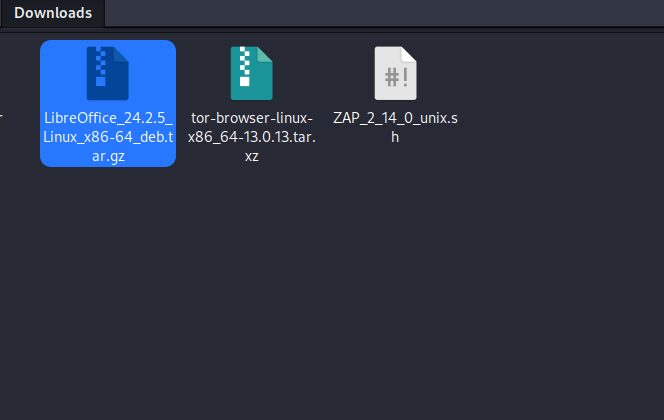
- Open a terminal and go to that folder:
cd Downloads- Extract the archive. The download is a
.tar.gzthat holds a folderDEBSwith many.debfiles:
tar -xzvf LibreOffice_*_Linux_x86-64_deb.tar.gz
cd LibreOffice_*_Linux_x86-64_deb/DEBS- Install all the packages:
sudo dpkg -i *.deb- If dpkg reports dependency problems, fix them:
sudo apt install -f- When the install ends, search for LibreOffice in the applications menu to check.
Notes
- Keep it updated with
sudo apt update && sudo apt upgrade. - The APT version is easy to update. The
.debversion is newer but you must update it by hand. - Add language packs and help files with
sudo apt install libreoffice-help-en-usor the pack for your language.
Quick recap
sudo apt install libreofficeis the easy way.- Or install the
.debpackages withdpkg -i. - Fix problems with
sudo apt install -f.