

Requirements
- A server that runs Debian 12 (Bookworm).
- A non-root user with
sudorights. - Basic knowledge of Linux commands.
Step 1: Update the system
sudo apt update && sudo apt upgrade -y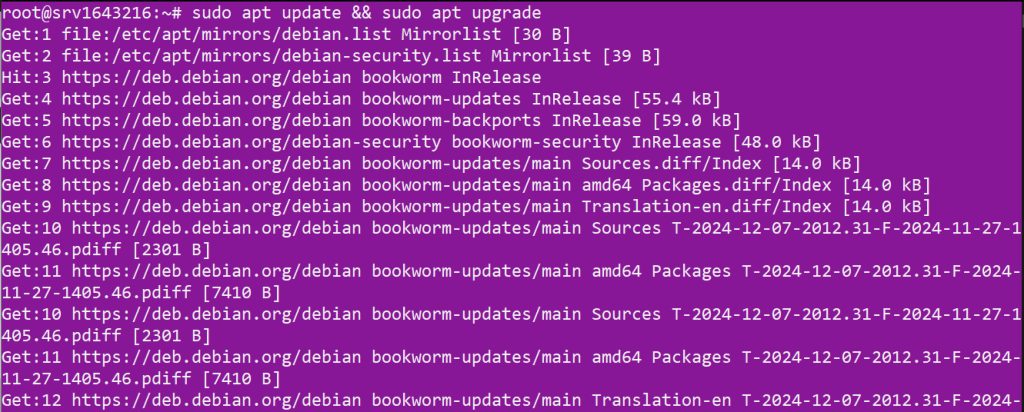
Step 2: Install Apache
sudo apt install apache2 -y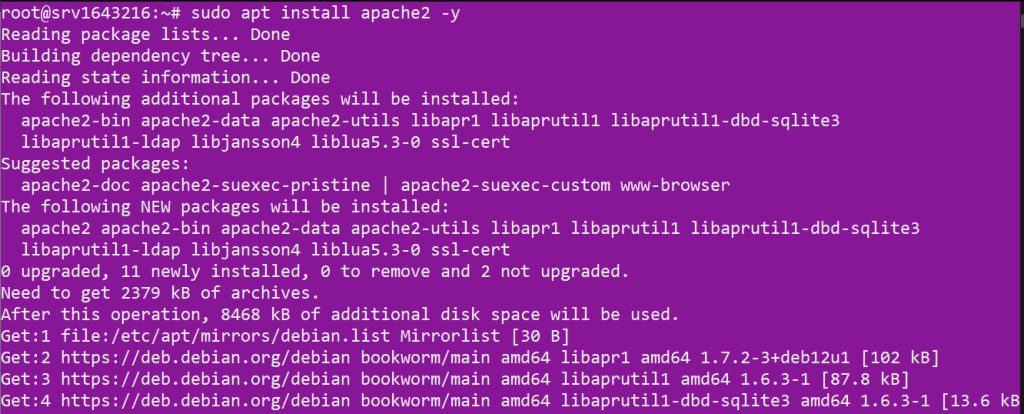
sudo systemctl enable apache2 && sudo systemctl start apache2
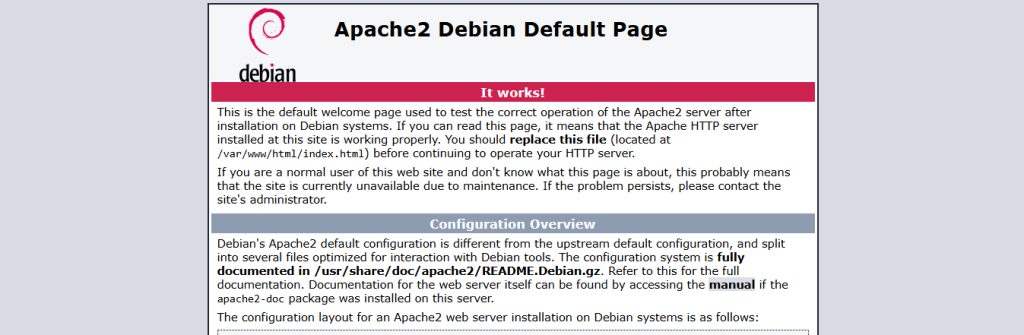
Open http://your_server_ip in your browser. You see the Apache default page.
Step 3: Install MySQL
Debian 12 ships MariaDB in its repositories and not MySQL. You have two choices.
Option A: MariaDB (the simplest)
sudo apt install mariadb-server -yOption B: MySQL from the MySQL repository
Download the repository package (check the current file name on the MySQL website):
wget https://dev.mysql.com/get/mysql-apt-config_0.8.30-1_all.deb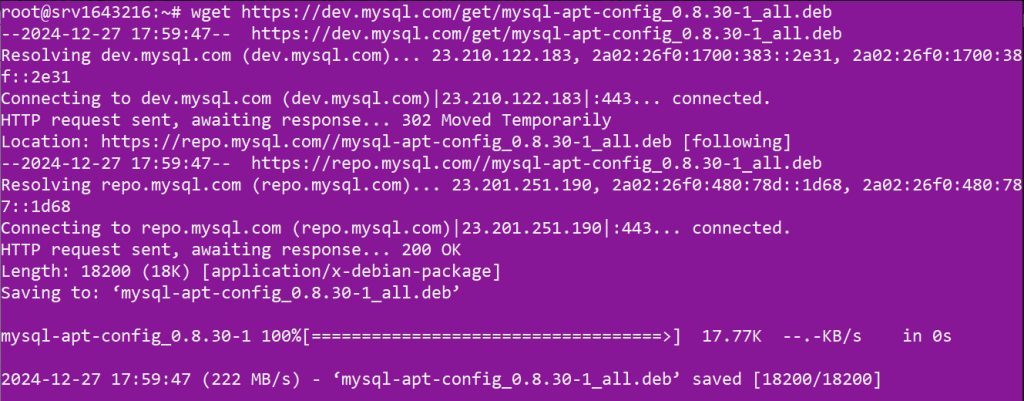
sudo dpkg -i mysql-apt-config_0.8.30-1_all.deb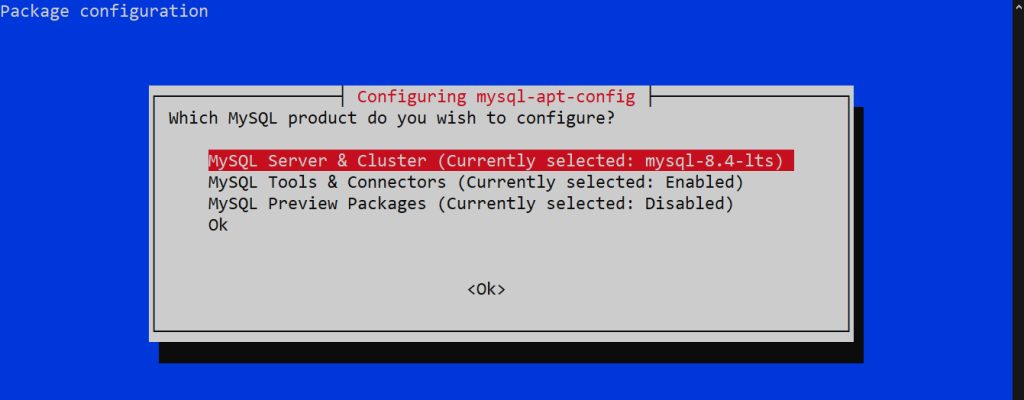
In the menu, select MySQL Server & Cluster, press Enter, choose the version you want, then go down to Ok and press Enter.
sudo apt update
sudo apt install mysql-server -y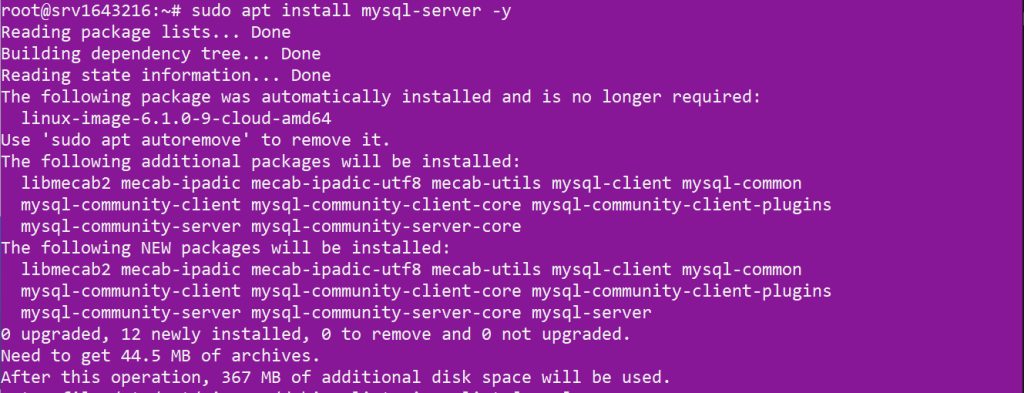
Secure the database server:
sudo mysql_secure_installationStep 4: Install PHP
sudo apt install php libapache2-mod-php php-mysql -y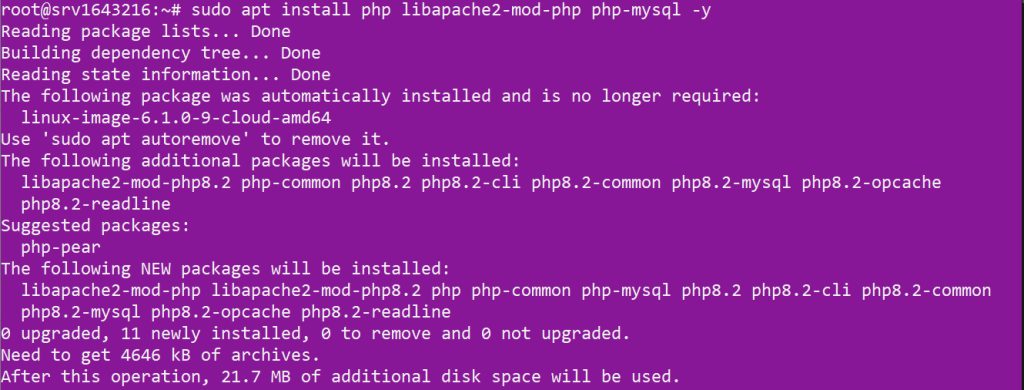
php -v
Step 5: Make Apache use PHP
Open the directory settings:
sudo nano /etc/apache2/mods-enabled/dir.confMake index.php the first file in the list:
<IfModule mod_dir.c>
    DirectoryIndex index.php index.html index.cgi index.pl index.xhtml index.htm
</IfModule>
Restart Apache: sudo systemctl restart apache2.
Step 6: Test PHP
sudo nano /var/www/html/info.phpAdd:
<?php
phpinfo();
?>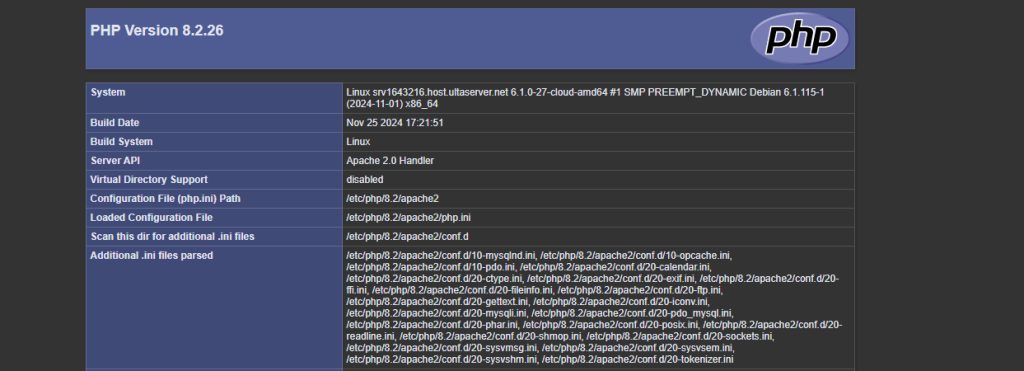
Open http://your_server_ip/info.php. Delete the file after the test.
Step 7: Create a database
sudo mysql -u root -pThen:
CREATE DATABASE your_database_name;
CREATE USER 'your_username'@'localhost' IDENTIFIED BY 'your_password';
GRANT ALL PRIVILEGES ON your_database_name.* TO 'your_username'@'localhost';
FLUSH PRIVILEGES;
EXIT;
Step 8: Enable mod_rewrite
Many apps (such as WordPress) need it for pretty links:
sudo a2enmod rewrite
sudo systemctl restart apache2
Quick recap
- Install Apache, a database (MariaDB or MySQL) and PHP.
- Put
index.phpfirst indir.conf. - Test PHP and delete the test file.