

What LAMP is
LAMP is a set of free software for web servers: Linux, Apache, MySQL (or MariaDB) and PHP. It runs many websites, including WordPress.
Requirements
- An Ubuntu LTS server.
- A non-root user with
sudorights. - An internet connection.
Step 1: Install Apache
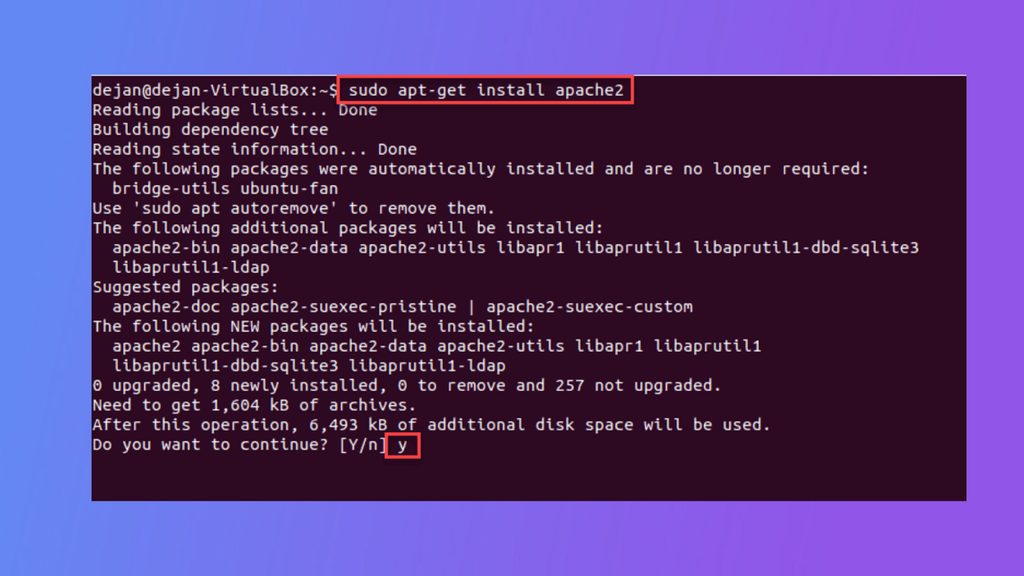
Update the package list and install Apache:
sudo apt update
sudo apt install apache2
Start it and make it start at boot:
sudo systemctl enable apache2
sudo systemctl start apache2
Check that it runs:
sudo systemctl status apache2You should see active (running).
Test Apache. Open http://your_server_ip in your browser. The Apache default page appears. If you use UFW, allow web traffic first: sudo ufw allow "Apache Full".
Step 2: Install MySQL
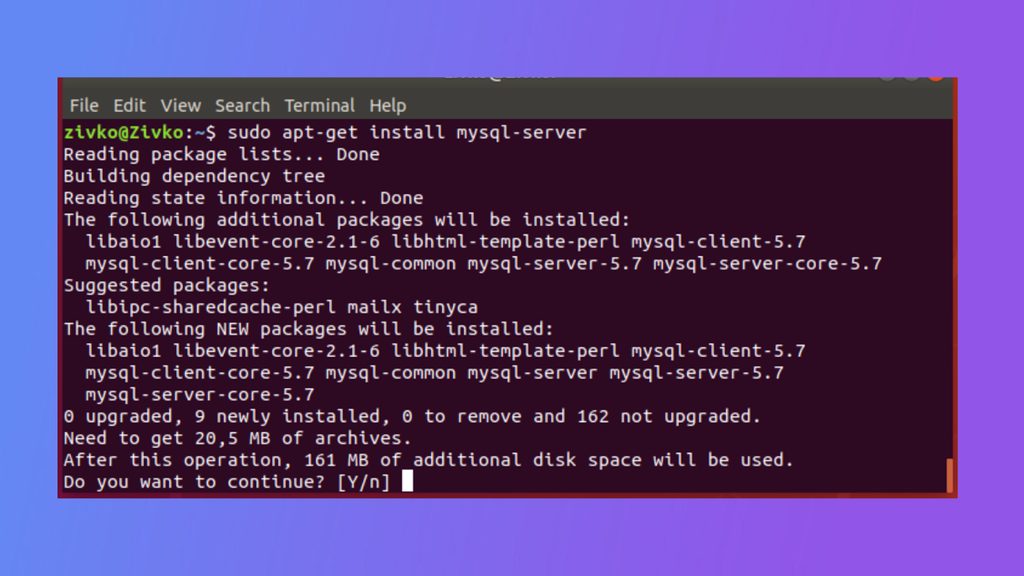
sudo apt install mysql-serverThe service starts by itself. Run the security script:
sudo mysql_secure_installationIt asks you to set a password policy, remove anonymous users, disallow remote root login and remove the test database. Say yes to the questions that you understand.
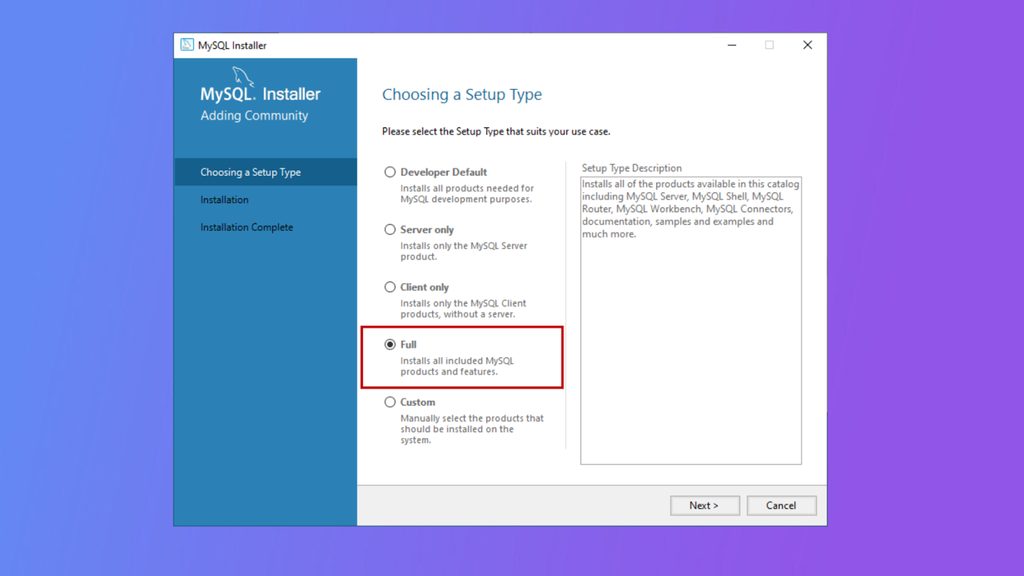
Log in to check it:
sudo mysqlLeave with exit.
Step 3: Install PHP
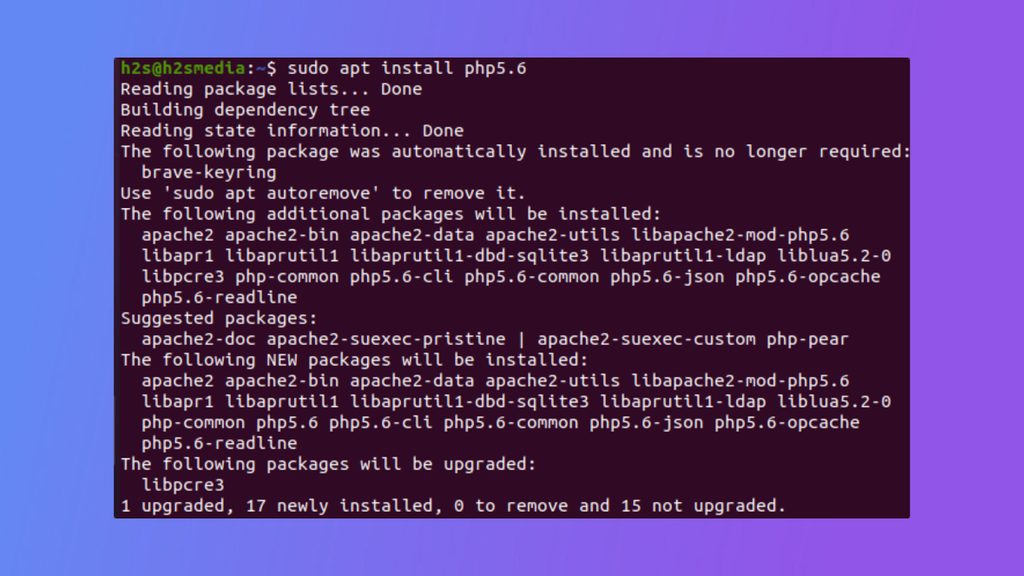
sudo apt install php libapache2-mod-php php-mysqlRestart Apache:
sudo systemctl restart apache2Check the PHP version:
php -vStep 4: Test PHP
Create a test file:
sudo nano /var/www/html/info.phpAdd:
<?php
phpinfo();
?>
Open http://your_server_ip/info.php. You should see the PHP information page. Delete the file after the test:
sudo rm /var/www/html/info.phpNext steps
- Create a database and a user for your site.
- Set up an Apache virtual host for each domain.
- Add an SSL certificate with Let's Encrypt (
sudo certbot --apache).
Quick recap
apache2,mysql-serverandphp libapache2-mod-php php-mysqlmake the stack.- Run
mysql_secure_installation. - Test with a
phpinfo()page and delete it afterwards.