

What Logwatch does
Logwatch is a log analyzer. It reads the logs of your system and services (SSH, Apache, mail and more), and turns them into a readable report. Key jobs:
- Watch the system logs for security problems.
- Analyze logs of services such as Apache and SSH.
- Send a report to your email.
Step 1: Update the system
sudo apt update && sudo apt upgrade -y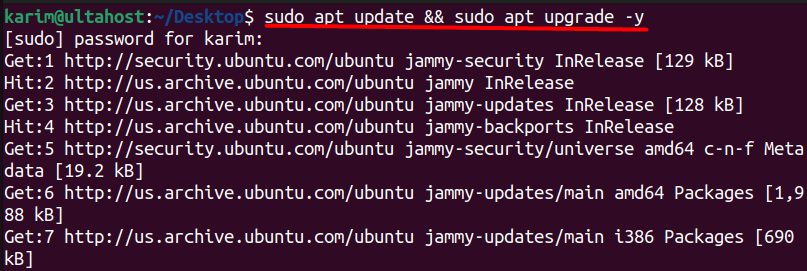
Step 2: Install Logwatch
sudo apt install logwatchThe installer may start the Postfix configuration, because Logwatch sends reports by email.
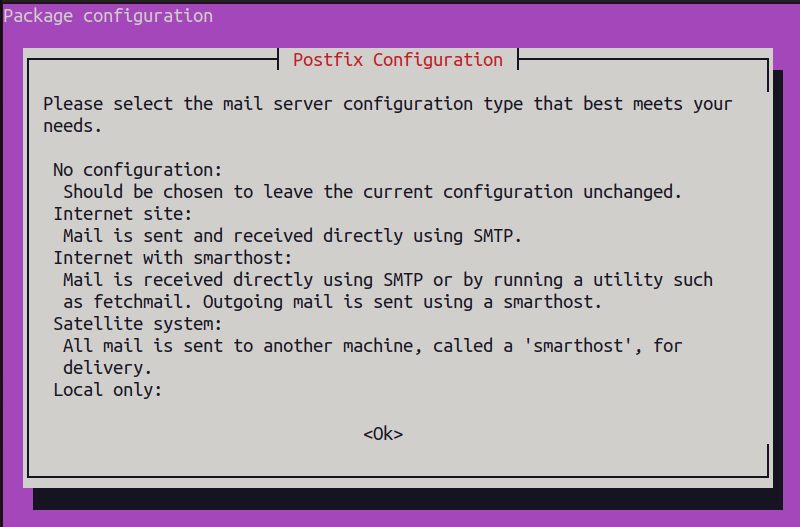
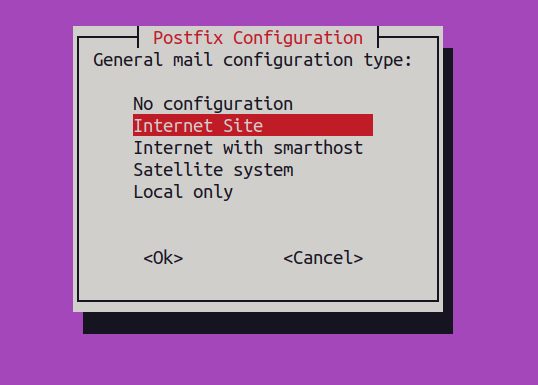
Choose a type:
- No configuration. Leave Postfix as it is.
- Internet Site. Mail is sent and received directly.
- Internet with smarthost. Mail is sent through another mail server (a relay).
- Satellite system. All mail goes through a relay.
- Local only. Mail stays on this server.
For reports that go to an outside address, use Internet Site or Internet with smarthost. With Local only, the reports stay on the server. The system host name is used as the mail domain.
Check the install
logwatch --versionRun a test report on the screen:
sudo logwatch --output stdout --range today --detail high

Run it every day
Ubuntu installs a daily job at /etc/cron.daily/00logwatch. If you want your own time, edit the crontab:
sudo crontab -eAdd a line that runs the job at midnight:
0 0 * * * /usr/sbin/logwatchSend the report by email
sudo logwatch --output mail --mailto you@example.com --detail highTo make this the default, copy the default config and edit it:
sudo mkdir -p /etc/logwatch/conf
sudo cp /usr/share/logwatch/default.conf/logwatch.conf /etc/logwatch/conf/logwatch.conf
sudo nano /etc/logwatch/conf/logwatch.conf
Set Output = mail, MailTo = you@example.com, Detail = High and Range = yesterday.
Test Logwatch
sudo logwatch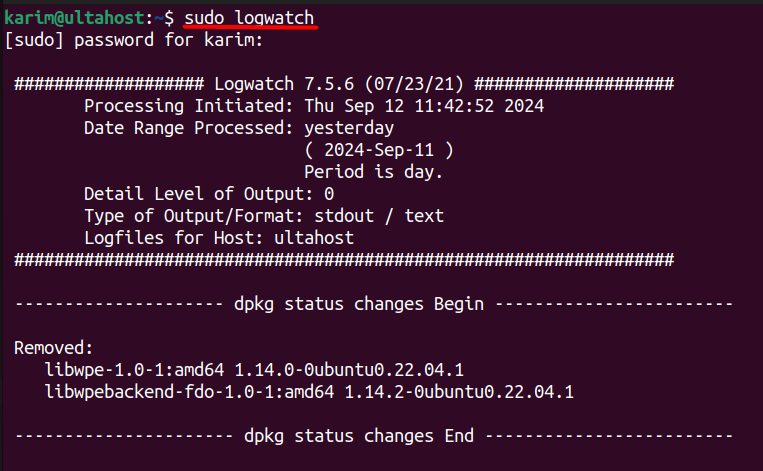
Quick recap
sudo apt install logwatchand choose a mail type.- Test with
sudo logwatch --output stdout. - Set
MailToin the config to get the daily report.