

Check if it is installed
netstat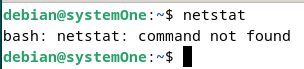
If you see "command not found", install the package.
Install netstat
sudo apt install net-tools -y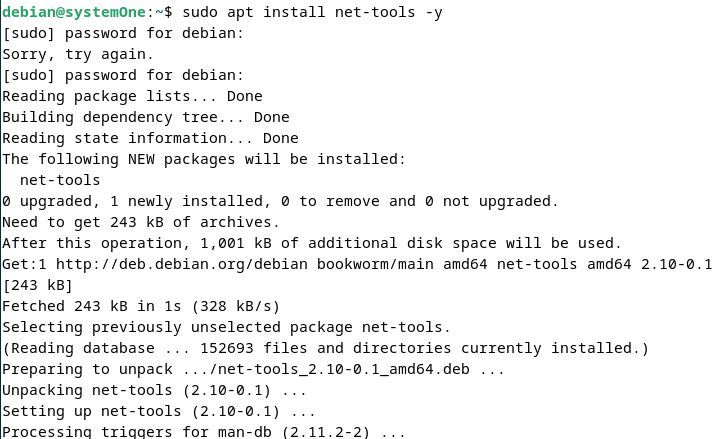
Check the install
netstat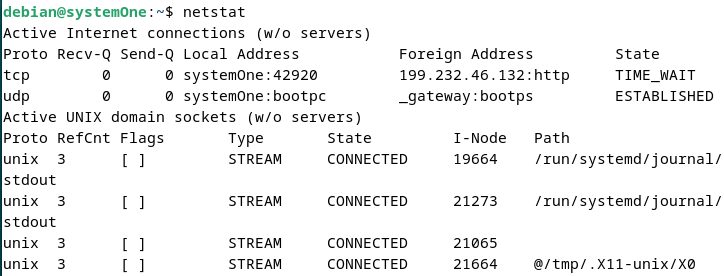
Basic commands
Listening ports
netstat -l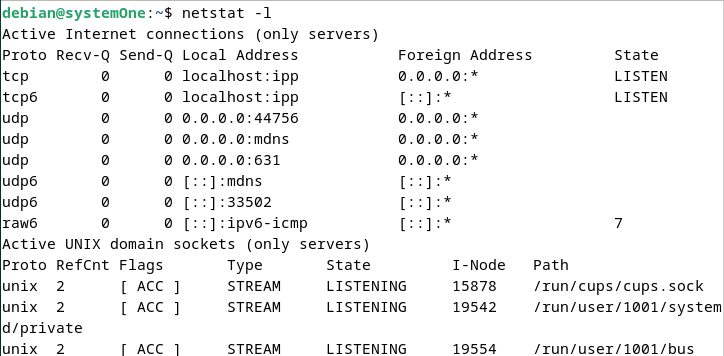
Ports with numbers and program names (needs sudo for the program names)
sudo netstat -plnt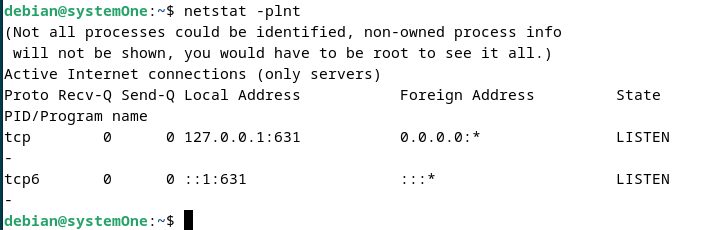
The options mean: -p program, -l listening, -n numbers, -t TCP.
Statistics
netstat -s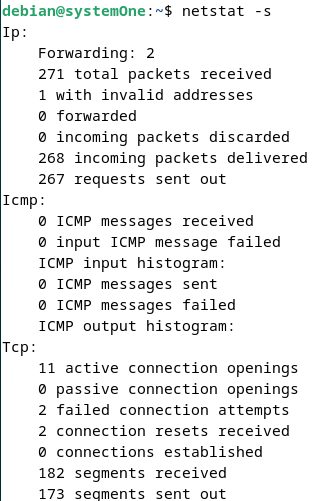
TCP and UDP connections
netstat -t
netstat -u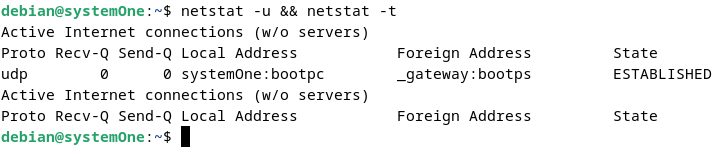
The routing table
netstat -r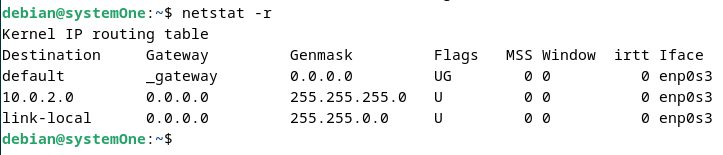
A modern alternative
netstat is old. The newer tool ss is installed by default and shows the same data:
ss -tulpnUninstall
sudo apt remove net-tools -y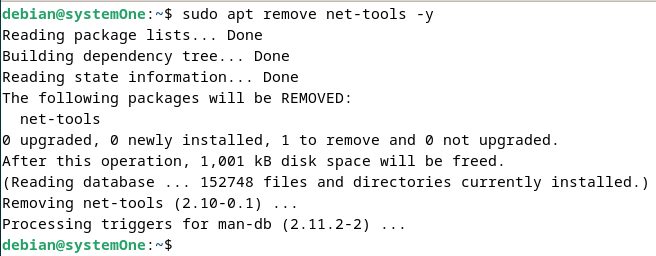
To remove the settings files as well:
sudo apt purge net-tools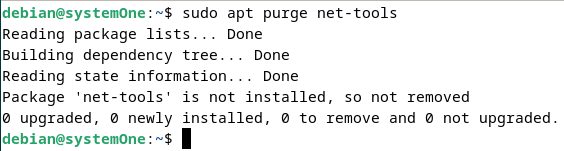
Quick recap
sudo apt install net-toolsaddsnetstat.sudo netstat -plntshows listening ports and programs.ss -tulpnis the modern replacement.