

Step 1: Update the system
sudo apt update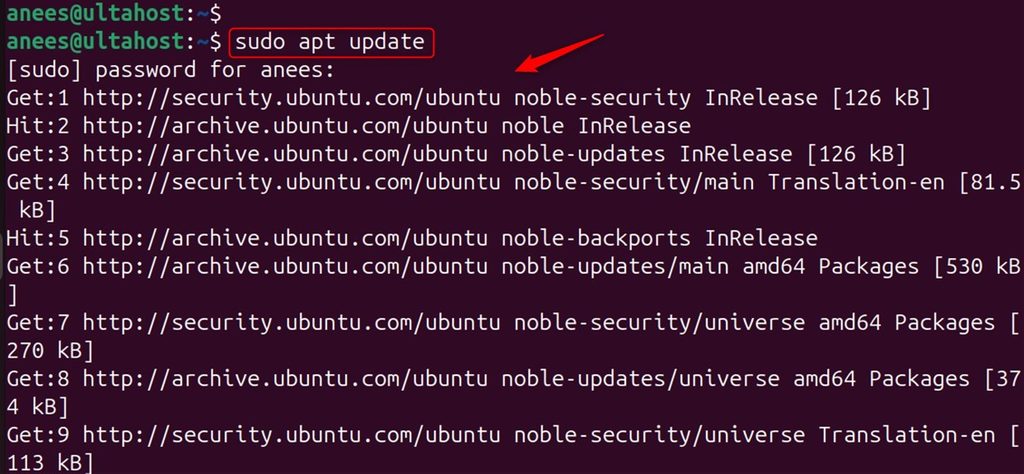
Step 2: Install Node.js
sudo apt install nodejs npm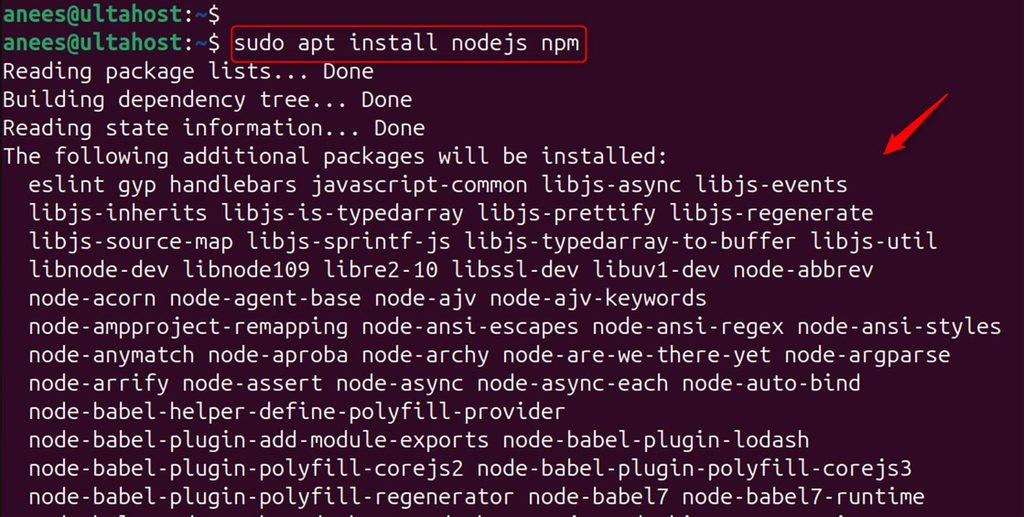
node --version
For a newer Node.js, use NodeSource or nvm.
Step 3: Install MongoDB
Import the key:
curl -fsSL https://www.mongodb.org/static/pgp/server-7.0.asc | sudo gpg -o /usr/share/keyrings/mongodb-server-7.0.gpg --dearmor
If you see errors about missing tools, install them first: sudo apt install curl gnupg2 git.
Add the repository (MongoDB 7.0 packages for Ubuntu 22.04, "jammy"; check MongoDB's documentation for newer series):
echo "deb [arch=amd64,arm64 signed-by=/usr/share/keyrings/mongodb-server-7.0.gpg] https://repo.mongodb.org/apt/ubuntu jammy/mongodb-org/7.0 multiverse" | sudo tee /etc/apt/sources.list.d/mongodb-org-7.0.list
sudo apt update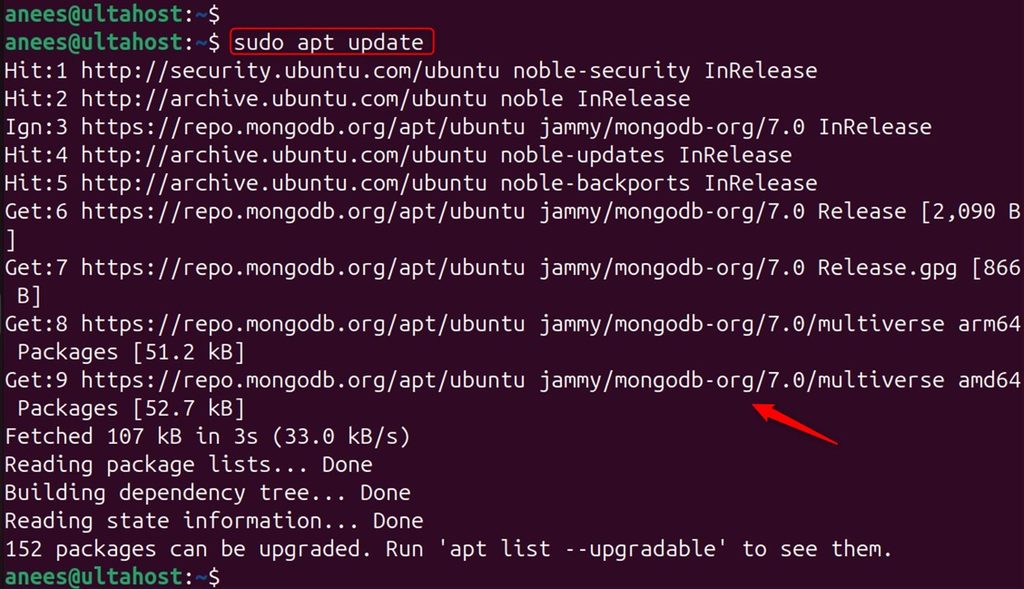
sudo apt install mongodb-org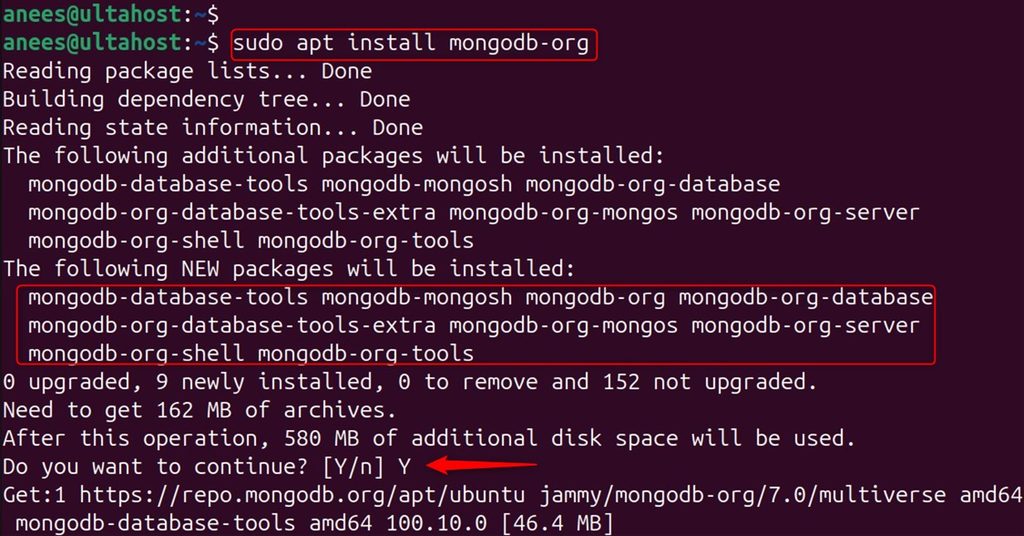
Start and enable the service:
sudo systemctl start mongod
sudo systemctl enable mongod
Check it:
systemctl status mongod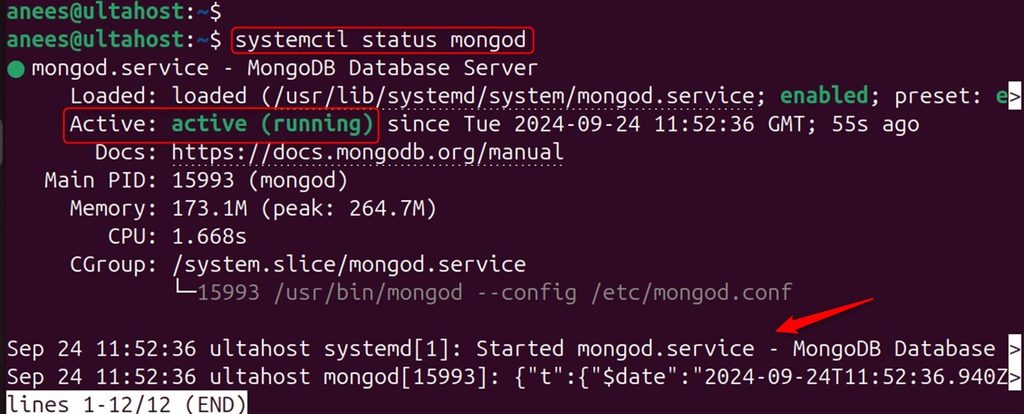
Step 4: Install Express.js
Make a project and install Express:
mkdir mern-app && cd mern-app
npm init -y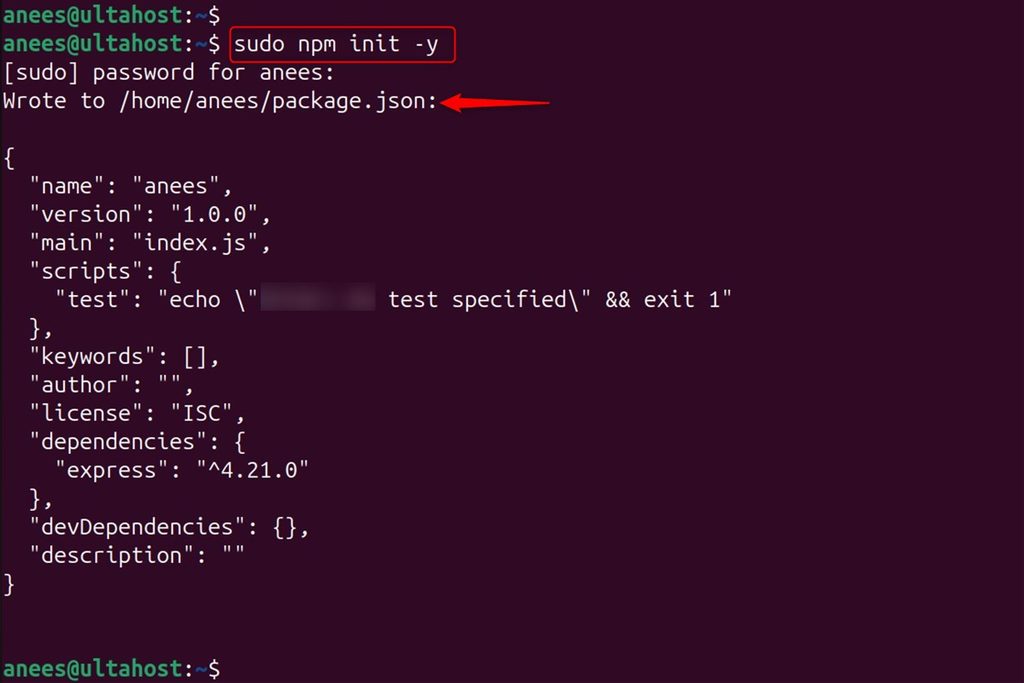
npm install express --save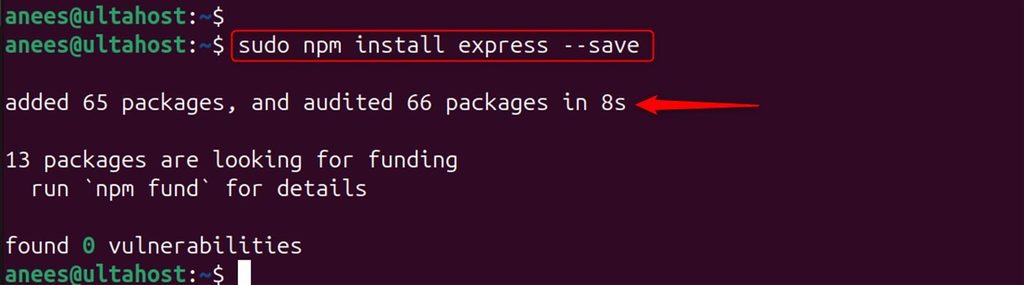
Step 5: Install React
Create a React app with Vite (the older create-react-app tool is no longer maintained):
npm create vite@latest my-app -- --template react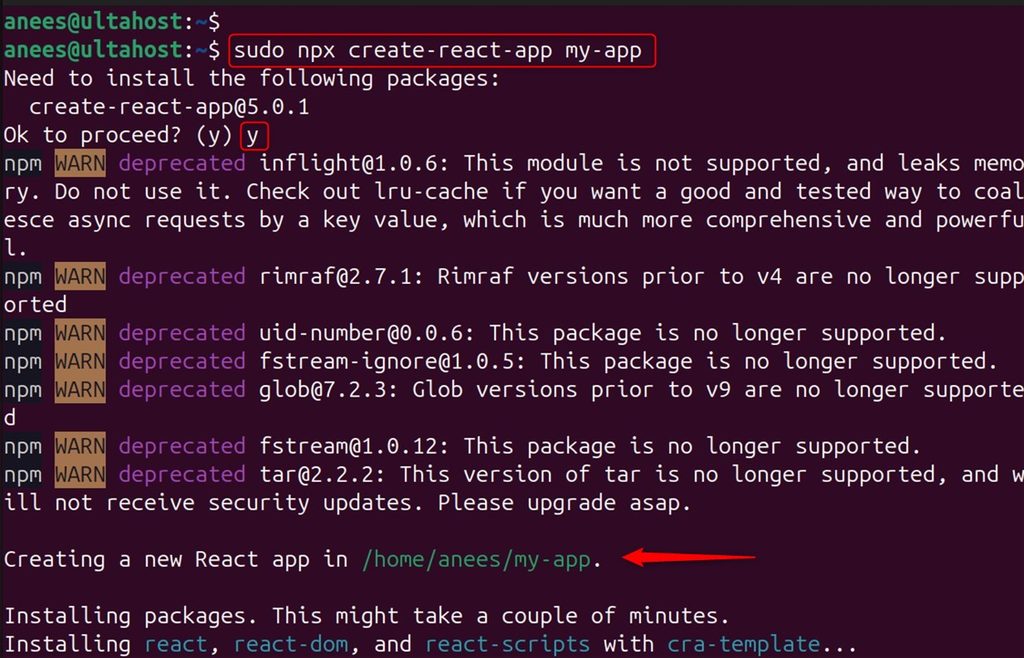
You can replace my-app with your project name. The command makes a folder with the starting files.
Install the packages and start the development server:
cd my-app
npm install
npm run dev -- --host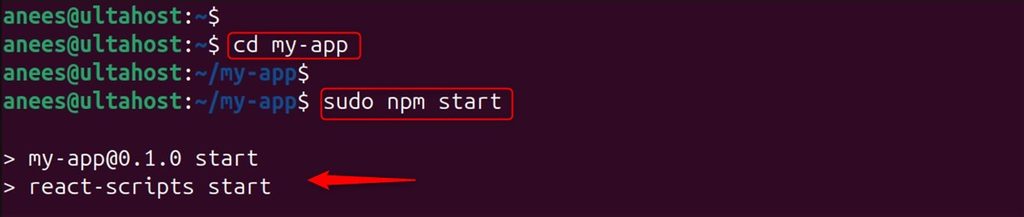
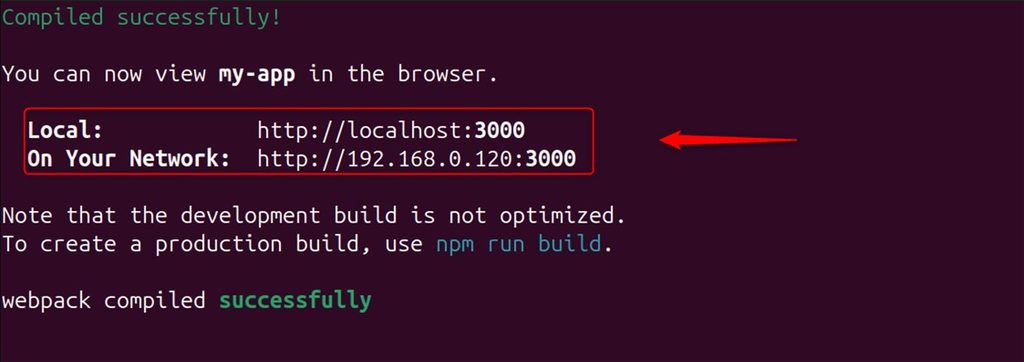
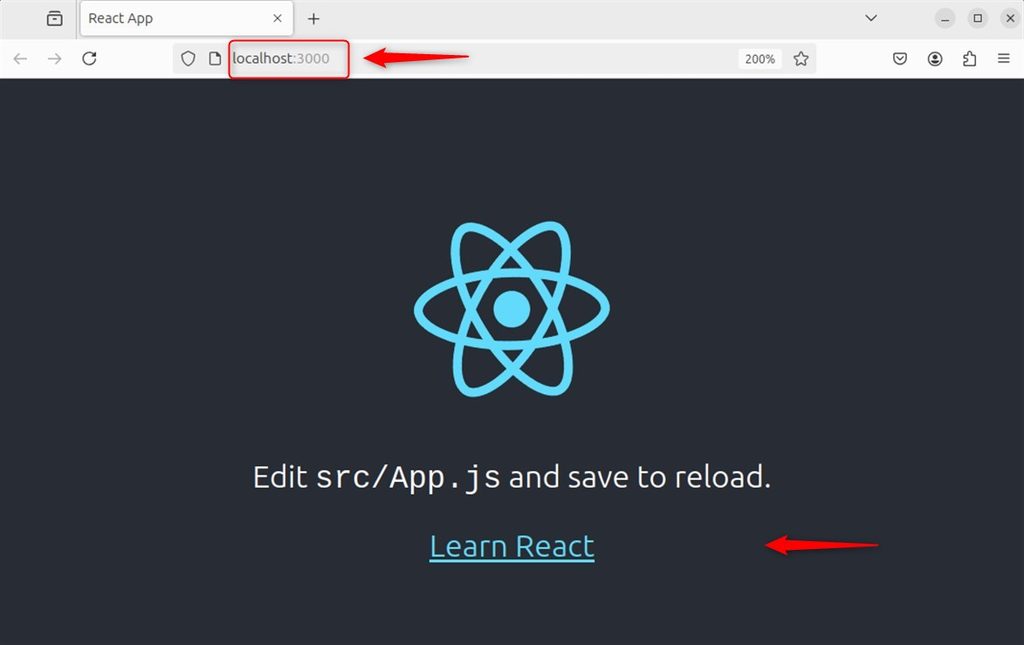
Open http://your_server_ip:5173 in a browser. You see the React start page.
Next steps
Build an Express API that connects to MongoDB with mongoose, and let your React app fetch data from it.
Quick recap
- Install Node.js, MongoDB and Express.
- Create the React app with Vite.
- Start the development server and open the page.