

Note: CentOS 7 reached its end of life in June 2024 and gets no more updates. Recent Node.js versions also need a newer glibc than CentOS 7 offers, so only old Node.js versions run there. For new servers use AlmaLinux or Rocky Linux.
What Node.js is
Node.js runs JavaScript on the server. Why people choose it:
- High performance. An event-driven, non-blocking design.
- Scalability. It handles many connections at once.
- Fast development. A huge ecosystem of modules.
- npm. The largest package registry.
- A strong community.
- Cross-platform.
Method 1: The NodeSource repository
Add the repository for the major version you want (for CentOS 7 the newest that works is Node.js 16):
curl -fsSL https://rpm.nodesource.com/setup_16.x | sudo bash -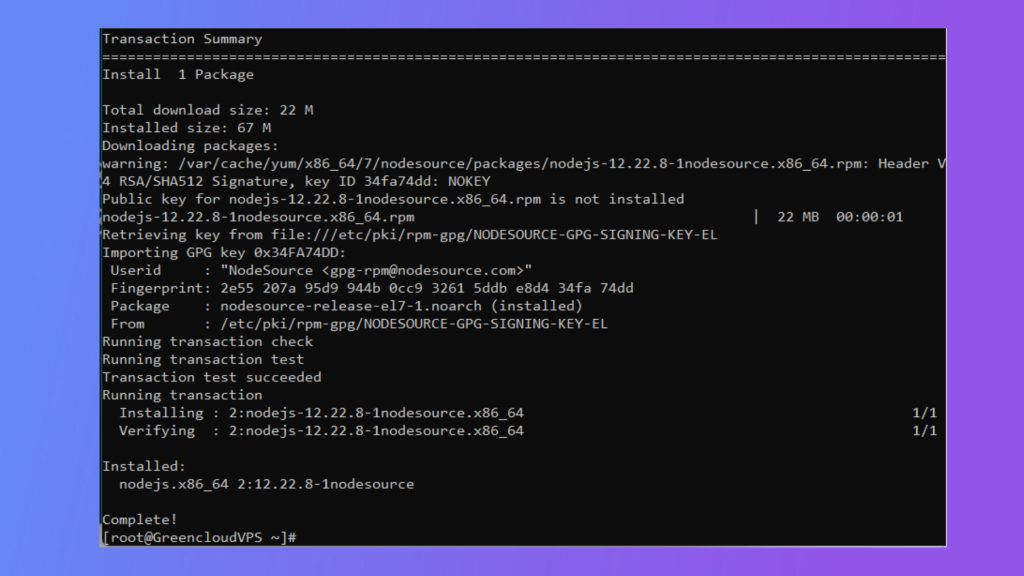
Install Node.js and npm:
sudo yum install -y nodejsMethod 2: The EPEL repository
Make sure EPEL is on:
sudo yum install epel-release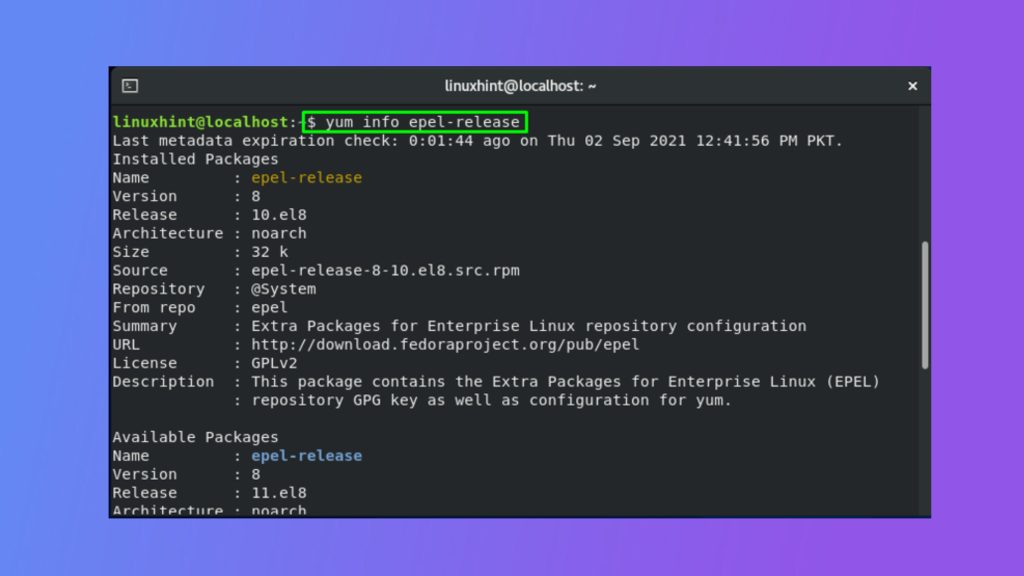
Install Node.js and npm:
sudo yum install -y nodejs npmThe version from EPEL is old.
Method 3: Build from source
Install the build tools:
sudo yum install -y gcc-c++ makeDownload the source tarball from nodejs.org/dist, extract it, and build:
tar -xzf node-v16.x.x.tar.gz
cd node-v16.x.x
./configure
make -j$(nproc)
sudo make install
This takes a long time and needs a modern compiler, which CentOS 7 does not have by default.
Check the install
node -v
npm -v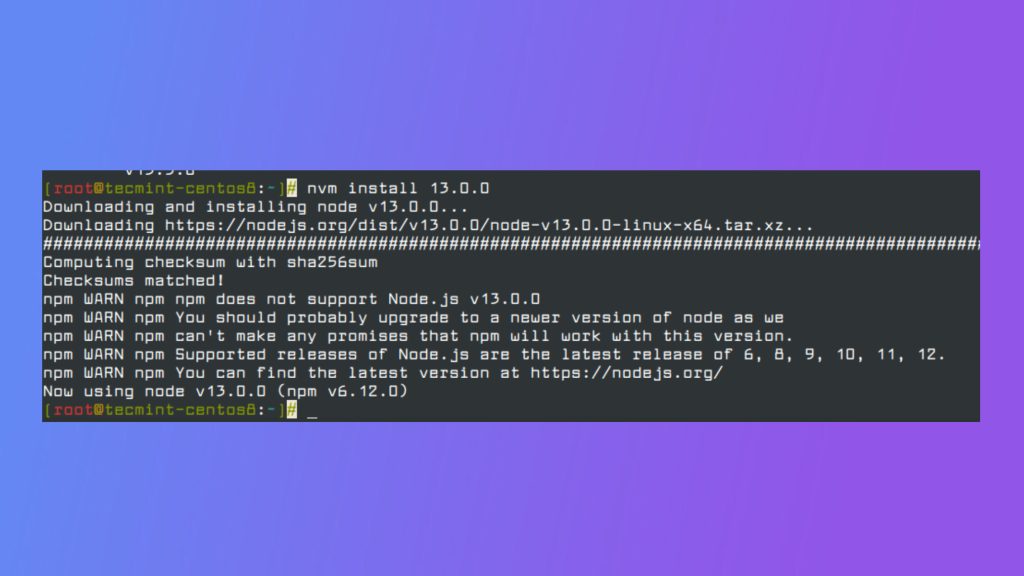
Quick recap
- Use NodeSource or EPEL with
yum install nodejs. - Check with
node -v. - Move to a supported OS for new projects.