

Note: Scan only networks and hosts that you own or may test.
What Nmap does
- Network discovery. Finds devices and services.
- Port scanning. Shows open ports and the programs behind them.
- OS detection. Guesses the operating system of a host.
- Vulnerability checks with scripts.
Method 1: APT
Update the package list:
sudo apt updateInstall Nmap:
sudo apt install nmap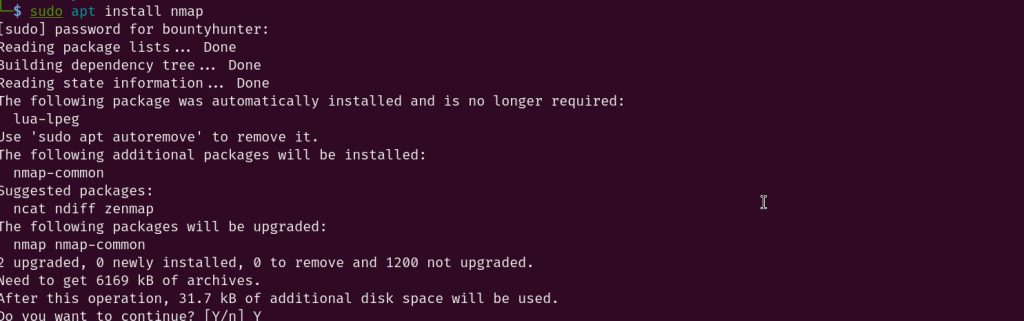
Method 2: Snap
Install snapd if needed:
sudo apt install snapdInstall Nmap:
sudo snap install nmapCheck the install
nmap --version
First scans
nmap localhost
nmap 192.168.1.10
nmap -p 22,80,443 example.com
nmap -sV 192.168.1.10-pchooses ports.-sVfinds the version of services.-Aturns on OS detection, version detection and scripts (needssudofor some features).
Scan a network range:
nmap 192.168.1.0/24Quick recap
sudo apt install nmap.- Check with
nmap --version. - Scan only your own systems.