

Method 1: The default APT repository
Step 1: Update the package index
sudo apt update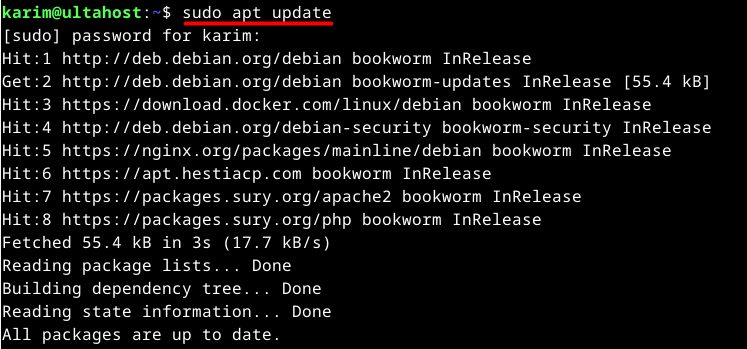
Step 2: Install Node.js
sudo apt install nodejs -y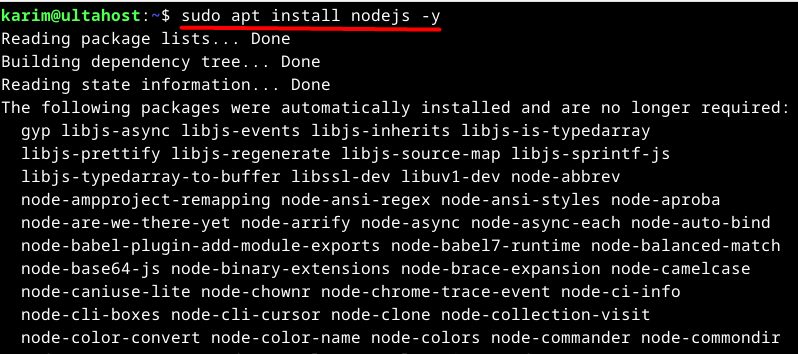
Step 3: Install npm (optional, but good)
sudo apt install npm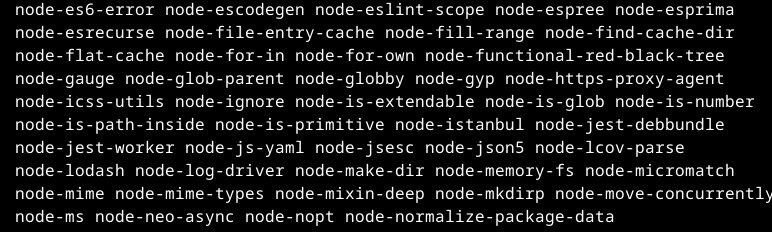
Step 4: Check the install
node -v
npm -v
The version in the Debian repository can be old.
Method 2: The NodeSource repository
Use this to get a current version.
Step 1: Install curl
sudo apt install curl -y
Step 2: Add the NodeSource repository
sudo apt-get update && sudo apt-get install -y ca-certificates curl gnupg
sudo mkdir -p /etc/apt/keyrings
curl -fsSL https://deb.nodesource.com/gpgkey/nodesource-repo.gpg.key | sudo gpg --dearmor -o /etc/apt/keyrings/nodesource.gpg
NODE_MAJOR=20
echo "deb [signed-by=/etc/apt/keyrings/nodesource.gpg] https://deb.nodesource.com/node_$NODE_MAJOR.x nodistro main" | sudo tee /etc/apt/sources.list.d/nodesource.list
Change NODE_MAJOR to the version you want (20 or 22 are LTS releases).
Step 3: Install Node.js
sudo apt-get update
sudo apt-get install nodejs -y
NodeSource packages include npm.
Step 4: Check the install
node -v
npm -v
Method 3: nvm
For several versions at once, install nvm (see our guide on nvm).
Quick recap
sudo apt install nodejs npmis the quick way.- NodeSource gives a current version.
- Check with
node -vandnpm -v.