

Why OpenJDK
- To develop Java applications you need the JDK (the full Java Development Kit).
- Many enterprise and server applications run on Java.
- OpenJDK is the free and open-source alternative to Oracle's Java.
The packages:
- JRE (
openjdk-17-jre) lets you run Java programs. - JDK (
openjdk-17-jdk) lets you also compile and develop. - default-jdk installs the recommended JDK of your Ubuntu version.
Check if Java is installed
java -version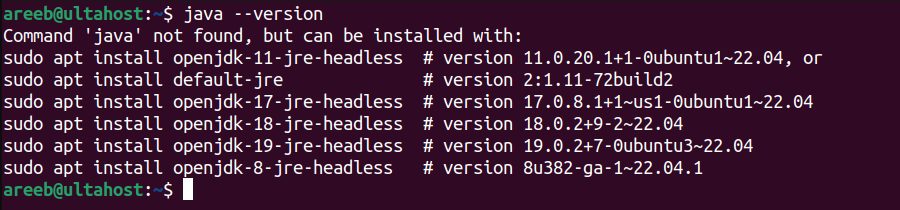
Install OpenJDK
Update the package list:
sudo apt update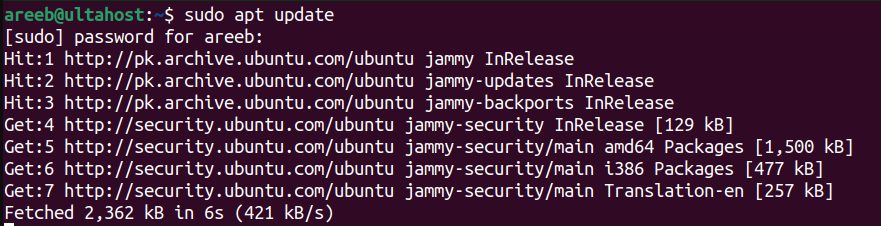
Install the default JDK:
sudo apt install default-jdk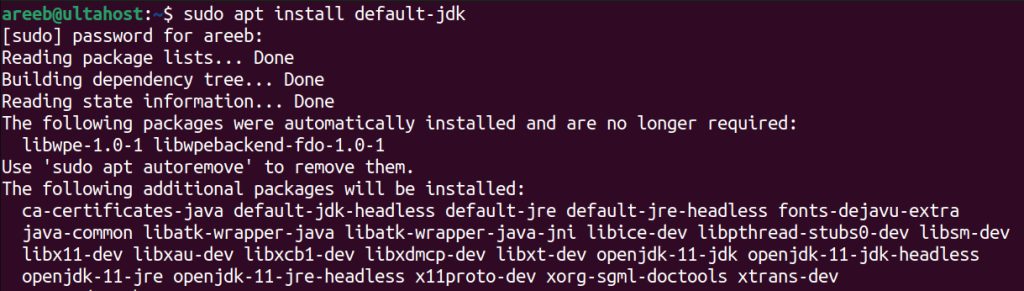
Or choose a version:
sudo apt install openjdk-17-jdkFind the packages that you can install:
sudo apt-cache search openjdk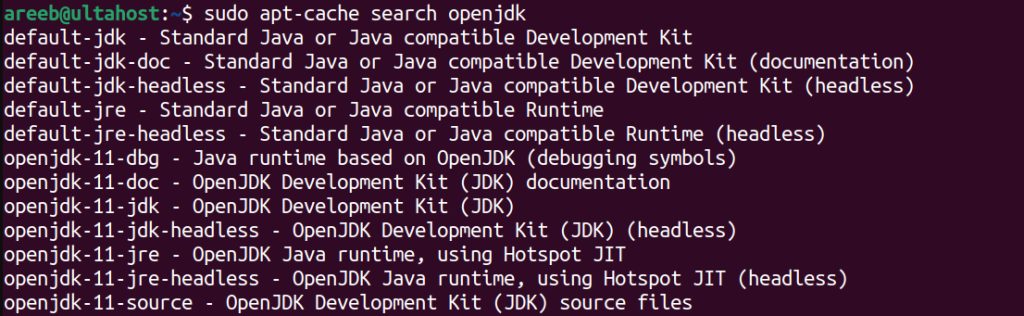
Check the install
java --version
javac --version
Set JAVA_HOME
Find the path:
readlink -f $(which javac) | sed "s:/bin/javac::"Open your shell file:
nano ~/.bashrcAdd (use the path you found):
export JAVA_HOME=/usr/lib/jvm/java-17-openjdk-amd64
export PATH=$PATH:$JAVA_HOME/bin
Load the change:
source ~/.bashrcFor all users, put the lines in /etc/environment or in a file in /etc/profile.d/.
Switch between versions
If several versions are installed:
sudo update-alternatives --config javaRemove OpenJDK
sudo apt remove openjdk-17-jdk openjdk-17-jreQuick recap
sudo apt install default-jdkis the easy way.- Check with
java --version. - Set
JAVA_HOMEin~/.bashrc.