

Step 1: Update the system
sudo apt update && sudo apt upgrade -y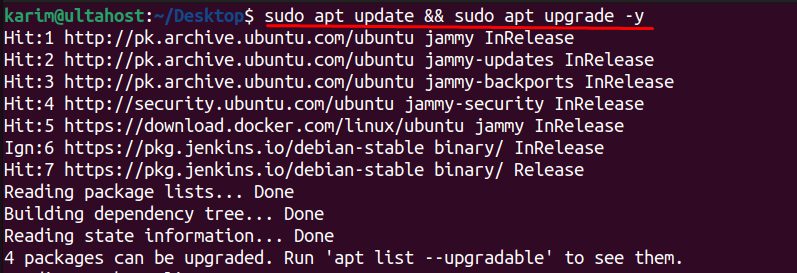
Step 2: Install OpenVPN
sudo apt install openvpn -y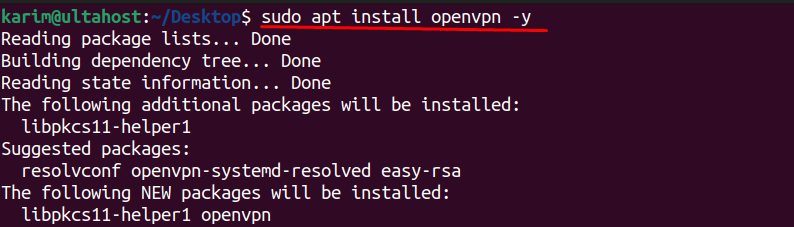
The install may suggest extra packages:
- libpkcs11-helper1. Support for smart cards and tokens.
- resolvconf. Helps manage the DNS settings of the VPN.
- openvpn-systemd-resolved. Links OpenVPN with
systemd-resolved. - easy-rsa. Scripts to make certificates and keys.
Install easy-rsa if you want to build your own server:
sudo apt install easy-rsa -yStep 3: Start and check the service
sudo systemctl start openvpn
sudo systemctl status openvpn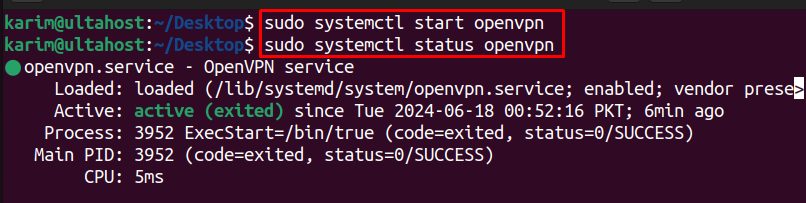
The service starts the configurations that are in /etc/openvpn/*.conf. If you have none yet, the service may show no tunnels. Build a server config (see our guide on OpenVPN on a KVM VPS), or put a client file in /etc/openvpn/client.conf and start it with sudo systemctl start openvpn@client.
Start the service at boot:
sudo systemctl enable openvpnConnect as a client
To use a VPN provider's .ovpn file:
sudo openvpn --config /path/to/file.ovpnFeatures of OpenVPN
- Encryption. It uses the OpenSSL library with strong ciphers to protect your traffic.
- Authentication. Certificates, user names and passwords, or both.
- Key exchange. A secure TLS-based exchange.
- Many protocols. UDP and TCP.
- Scalability. It works from a single user to large networks.
Quick recap
sudo apt install openvpn easy-rsa.- Add a server or client configuration in
/etc/openvpn. - Start with
systemctl start openvpn@name.