

What you need
- A Linux server, such as Ubuntu or CentOS.
- Docker (and optionally Docker Compose).
- Basic knowledge of the command line.
Step 1: Install Docker and Docker Compose
Install Docker from the official repository (see our Docker guides). The old docker-compose binary is replaced by the Compose plugin. If you want the old binary:
sudo curl -L "https://github.com/docker/compose/releases/download/v2.29.2/docker-compose-$(uname -s)-$(uname -m)" -o /usr/local/bin/docker-compose
sudo chmod +x /usr/local/bin/docker-composeCheck the versions:
docker --version
docker-compose --version
(With the plugin, use docker compose version.)
Step 2: Create a Docker network
docker network create openvpn
Step 3: Create a volume for the data
docker volume create openvpn-data
Step 4: Get the OpenVPN image
docker pull kylemanna/openvpn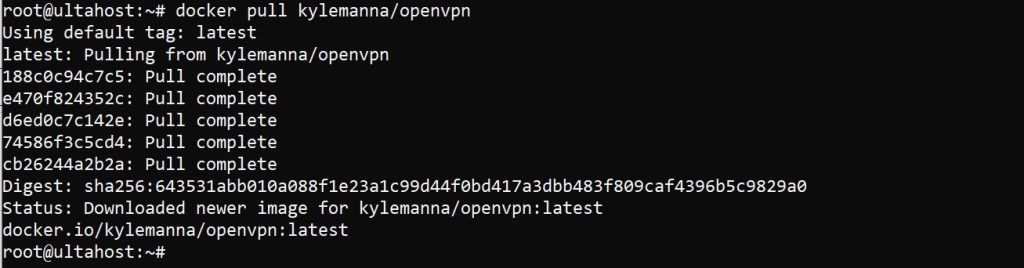
Step 5: Create the configuration
Replace vpn.example.com with the domain name or IP address of your server:
docker run -v openvpn-data:/etc/openvpn --rm kylemanna/openvpn ovpn_genconfig -u udp://vpn.example.comStep 6: Create the keys (PKI)
docker run -v openvpn-data:/etc/openvpn --rm -it kylemanna/openvpn ovpn_initpkiIt asks for a passphrase for the certificate authority (CA key) and a common name. Remember the passphrase.
Step 7: Start the server
docker run -v openvpn-data:/etc/openvpn -d -p 1194:1194/udp --cap-add=NET_ADMIN --name openvpn kylemanna/openvpnOpen UDP port 1194 in your firewall:
sudo ufw allow 1194/udpStep 8: Create a client
Create a certificate for a client called client1:
docker run -v openvpn-data:/etc/openvpn --rm -it kylemanna/openvpn easyrsa build-client-full client1 nopassExport its config file:
docker run -v openvpn-data:/etc/openvpn --rm kylemanna/openvpn ovpn_getclient client1 > client1.ovpnStep 9: Connect
Copy client1.ovpn to your device and import it into an OpenVPN client. Connect, and check that your public IP is now the IP of your server.
Revoke a client
docker run -v openvpn-data:/etc/openvpn --rm -it kylemanna/openvpn easyrsa revoke client1
docker run -v openvpn-data:/etc/openvpn --rm -it kylemanna/openvpn easyrsa gen-crl
Quick recap
- Create a volume, generate the config and the PKI with the image.
- Run the container with UDP 1194 and
NET_ADMIN. - Create a client file with
ovpn_getclient.