

Note: Use ZAP only on web apps that you own or may test.
What ZAP is
OWASP ZAP (Zed Attack Proxy) is a free security testing tool for web apps. Its main parts:
- Proxy. Intercepts web traffic so you can read and change requests.
- Scanner. Looks for vulnerabilities automatically.
- Spider. Finds new URLs in a web app by following links.
- Fuzzer / Intruder. Sends many variations of a request.
- Repeater. Sends a captured request again with changes.
Before you start
ZAP needs Java. Check it:
java -version
If Java is missing:
sudo apt install default-jreMethod 1: The package manager
sudo apt install zaproxy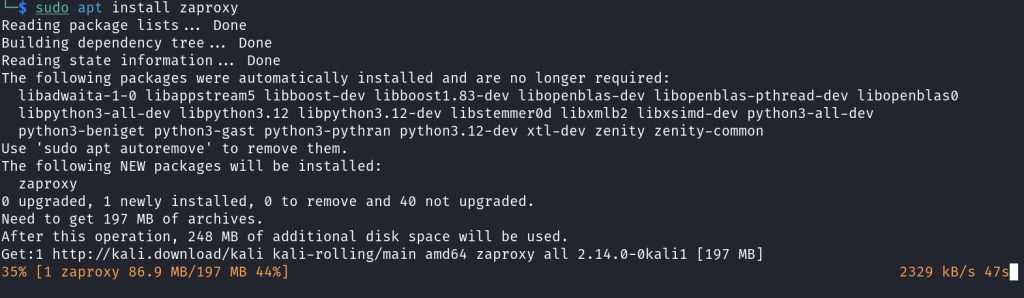
This is the simplest way and gives you updates with the rest of your system.
Method 2: The ZAP installer
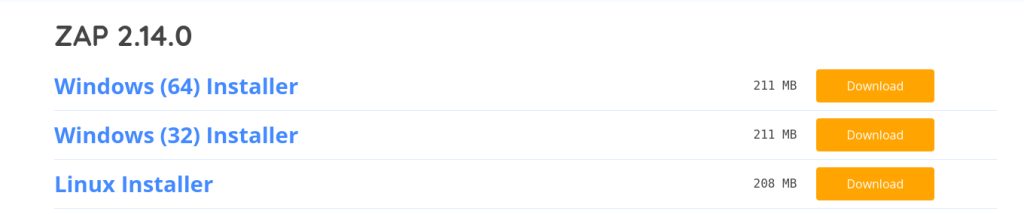
- Open the ZAP download page on the OWASP/ZAP website and choose the Linux Installer.
- Download the file. It is a shell script.
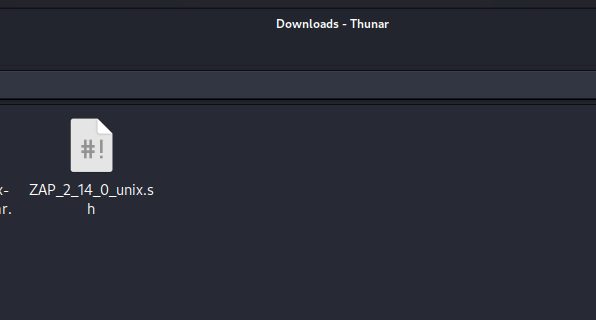
- Open a terminal and go to the folder with the file. Make the script executable (the
+xoption is enough; avoid777):
chmod +x ZAP_2_14_0_unix.sh
- Run it:
./ZAP_2_14_0_unix.sh
- Follow the installation wizard. Choose the install folder and finish.
Start ZAP
From the menu: Applications, Web Application Analysis, ZAP. Or from a terminal:
zaproxy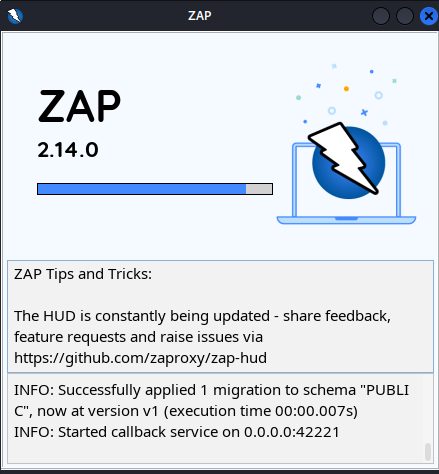
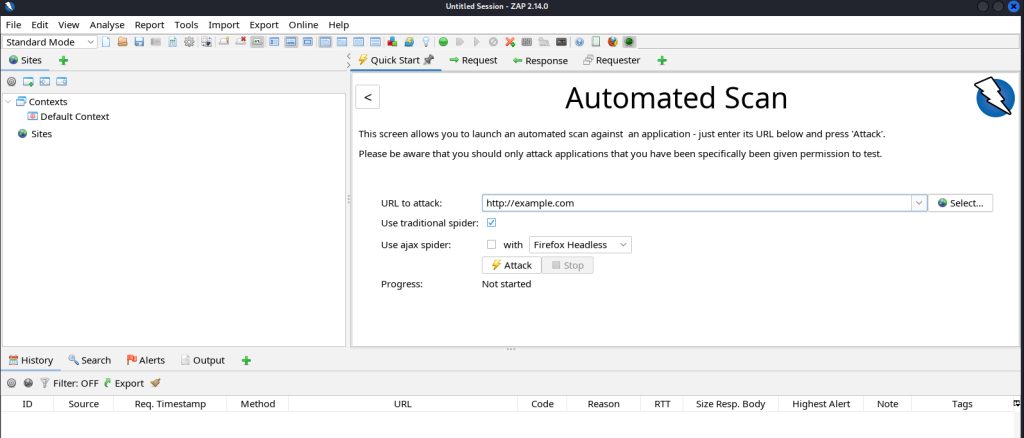
On the first start, choose whether to keep the session. The main window opens.
First scan
In the Quick Start tab, click Automated Scan, enter the URL of your own app and click Attack. ZAP spiders the site and runs the active scan. Read the results under the Alerts tab.
Quick recap
- Install Java, then
sudo apt install zaproxy. - Or run the Linux installer script.
- Scan only your own apps.