

Requirements
- A current Ubuntu version.
sudorights.- An internet connection.
Method 1: The Ubuntu repository
Step 1: Update
sudo apt update && sudo apt upgrade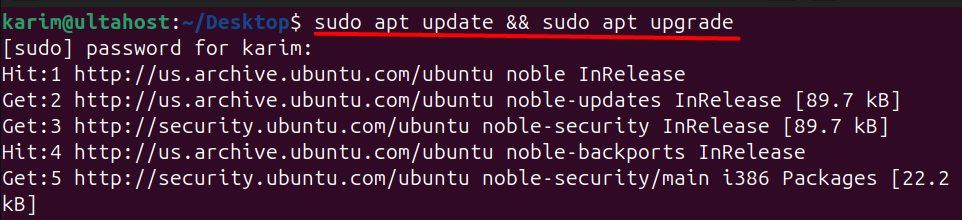
Step 2: Install Perl
sudo apt install perl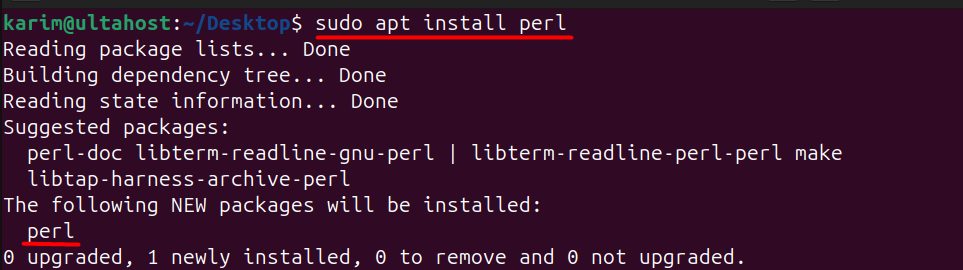
Perl is often installed already on Ubuntu.
Step 3: Check it
perl -v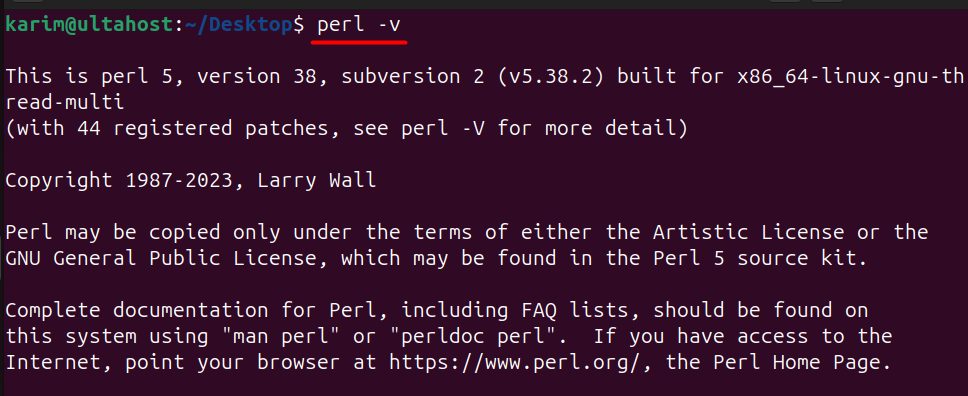
Method 2: Compile from source
Use this for a newer version than the one in Ubuntu.
Step 1: Download the source
wget https://www.cpan.org/src/5.0/perl-5.34.0.tar.gz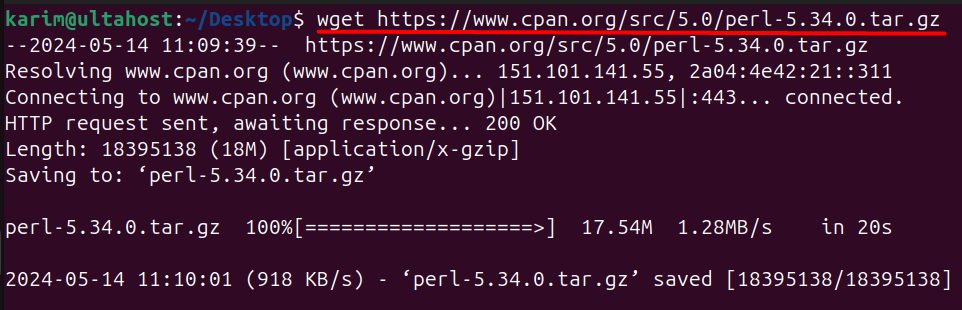
Check cpan.org for the current version.
Step 2: Extract it
tar -xvf perl-5.34.0.tar.gz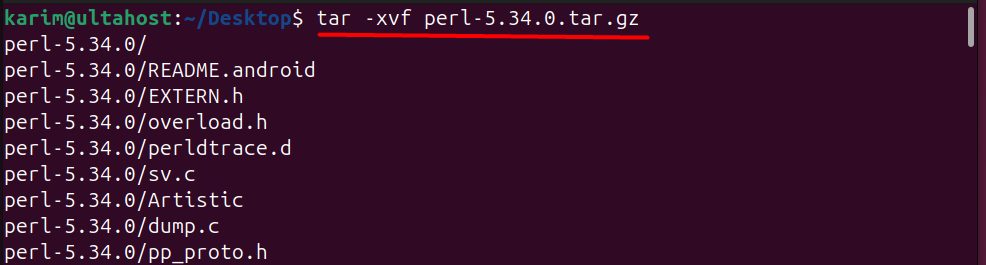
Step 3: Go into the folder
cd perl-5.34.0
Step 4: Install make
sudo apt install make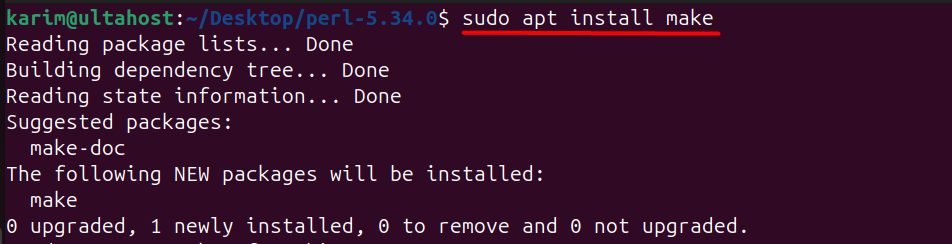
Step 5: Install the build tools
sudo apt install build-essential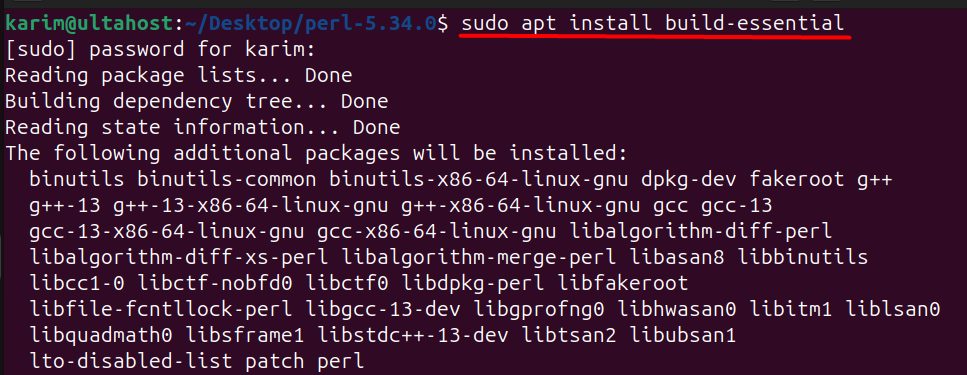
Step 6: Configure
./Configure -des -Dprefix=/usr/local/perl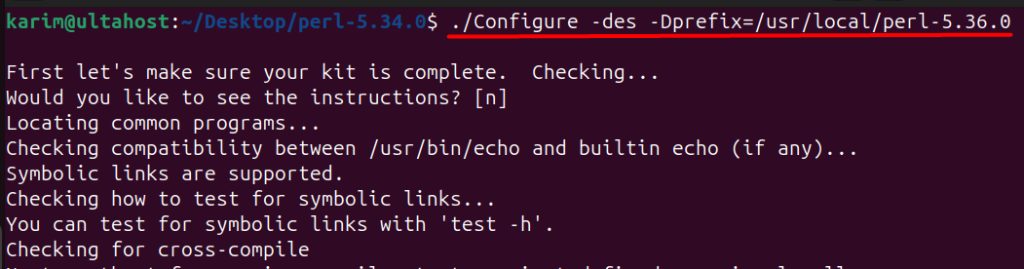
-des accepts the defaults. -Dprefix sets where Perl is installed.
Step 7: Build
make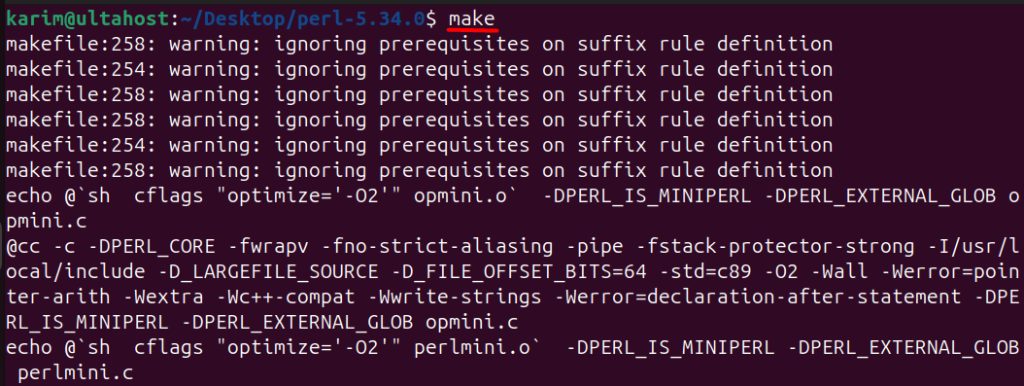
Optionally run the tests with make test.
Step 8: Install
sudo make install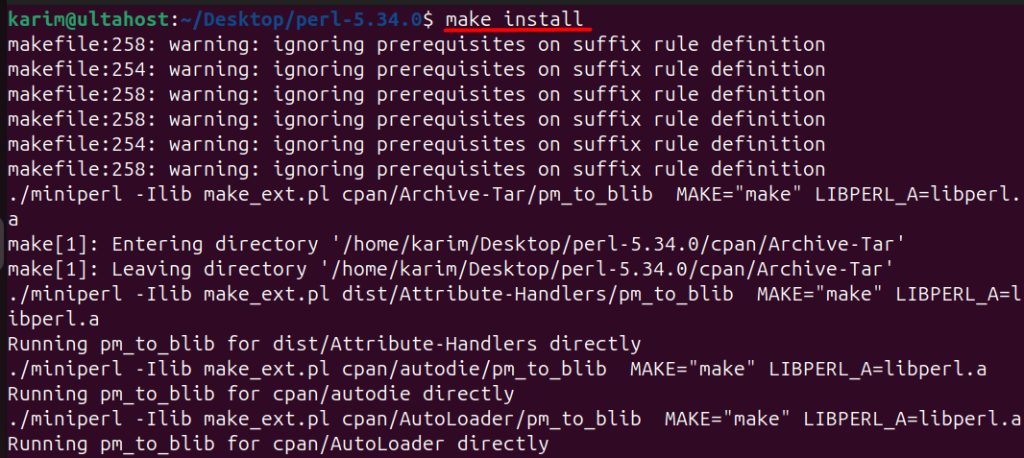
Check the new version:
/usr/local/perl/bin/perl -vAdd /usr/local/perl/bin to your PATH if you want to use it by default.
Quick recap
sudo apt install perlis the easy way.- Compile from source for the newest version.
- Check with
perl -v.