

Choose a method
| Method | Good for |
|---|---|
| Ubuntu repository | Beginners and simple needs |
| rbenv | Several Ruby versions and the newest versions |
| RVM | Several Ruby versions with gemsets (separate gem sets) |
- Ruby version. If you need a version that is newer than the repository has, use rbenv or RVM.
- Development setup. For development with many projects, a version manager helps.
- Experience level. New users can start with the repository.
Method 1: The Ubuntu repository
1. Update the package lists
sudo apt update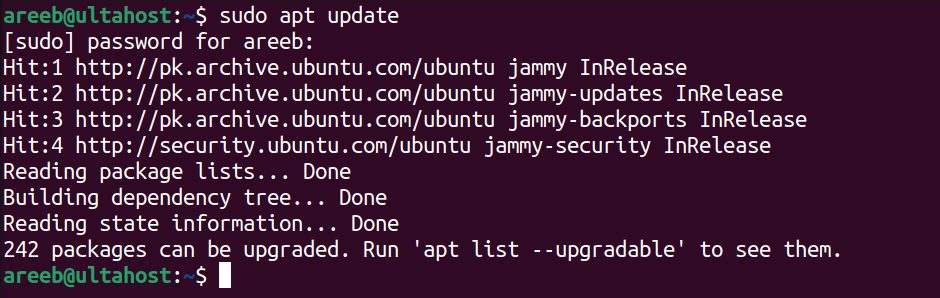
2. Install Ruby
sudo apt install ruby-full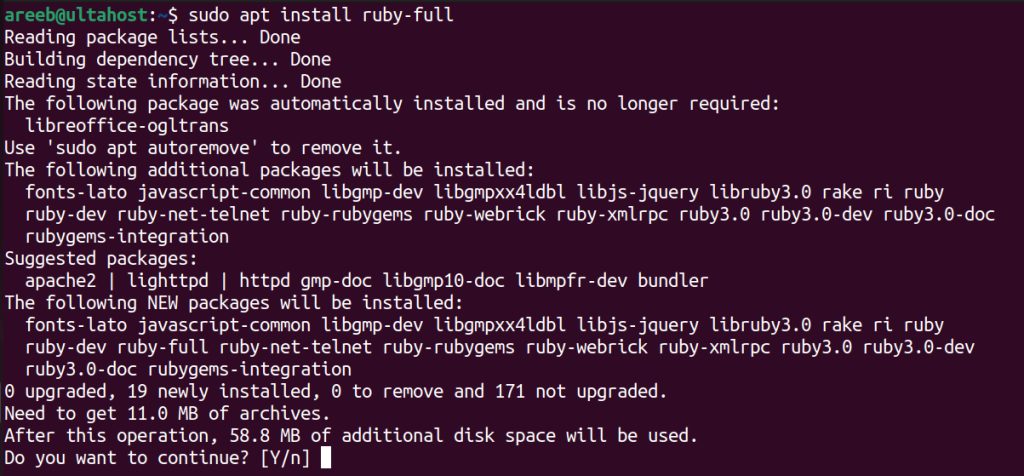
You can search for other Ruby packages:
apt search ruby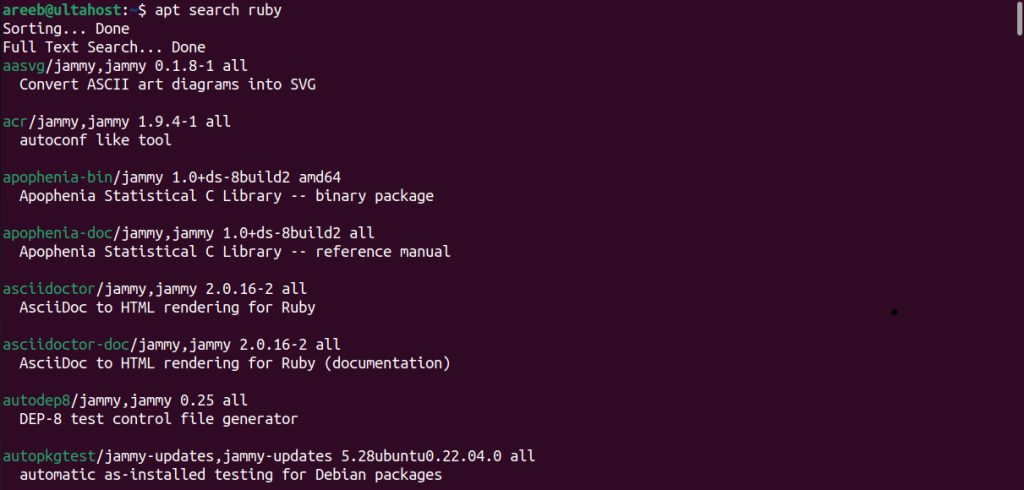
3. Check it
ruby --version
Pros: easy, nothing else to set up. Cons: the version may not be the latest, and you cannot manage several versions.
Method 2: rbenv
1. Install the dependencies
sudo apt install autoconf bison build-essential libssl-dev libreadline-dev libffi-dev zlib1g-dev libncurses5-dev libgdbm-dev libyaml-dev git curl2. Clone rbenv
git clone https://github.com/rbenv/rbenv.git ~/.rbenv3. Add rbenv to your shell
echo 'export PATH="$HOME/.rbenv/bin:$PATH"' >> ~/.bashrc
echo 'eval "$(rbenv init -)"' >> ~/.bashrc
source ~/.bashrc
4. Install ruby-build
git clone https://github.com/rbenv/ruby-build.git ~/.rbenv/plugins/ruby-build5. Install a Ruby version
rbenv install 3.2.56. Set it as the global version
rbenv global 3.2.5Check with ruby --version.
Pros: manages several Ruby versions; installs the latest versions. Cons: more setup, extra dependencies.
Method 3: RVM (Ruby Version Manager)
1. Install the GPG keys
gpg --keyserver hkp://keyserver.ubuntu.com:80 --recv-keys 409B6B3C0DDDFE3C7E1AC2B3D1B5BE3B 7D2BAF1CF37B13E2069D6956105BD0E739499BDB(The key IDs change. Use the ones that are shown on the RVM website.)
2. Install RVM
curl -sSL https://get.rvm.io | bash -s stable3. Load RVM
source /etc/profile.d/rvm.sh
source ~/.bashrc
4. Install a Ruby version
rvm install 3.2.55. Use it as the default
rvm use 3.2.5 --defaultPros: manages several Ruby versions and gives separate gem sets. Cons: the install is a bit more complex than rbenv, and adds more dependencies.
Quick recap
sudo apt install ruby-fullis the easy way.- Use rbenv or RVM for the newest and for several versions.
- Check with
ruby --version.