

Step 1: Install Ruby
RubyMine is an IDE for Ruby. It needs a Ruby on your system.
With APT
sudo apt install ruby-full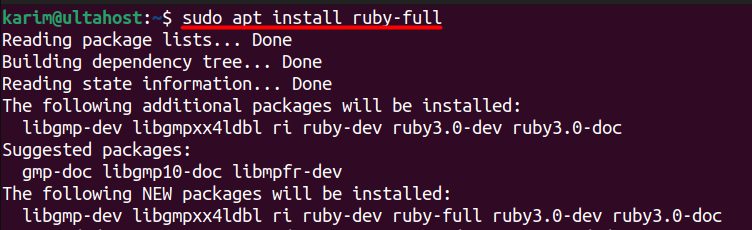
ruby --version
With Snap (an alternative)
sudo snap install ruby --classicStep 2: Install RubyMine
sudo snap install rubymine --classic
You can also use the JetBrains Toolbox App or the .tar.gz file from the JetBrains website.
Step 3: Start RubyMine
Start it from the applications menu or with:
rubymineOn the first start, accept the user agreement, choose the theme and sign in with your JetBrains account (RubyMine has a free trial). Create a new project and select the Ruby interpreter.
Key features of Ruby
- Object-oriented programming.
- Dynamic typing and duck typing.
- An elegant syntax.
- A large standard library.
- Metaprogramming.
- Blocks, procs and lambdas.
- Built-in testing tools.
- Cross-platform.
- An active community and a rich ecosystem (for example Ruby on Rails).
Quick recap
sudo apt install ruby-full.sudo snap install rubymine --classic.- Start
rubymineand select your Ruby.