

What a speed test measures
- Download speed. How fast data comes to your VPS (Mbps).
- Upload speed. How fast data leaves your VPS (Mbps).
- Latency (ping). The time a packet needs to travel and return, in milliseconds.
- Jitter. How much the latency changes.
How a VPS differs from a home connection
- Network. A VPS sits in a data center with fast, special links.
- Virtualization. Your VPS shares the physical host with others.
- Shared resources. Busy neighbors can have an effect on the results at times.
Why the test location matters
- Distance to your audience. Test against a server near your visitors.
- Performance of regions. Networks differ between regions.
- Routing. The path between your VPS and the test server changes the result.
Step 1: Connect to the VPS
ssh username@your_server_ip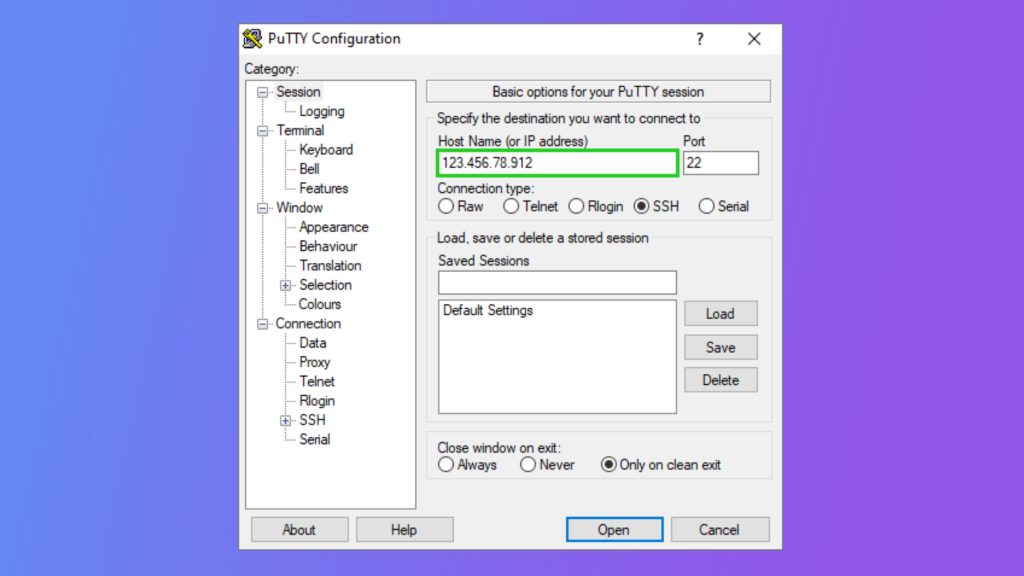
Enter the password if asked.
Step 2: Install speedtest-cli
sudo apt update
sudo apt install python3-pip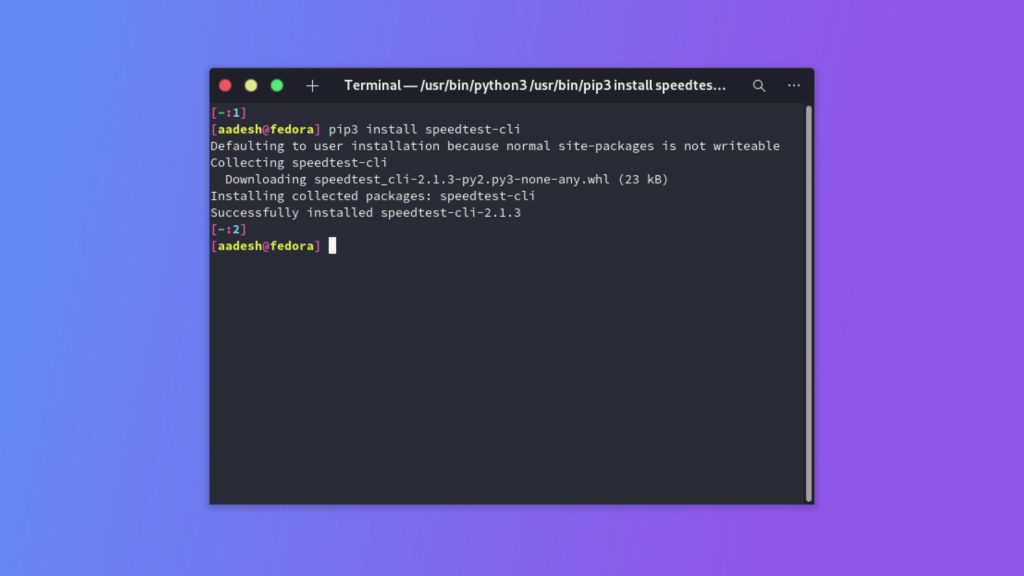
Install the tool. On new Debian and Ubuntu systems, use apt and not pip:
sudo apt install speedtest-cli(You can also use sudo pip3 install speedtest-cli, or a virtual environment on newer systems.)
Step 3: Run the test
speedtest-cli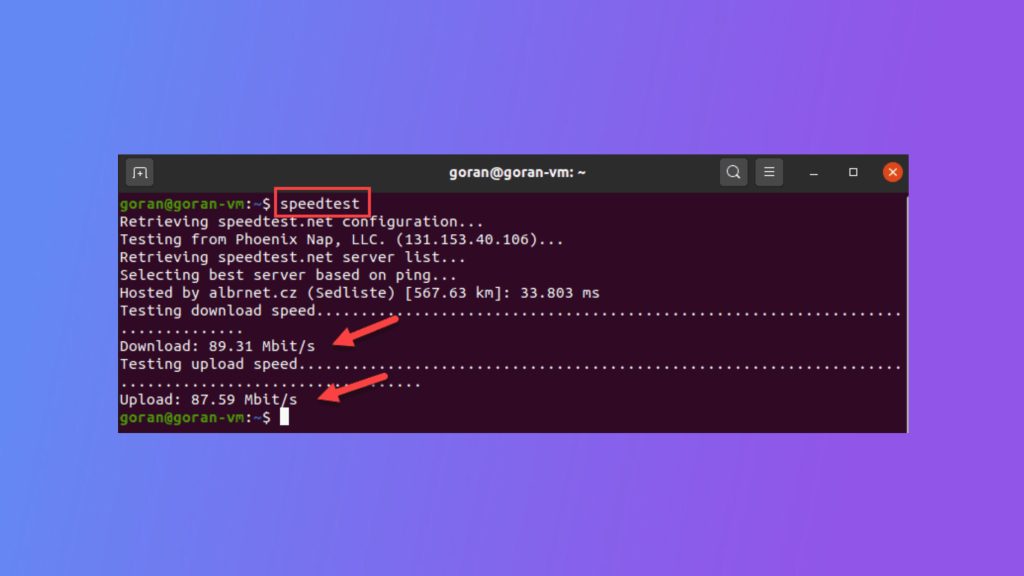
The tool finds a nearby server and runs the test. The result shows the download and upload speed, the ping and the location of the test server.
Choose a test server
List the servers close to you:
speedtest-cli --listRun the test against one of them by its ID:
speedtest-cli --server 1234Use a short output:
speedtest-cli --simpleRead the result
| Value | What it tells you |
|---|---|
| Download | Speed from the internet to your VPS |
| Upload | Speed from your VPS to the internet |
| Ping | Latency to the test server |
| Server | Location of the test server |
Tips
- Run the test several times at different times of the day.
- Test against servers in the regions of your visitors.
- Compare the result with the plan of your VPS. Open a ticket with Hostvento support if it is far below what you expect.
Quick recap
- Install
speedtest-cliand run it. - Choose a server near your users with
--listand--server. - Test several times.