

What at does
The at command reads commands and runs them once at the time you set. If you need a task to repeat, use cron instead.
Install at
at is not installed on every system.
Debian and Ubuntu
sudo apt install atRed Hat, CentOS and AlmaLinux
sudo yum install atMake sure the service runs:
sudo systemctl enable --now atdSyntax
at [option] timeCommon options:
| Option | Meaning |
|---|---|
-q queue | Use a job queue (the default is a) |
-f file | Read the job from a file |
-m | Send an email when the job is done |
-l | List pending jobs |
-d | Delete a pending job |
-v | Show the time the job will run |
Common time words: now, noon (12:00), midnight (00:00), teatime (16:00), today, tomorrow, AM, PM. You can also give a full date like 202612311800.
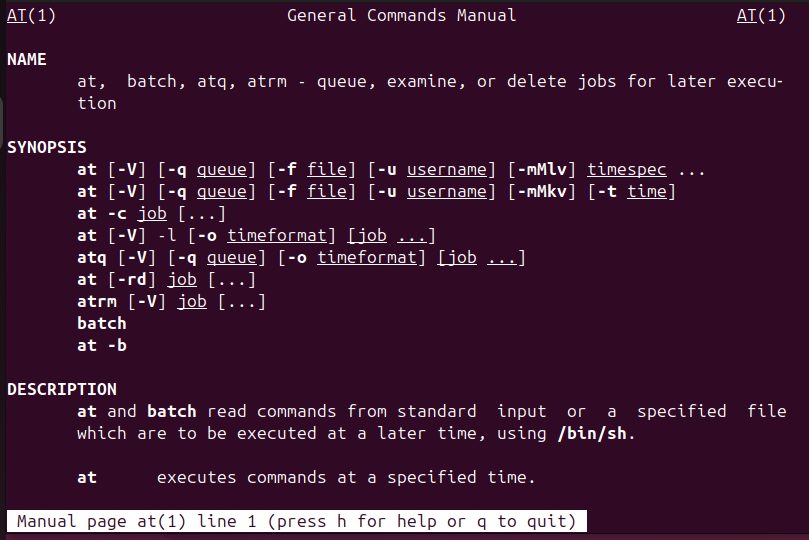
For the full manual, run man at.
Examples
Run a command in 3 minutes
echo "sudo reboot" | at now + 3 minutes
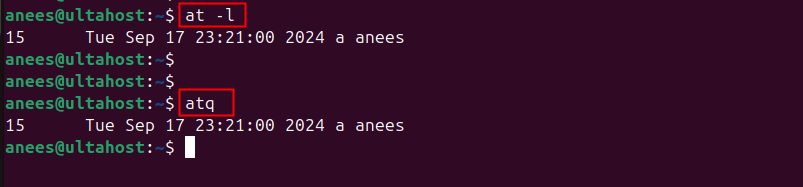
List the waiting jobs
at -lYou can also use atq. The list shows the job number.
Delete a job
at -d 15List the jobs again to confirm it is gone.

Send an email when the job runs
cat sampleFile.txt | at -m midnight
Show what a job will run
at -c 16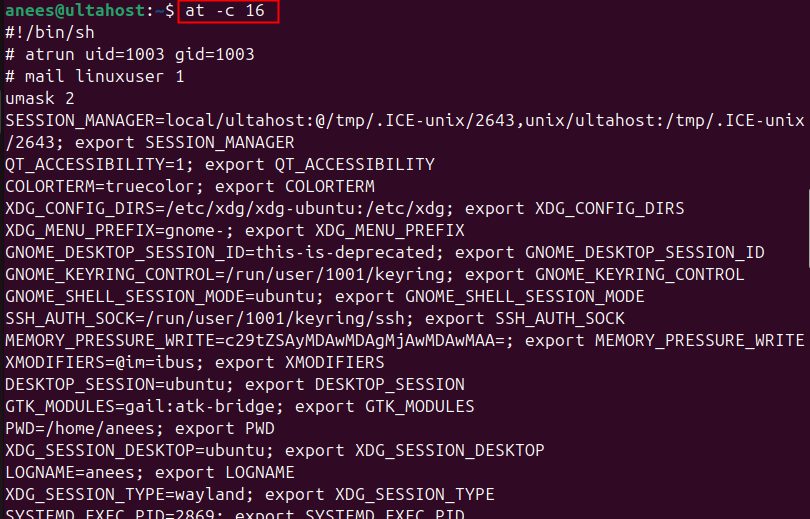
Run on the next Tuesday
at Tuesday +25 minutes
Save the output to a file
echo "df -h > /home/user/storageDetails.txt" | at now + 15 minutes
Quick recap
atruns a task once.cronrepeats a task.- Use
at -lto list jobs andat -dto remove one. - Add
-mif you want an email when the job ends.