

There are two main ways to share data:
- A Docker volume. Docker manages the storage, and the data stays after containers are removed.
- A host directory (bind mount). You mount a folder of the host into the containers.
Method 1: Share data with an independent volume
Step 1: Create the volume
docker volume create shared_vol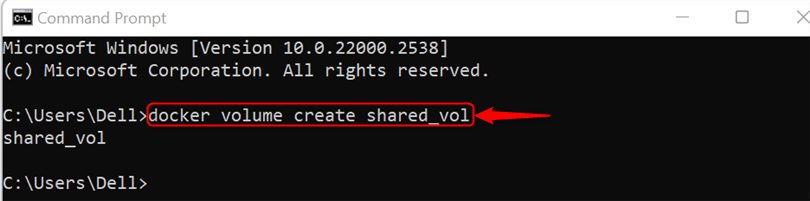
Look at its details:
docker volume inspect shared_vol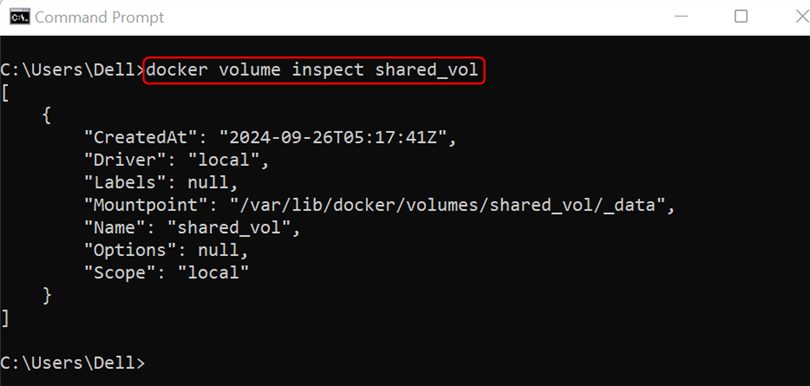
Step 2: Start the first container
docker run -it --name cont1 -v shared_vol:/shared_vol ubuntu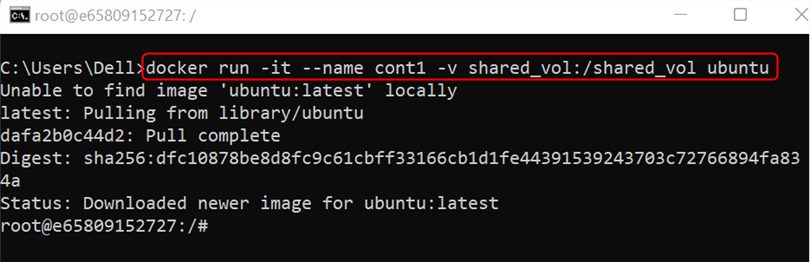
Step 3: Create a file in the shared volume (inside cont1)
echo "Creating shared file" >> /shared_vol/file.txt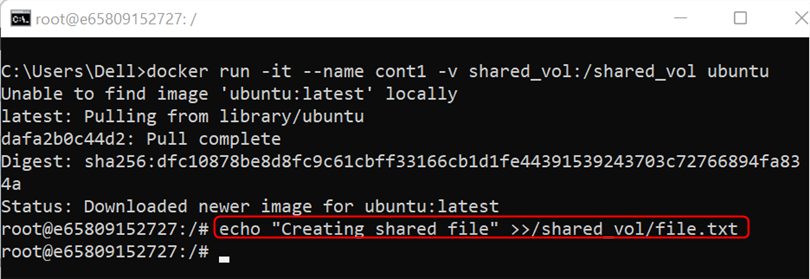
Leave the container with exit.
Step 4: Start the second container
docker run -it --name cont2 -v shared_vol:/shared_vol ubuntu
Step 5: Check the data
cat /shared_vol/file.txt
The second container sees the file made by the first one.
Method 2: The data stays after containers are removed
Step 1: Remove the containers
docker rm cont1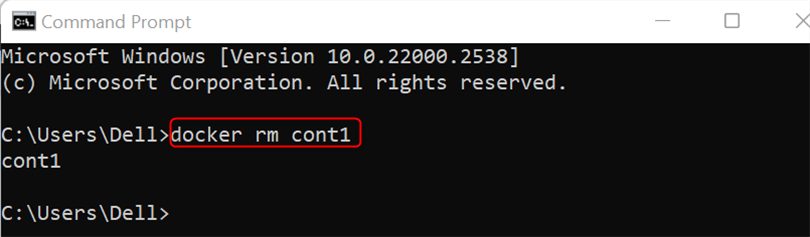
docker rm cont2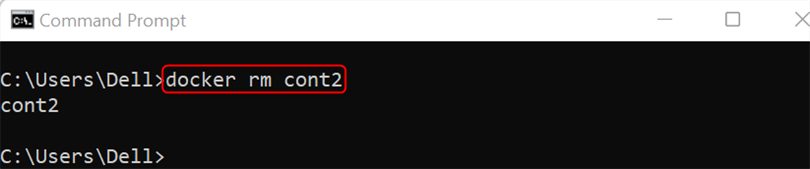
Step 2: Start a new container with the same volume
docker run -it --name cont3 -v shared_vol:/shared_vol ubuntu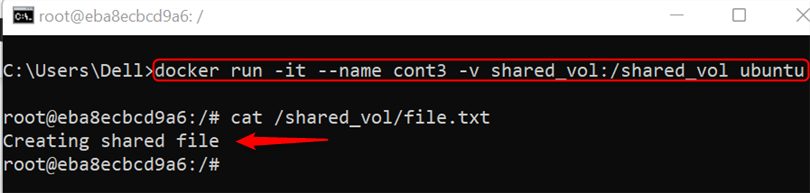
Run cat /shared_vol/file.txt. The file is still there, because the volume is separate from the containers.
Method 3: Share a host directory
Step 1: Create a folder on the host
mkdir shared_dir
Step 2: Start a container that mounts it
On Linux or macOS use the full path:
docker run -it --name cont-1 -v "$(pwd)/shared_dir":/shared_dir ubuntuOn Windows use a path like this:
docker run -it --name cont-1 -v C:/Users/YourName/Documents/shared_dir:/shared_dir ubuntu
Step 3: Create a file in the container
echo "file is created in the shared directory" >> /shared_dir/file.txt
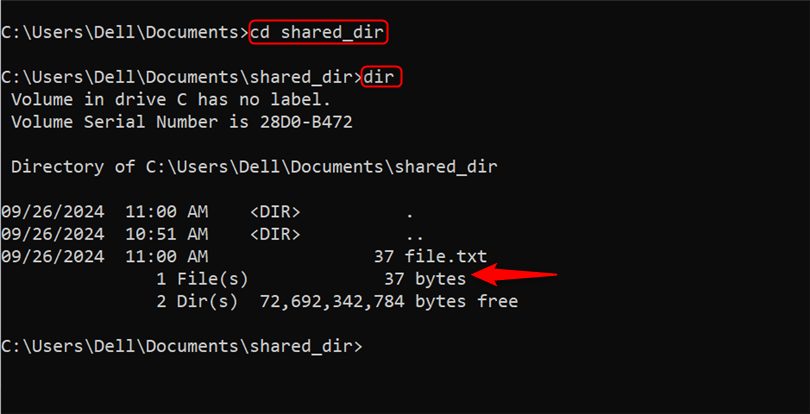
Step 4: Check it on the host
Open the shared_dir folder on the host. The file file.txt is there.
Step 5: Start a second container with the same folder
docker run -it --name cont-2 -v "$(pwd)/shared_dir":/shared_dir ubuntu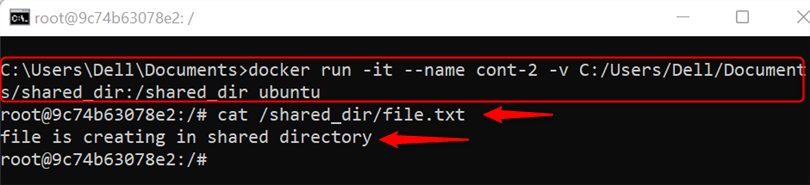
Both containers now read and write the same host folder.
Read-only sharing
Add :ro to give a container read-only access:
docker run -it -v shared_vol:/shared_vol:ro ubuntuDocker Compose
services:
  app1:
    image: ubuntu
    command: sleep infinity
    volumes:
      - shared_vol:/shared_vol
  app2:
    image: ubuntu
    command: sleep infinity
    volumes:
      - shared_vol:/shared_vol

volumes:
  shared_vol:
Which method to use
- Volume: best for app data, managed by Docker, works on every platform.
- Host directory: best when you want to edit files from the host, for example source code.
Quick recap
docker volume createand-v volume:/pathfor volumes.-v /host/path:/pathfor a host folder.