

Docker containers do not run an SSH server by default. Normally you open a shell with docker exec. This is safer than adding SSH to a container.
What you need
- Docker installed (here on Ubuntu).
- A running container.
- Basic command line skills.
Method 1: docker exec (recommended)
Step 1: Find the container ID
docker ps
Step 2: Open a shell
docker exec -it 4d279546e295 /bin/bash
You can use the container name instead of the ID. If the image has no bash (like Alpine), use /bin/sh.
If you run an SSH server inside the container, you can connect to it like to any other machine:
ssh user@container-ip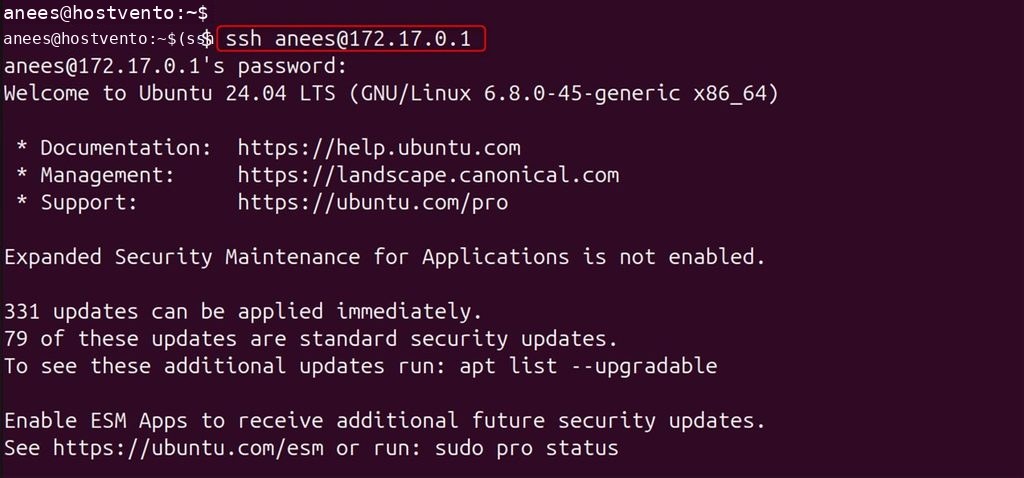
Method 2: docker attach
docker attach connects your terminal to the main process of the container.
Step 1: Create a container
docker run --name attach-test -dit ubuntu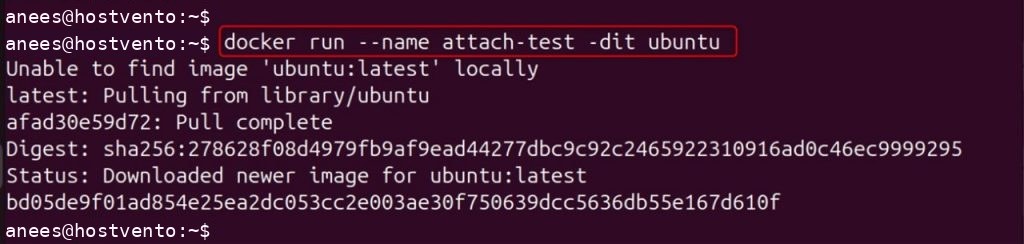
Step 2: Attach to it
docker attach attach-test
Ctrl+C or the main process exits, the container can stop. Detach safely with Ctrl+P then Ctrl+Q.Method 3: Docker Compose with an SSH server
If you really need SSH, install and start an SSH server in the container. For a test, edit docker-compose.yml:
services:
  myservice:
    image: ubuntu
    command: /bin/bash -c "apt-get update && apt-get install -y openssh-server && mkdir -p /run/sshd && /usr/sbin/sshd -D"
    ports:
      - "2222:22"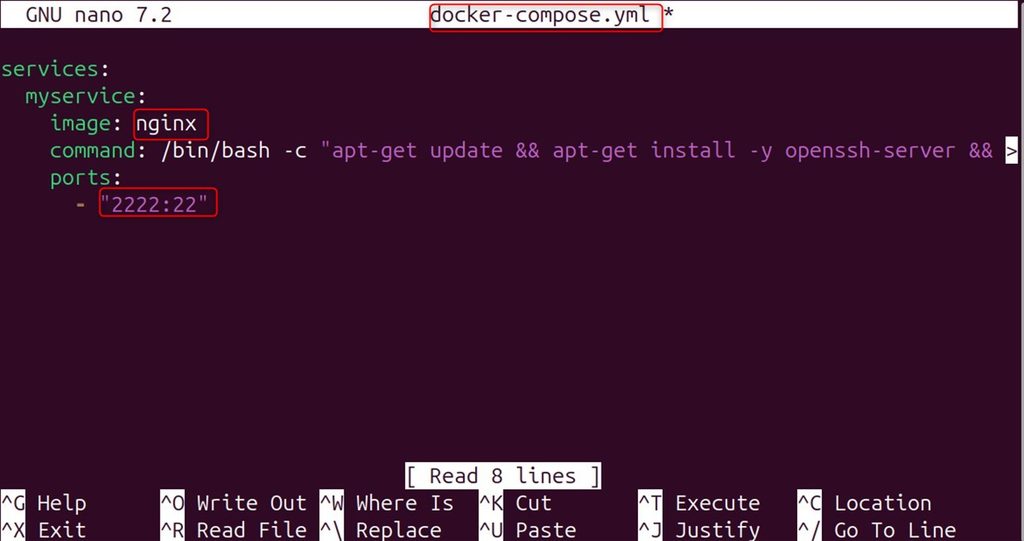
You also need a user with a password or a key inside the container.
Deploy it
sudo docker compose up -d
Connect with the mapped port
ssh username@localhost -p 2222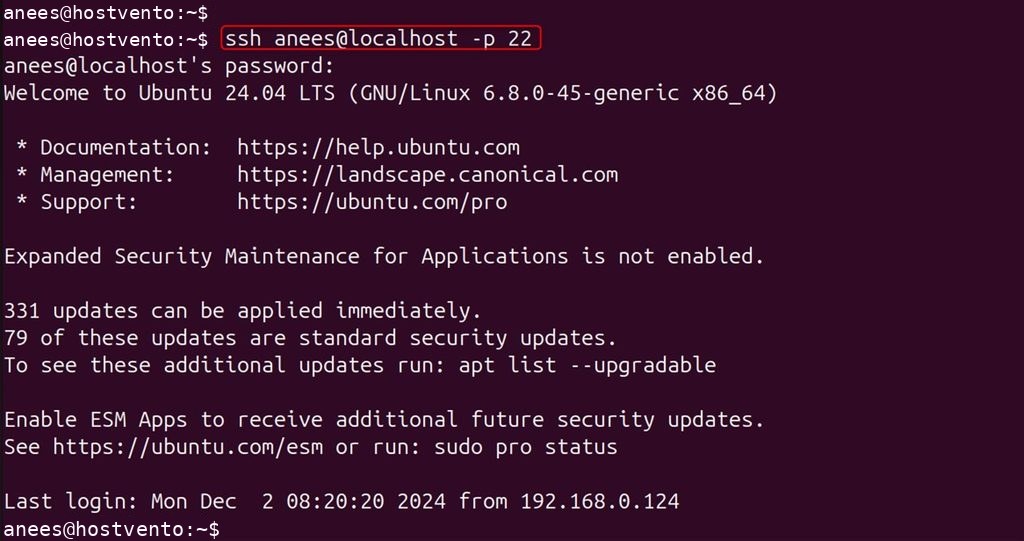
(Use the host port from the ports line, here 2222, not 22.)
For a Compose service you can also use docker compose exec myservice bash, which needs no SSH server.
Method 4: docker run
Start a new container and open its shell at once:
docker run --name run-test -it nginx /bin/bash
This starts Bash instead of Nginx. When you type exit, the container stops.
Which method to use
docker exec -itfor a running container. This is the standard way.docker run -itfor a new, temporary container.- Avoid SSH servers in containers. They add a security risk and extra work.
FAQ
How can I get into a container? Use docker exec -it NAME /bin/bash.
Can I use SSH? Yes, but you must install and secure an SSH server in the container. It is not recommended.
Quick recap
docker ps, thendocker exec -it ID /bin/bash.