

What is a URL slug?
A URL is a web address. The slug is the last part that names one page. In yourdomain.com/best-pizza-recipe, the slug is best-pizza-recipe. Compare it with yourdomain.com/?p=123. The first one tells people and search engines what the page is about. The second tells nothing.
Step 1: Switch on pretty permalinks
A permalink is the full permanent address of a page. WordPress lets you pick its shape.
Warning: Changing the shape on an old site changes old addresses. Visitors and search engines may land on a "not found" page. Take a backup first, and add redirects if your site is already live.
- Log in to your WordPress dashboard.
- Click Settings, then Permalinks.
- Choose Post name.
- Click Save Changes.
Step 2: Write a good slug
- Open a post or page in the editor.
- In the side panel, find Permalink or URL.
- Edit the slug.
- Click Update.
Good slug rules:
- Keep it short. Three to five words is plenty.
- Use lowercase letters.
- Use hyphens between words, not spaces or underscores.
- Include the main keyword, which is the word people search for.
- Remove small filler words such as "the" and "of".
Step 3: Fix it in cPanel if links break
If every page except the home page shows "404 Not Found" after you save, the .htaccess file may be missing or damaged. This file holds rules for the web server.
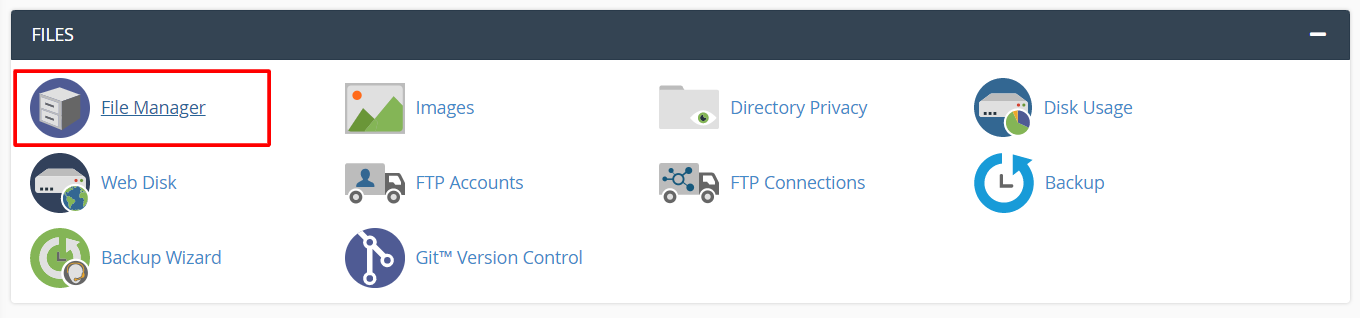
- Log in to cPanel and open File Manager.
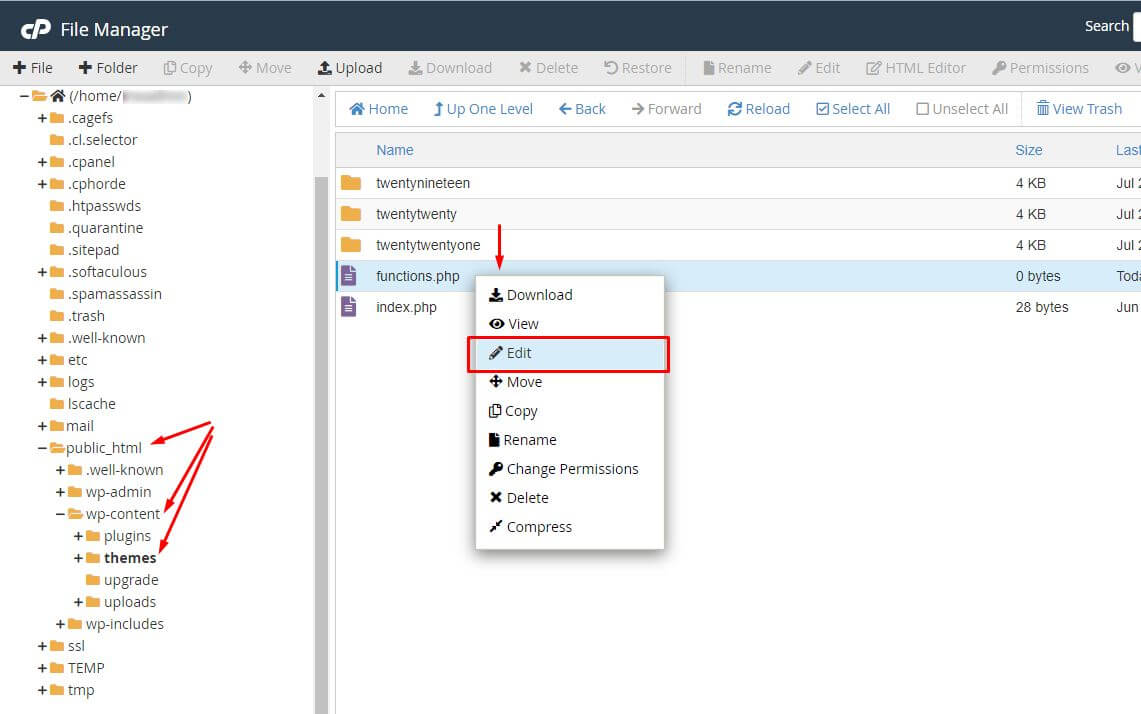
- Click Settings and tick Show Hidden Files (dotfiles).
- Open
public_htmland find.htaccess. Download a copy first. - Rename the file to
.htaccess-old. - Go back to Settings, then Permalinks in WordPress and click Save Changes. WordPress writes a fresh file.
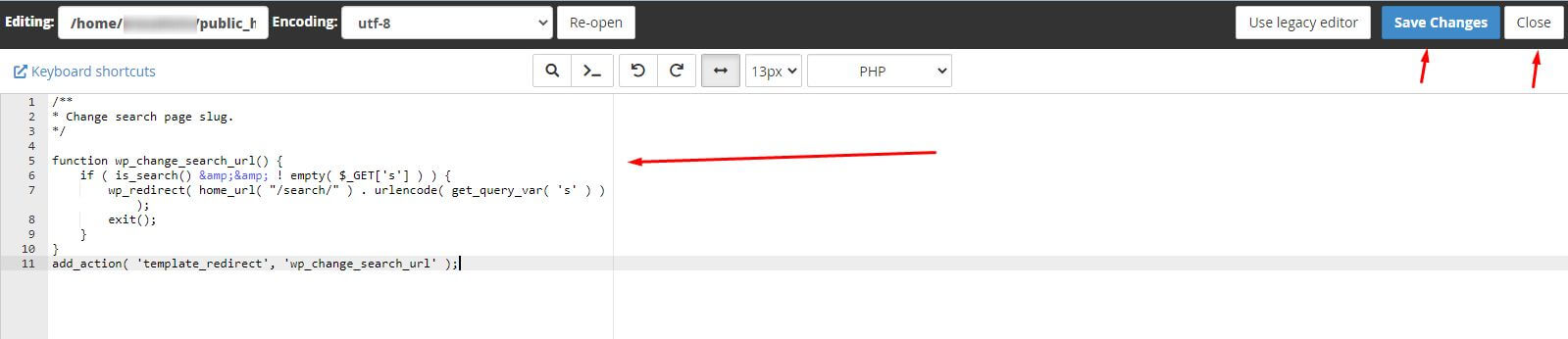
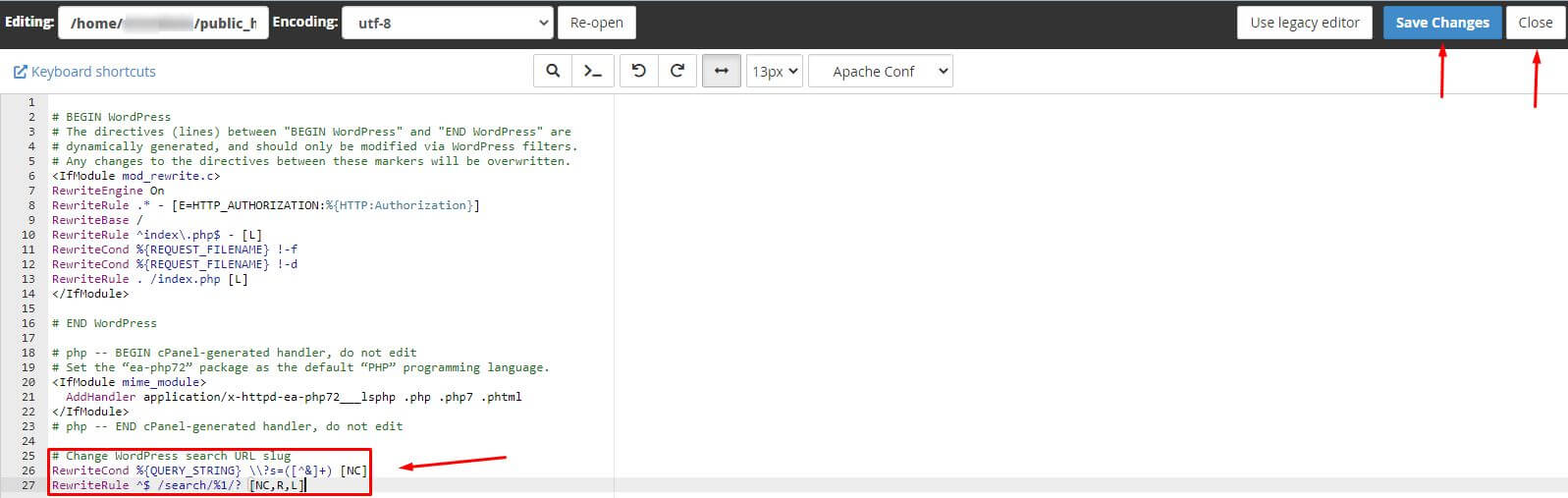
- Test your pages.
Redirects for old addresses
A redirect sends visitors from an old address to a new one. Use a redirect plugin or the Redirects tool in cPanel to point old slugs to new slugs.
Quick recap
- A slug is the end part of a page address.
- Choose Post name under Settings then Permalinks.
- Keep slugs short, lowercase and hyphenated.
- Rebuild
.htaccessif pages show 404. - Back up and add redirects on live sites.