

Note: This guide needs root access. VPS and dedicated server customers have it.
What is Redis?
Redis is a fast storage tool that keeps data in memory. Websites use it as a cache. A cache is like a notepad of answers you use a lot, so you do not look them up again. This makes a site faster.
PHP cannot talk to Redis alone. It needs the PHP Redis extension. An extension is a small add-on for PHP.
Before you start
- Take a backup or snapshot of your server.
- Connect with SSH as root. SSH lets you type commands on your server. Your login details are in your welcome email.
- These commands fit AlmaLinux, CentOS or Rocky Linux. Newer systems work in a similar way.
Install the Redis server
- Install Redis.
This downloads and installs Redis. On older systems usednf install redis -yyuminstead ofdnf. - Start it and make it start at boot.
systemctl enable --now redis - Test it.
If Redis works, it repliesredis-cli pingPONG.
Warning: Keep Redis listening on the local address only (127.0.0.1). Open to the internet, anyone could read your data. Check the
bind line in /etc/redis/redis.conf or /etc/redis.conf.Install the PHP extension
- Log in to WHM with your root login.
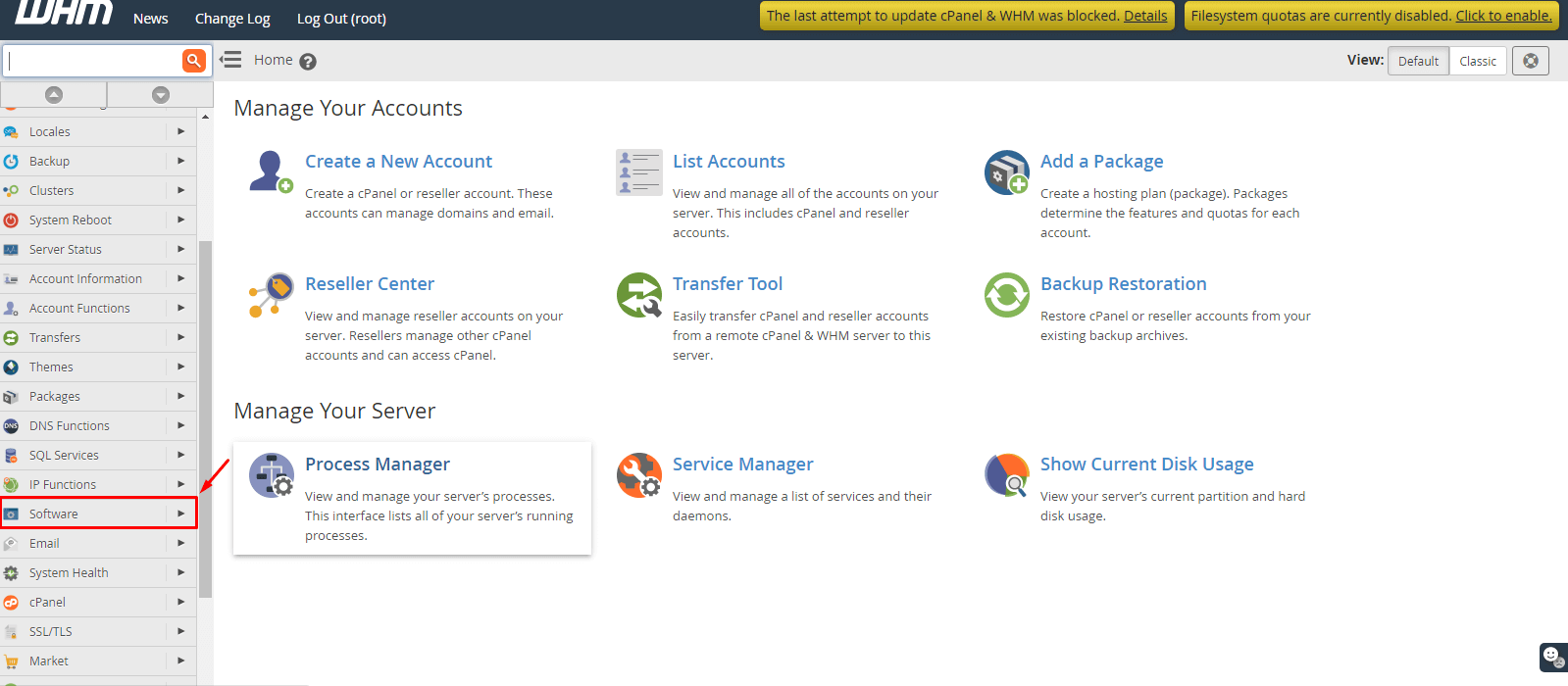
- Search for EasyApache 4 and open it.
- Click Customize under your current profile.
- Open PHP Extensions.
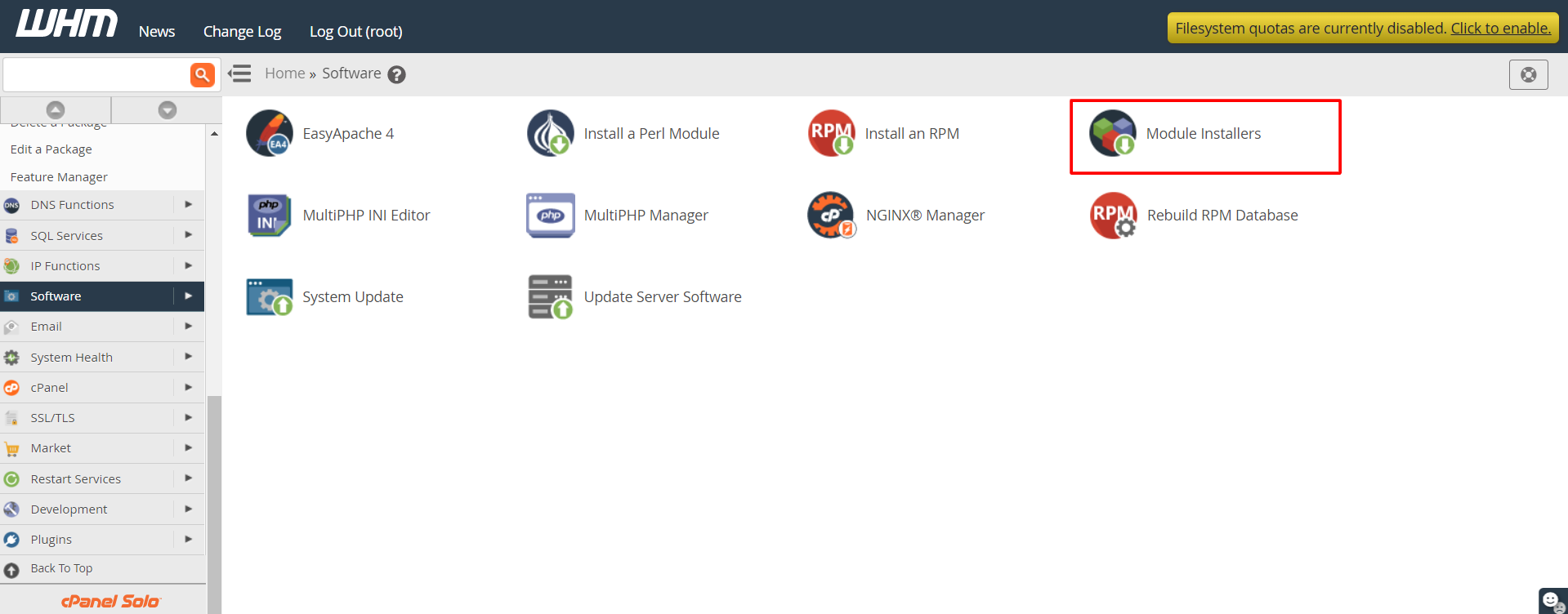
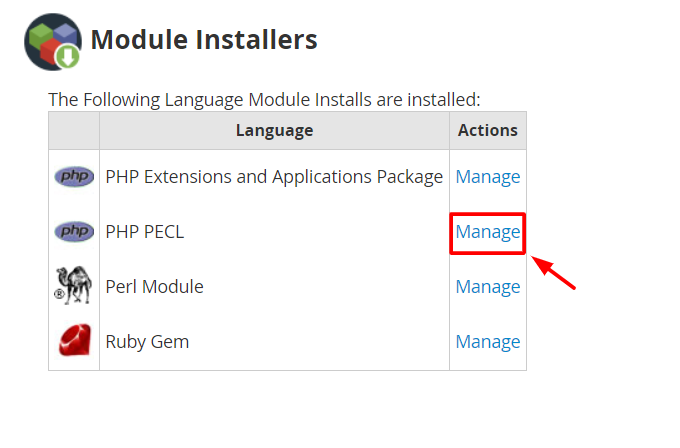
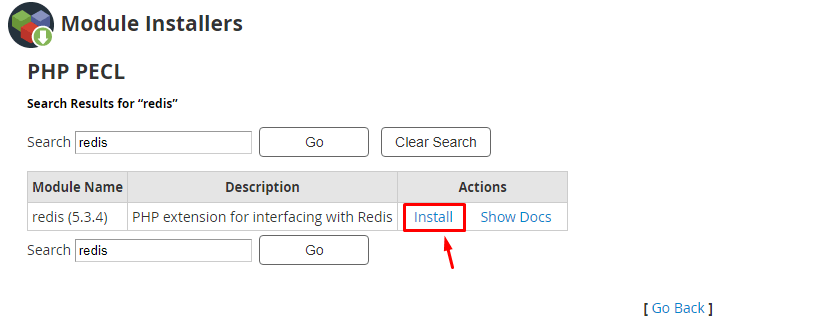
- Search for redis. Switch it on for each PHP version your sites use. The package name looks like
ea-php82-php-redis.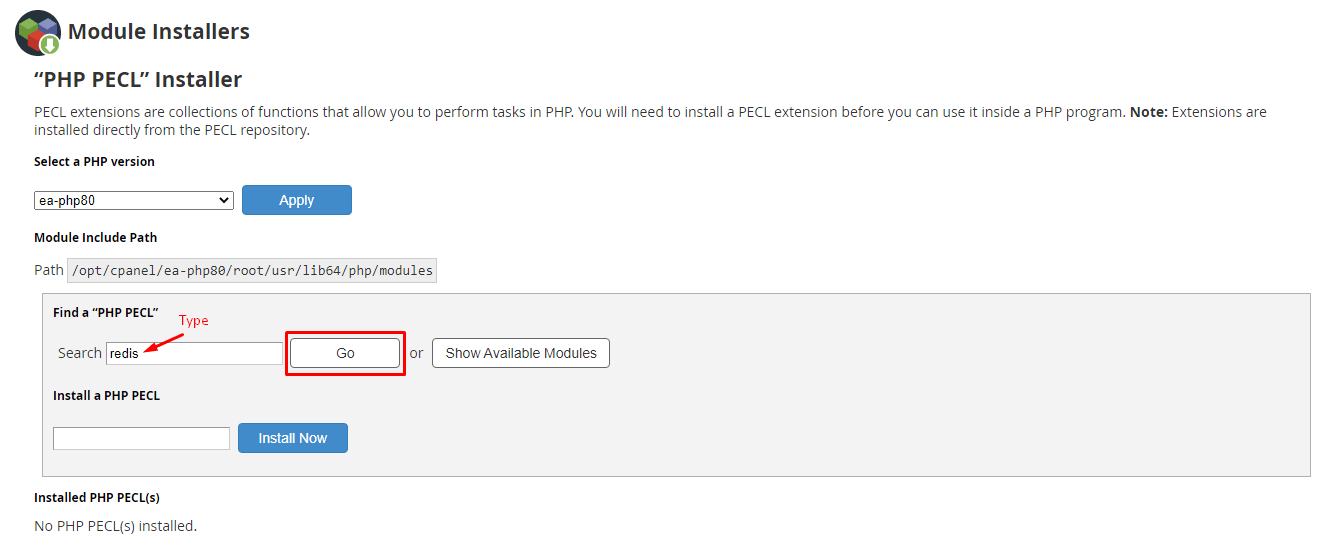
- Click Next until the review page, then click Provision.
- Wait until it finishes. The web server restarts for a moment.
Check it works
- In SSH, run this for your PHP version.
This prints/opt/cpanel/ea-php82/root/usr/bin/php -m | grep -i redisredisif the extension is loaded. Changeea-php82to match your version. - Now set your app to use Redis. WordPress cache plugins, for example, ask for host
127.0.0.1and port6379.
Quick recap
- Redis is a memory cache that speeds up sites.
- Install the server with your package manager and start it.
- Add the redis extension in WHM with EasyApache 4.
- Keep Redis on 127.0.0.1 only.
- Test with
redis-cli pingandphp -m.