

What is Softaculous?
Softaculous is an installer inside cPanel. cPanel is the control panel for your hosting. With Softaculous you can install apps such as WordPress, Joomla or PrestaShop with a few clicks. It also keeps a list of every app you installed. Ask Hostvento support if Softaculous is part of your plan.
Many apps have an admin area. That is the private side where you change settings and write content. Softaculous can log you in there with one click.
Steps
- Go to your client area and log in.
- Open your hosting service and sign in to cPanel.
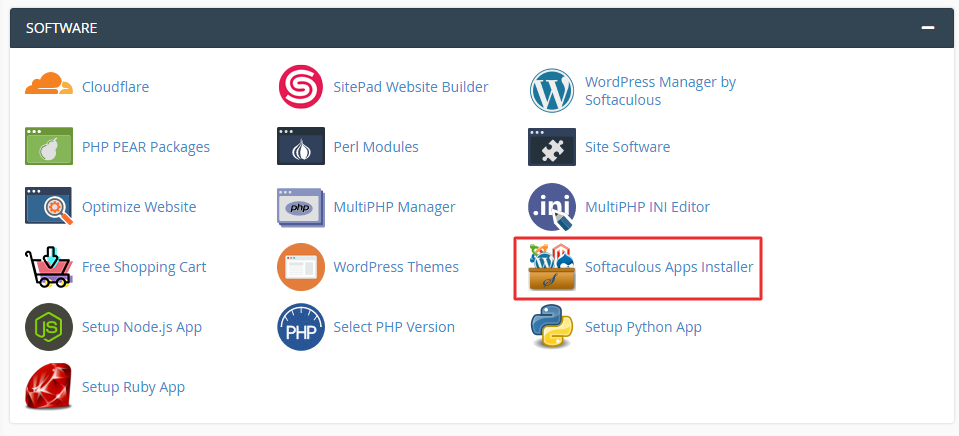
- Find the Softaculous Apps Installer section. Click the Softaculous icon, or an app icon such as WordPress.
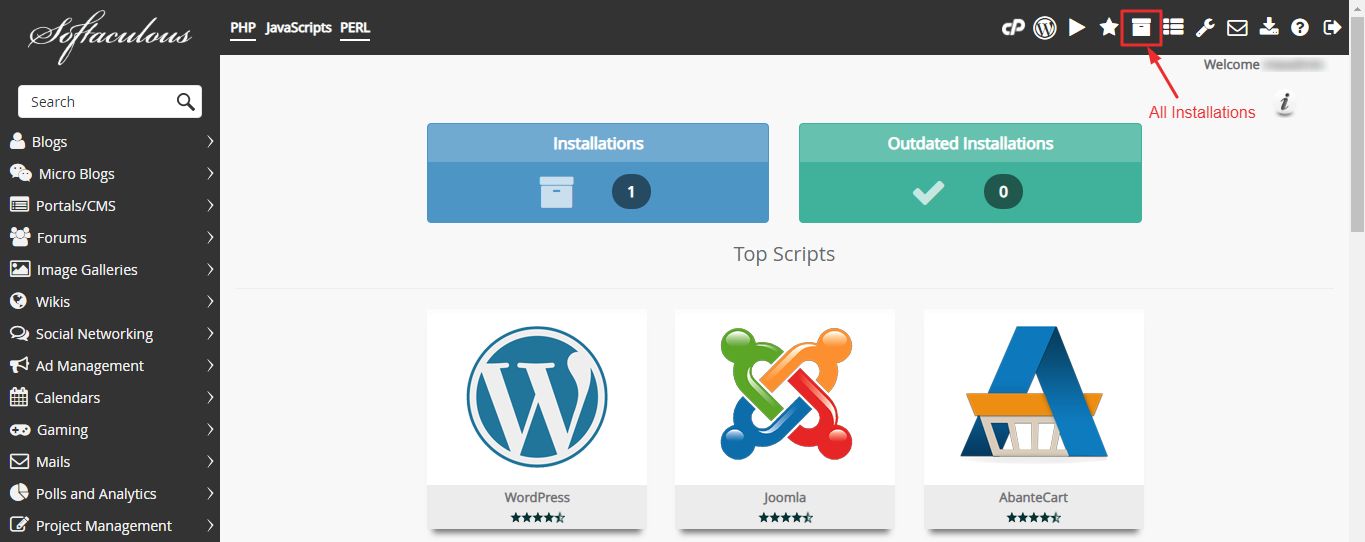
- In the top bar of Softaculous, click the icon named All Installations. It looks like a list.
- You see a table of all your installed apps. Each row shows the link, the version and other details.
- Find the app you want to open.
- At the right of the row, click the small icon that shows Admin Panel when you hover over it. It often looks like a person or a key.
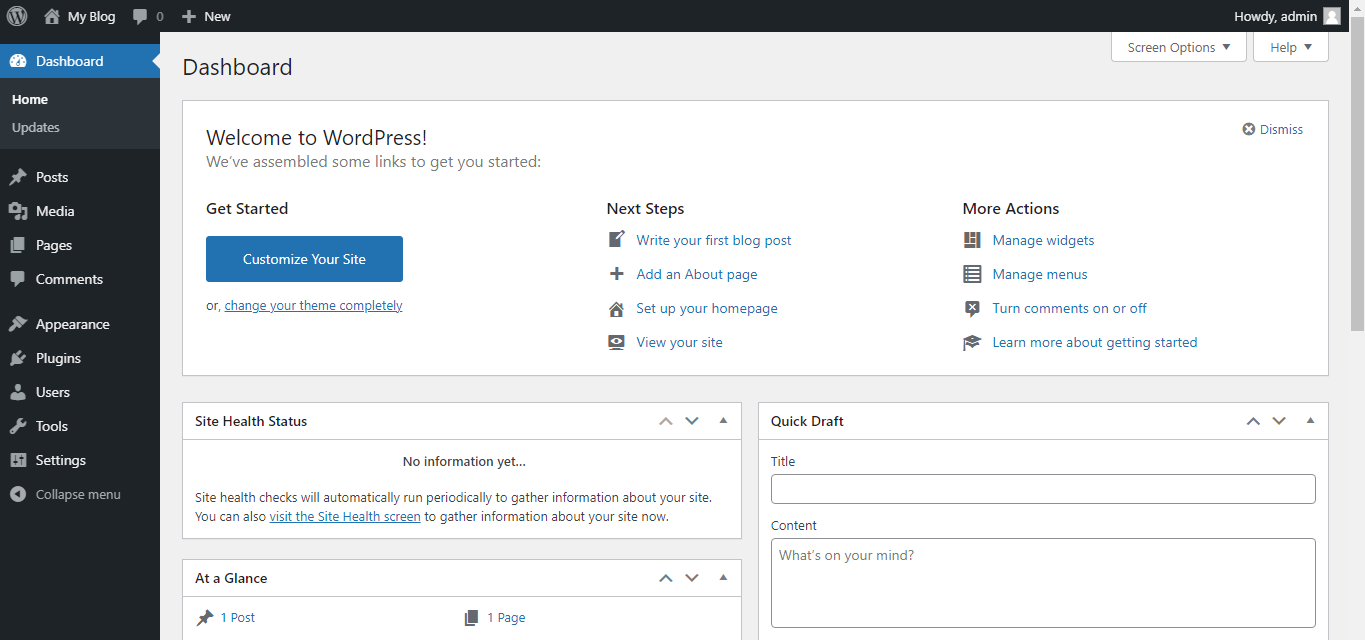
- A new browser tab opens. You are logged in to the app admin area.
Other things you can do on that page
- Click the link icon to visit the front of the site.
- Click the icon for settings to see database details.
- Click the arrow icon to upgrade to a newer version.
- Click the red icon to remove the app. Be careful. This can delete the site and its data. Back up first.
If the one-click login fails
- Open the site address and add the usual admin path. For WordPress this is
/wp-admin. - Type your admin user name and password by hand.
- If you forgot the password, use the "Lost your password" link on the login page.
- Still stuck? Open a support ticket.
Tip: Softaculous can only log you in to apps it installed. Apps you uploaded by hand will not appear unless you import them.
Quick recap
- Open Softaculous from cPanel.
- Click All Installations to see your apps.
- Click the Admin Panel icon in the app row.
- If it fails, use the usual admin address or ask support.