

What is Softaculous?
Softaculous is a tool inside cPanel. It installs apps like WordPress with a few clicks. It also lists every app you installed. You can edit an install's details there, including the admin password. Ask Hostvento support if it is on your plan.
This works only for apps that you installed with Softaculous.
Steps
- Log in to cPanel.
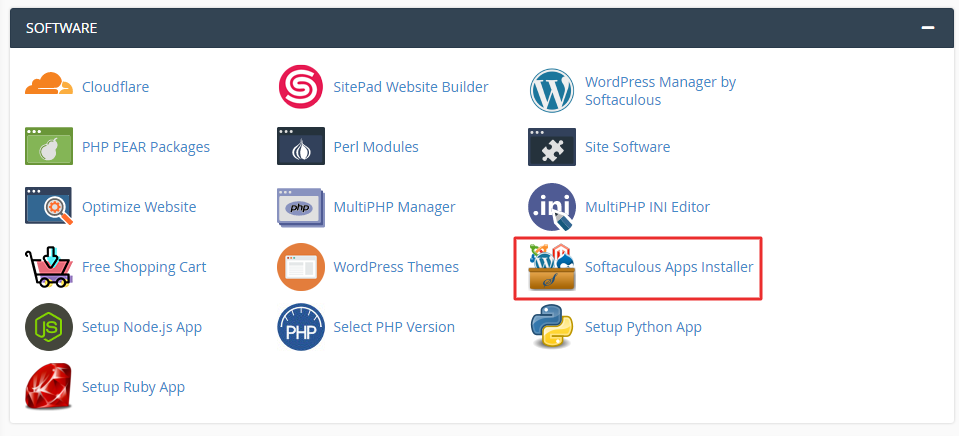
- Find the Softaculous Apps Installer section and open it. Some servers show a Softaculous icon.
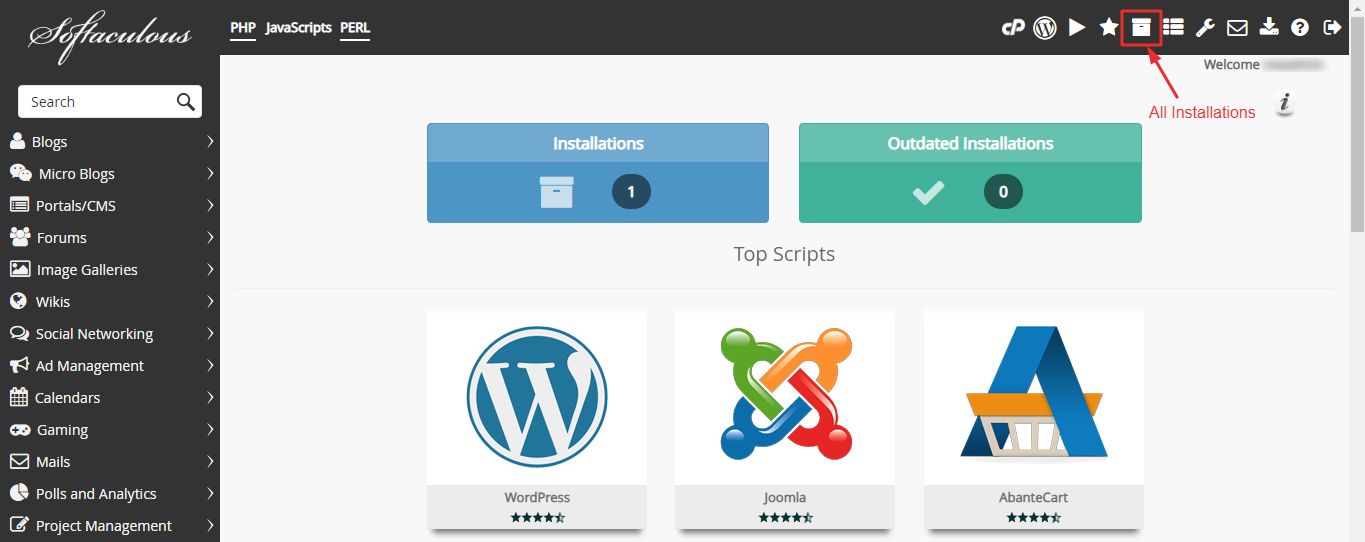
- Click the All Installations option or the install list icon.
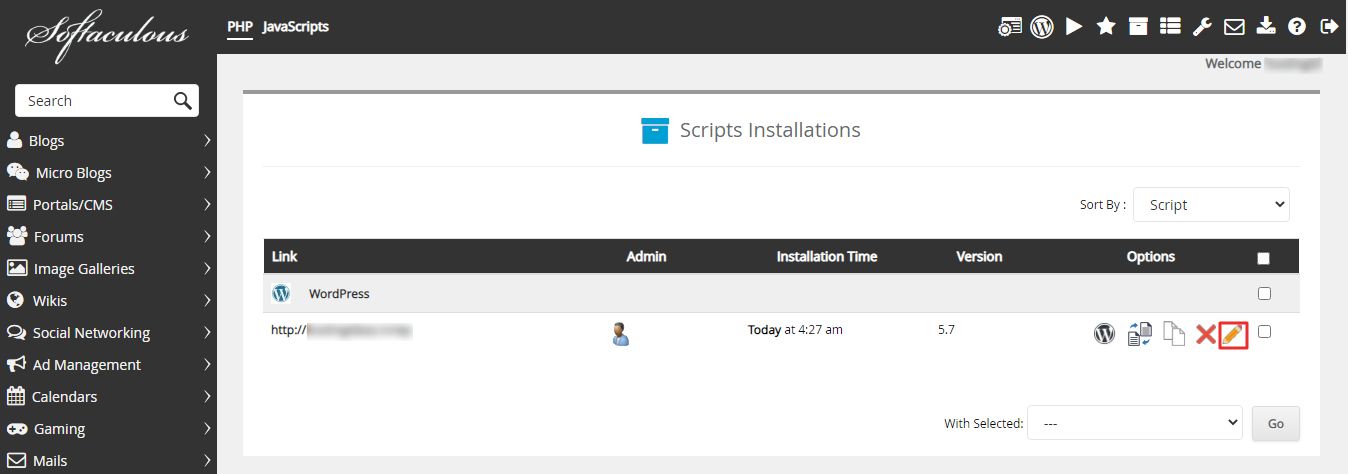
- Find your app in the list.
- Click the Edit icon (a pencil) next to it.
- Scroll to the admin account area. You will see fields for username and password.
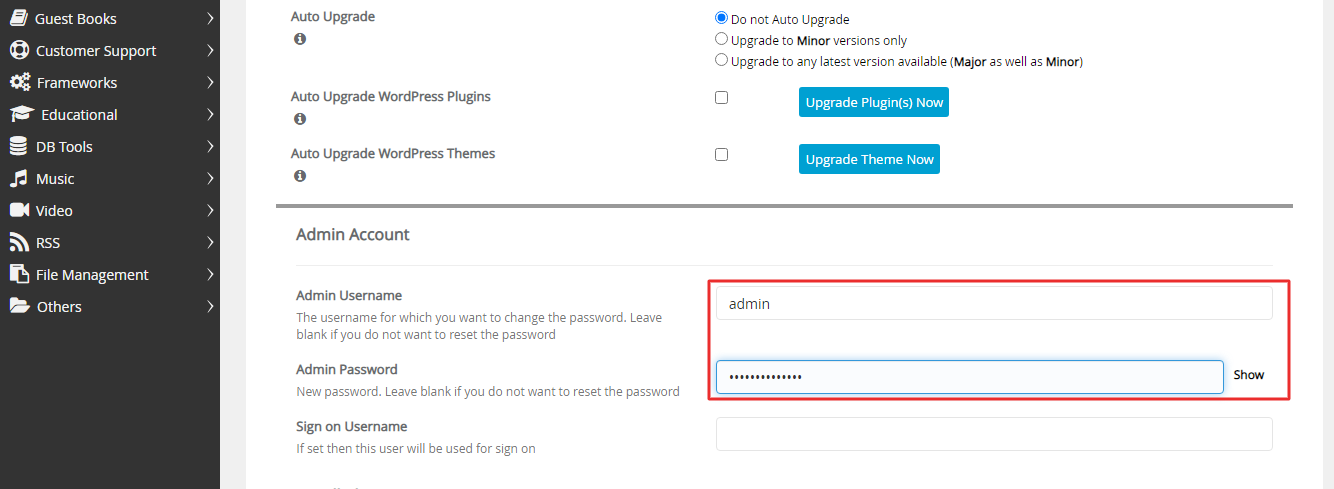
- Type a new password in the Admin Password box. Use a strong one with letters, numbers and symbols.
- Scroll to the bottom and click Save Installation Details.

- Open your site's login page and sign in with the new password.
Tip: Some app versions show the password field in a section called Admin Account. The exact label can differ a little. Look for it near the bottom of the edit page.
If the password field is missing
- The app may not support this action.
- The app may have been installed by hand, not through Softaculous.
- Try the password reset link on the app's own login page.
If nothing works, open a support ticket.
Keep it safe
- Do not reuse the same password on other sites.
- Use a password manager. It is an app that stores passwords safely for you.
- Change passwords if you think someone else knows them.
Quick recap
- Open Softaculous in cPanel.
- Go to your installations list and click Edit.
- Type a new admin password and save.
- Log in to your app with the new password.