

What is SitePad?
SitePad is a tool for making a website without writing code. You drag blocks like text and pictures onto a page. It is made by a third party, not by cPanel. It may or may not be on your plan. Ask Hostvento support if you are not sure.
Before you start
- Have your hosting and domain ready.
- Know your cPanel login from your welcome email.
- If a site is already there, back it up first. A new install may replace files.
Steps
- Log in to cPanel.
- Look for a SitePad icon. If you find it, click it.
- If there is no icon, open Softaculous Apps Installer and search for SitePad.
- Click Install or Install Now.
- Choose the domain where you want the site.
- Leave the folder box empty to install on the main address. Type a name such as
demoto use a sub folder. - Set an admin username and a strong password. Write them down safely.
- Enter your email address.
- Click Install and wait for the success message.
- Open the link shown. Log in and start the builder.
Using the builder
- Pick a theme. A theme is a ready-made look.
- Click on any text or picture to edit it.
- Drag new blocks from the side menu.
- Click Save or Publish when you are done.
Tip: Menu names can change between versions. If a button looks different, look for the closest match.
If you cannot find it
Your server may not have SitePad. Open a support ticket and ask if it can be added or if another builder is on offer.
Quick recap
- SitePad is a third-party drag-and-drop site builder.
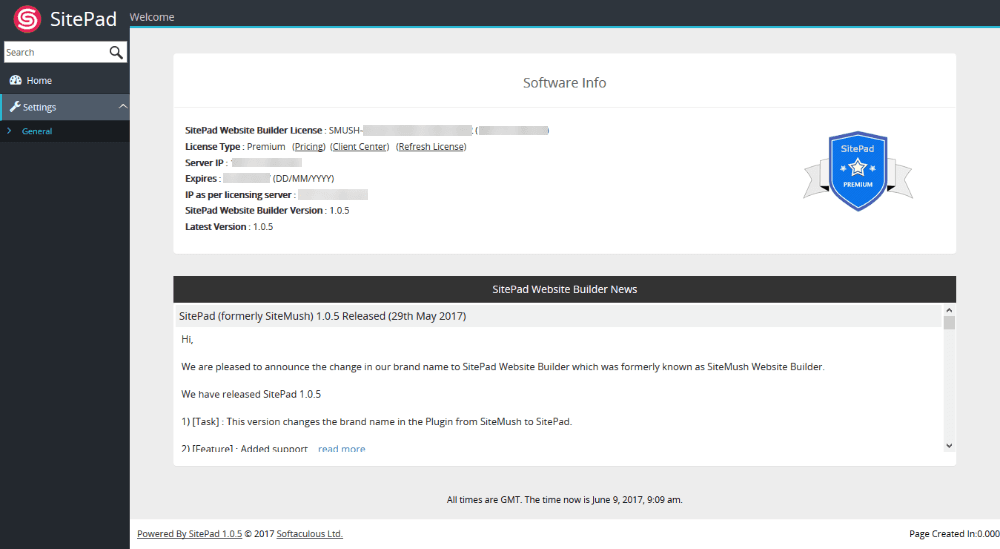
- Find it in cPanel or in Softaculous.
- Pick a domain, set an admin login, and install.
- Back up first if a site already exists.