

Requirements
- PHP
- Composer
Step 1: Install PHP
- Download the Windows build of PHP (a zip file, "Thread Safe" x64) from the PHP website.
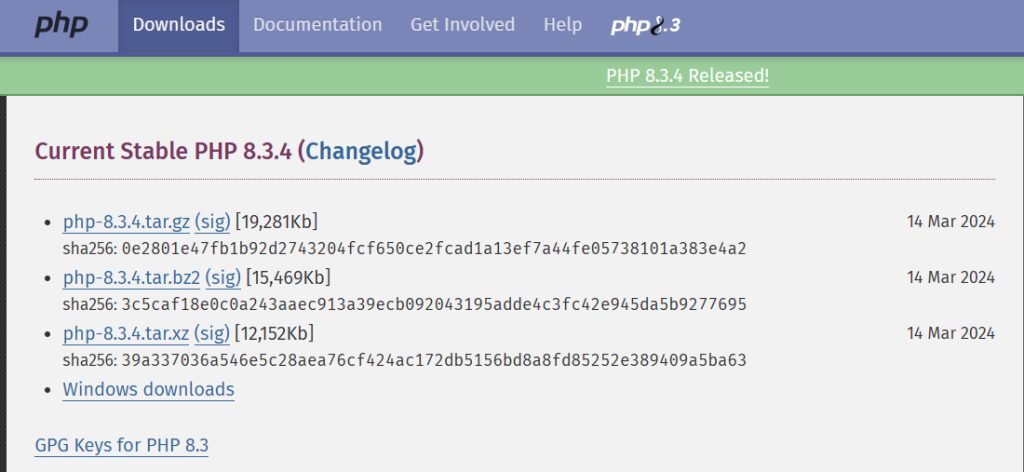
- Extract it to a folder such as
C:\php. Copyphp.ini-developmenttophp.ini. Inphp.ini, remove the;before the extensions Laravel needs:extension=curl,extension=fileinfo,extension=mbstring,extension=openssl,extension=pdo_mysqlandextension=zip. - Add PHP to the PATH. Open the environment variables:
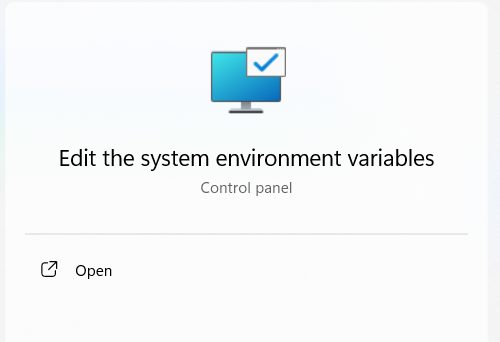
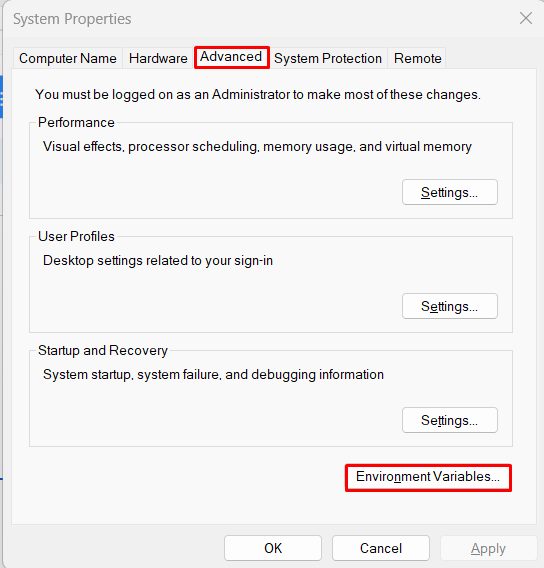
- Select Path, click Edit and add
C:\php.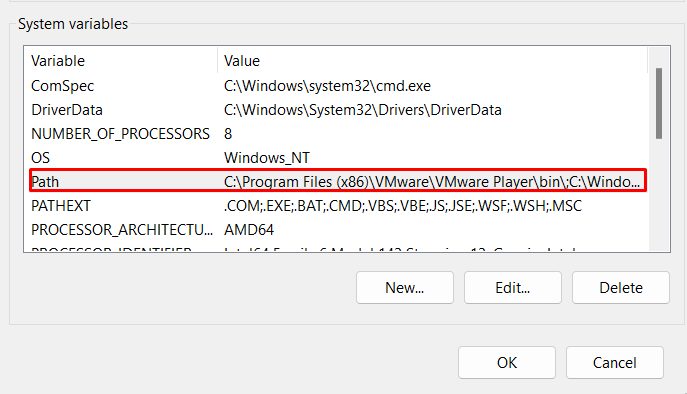
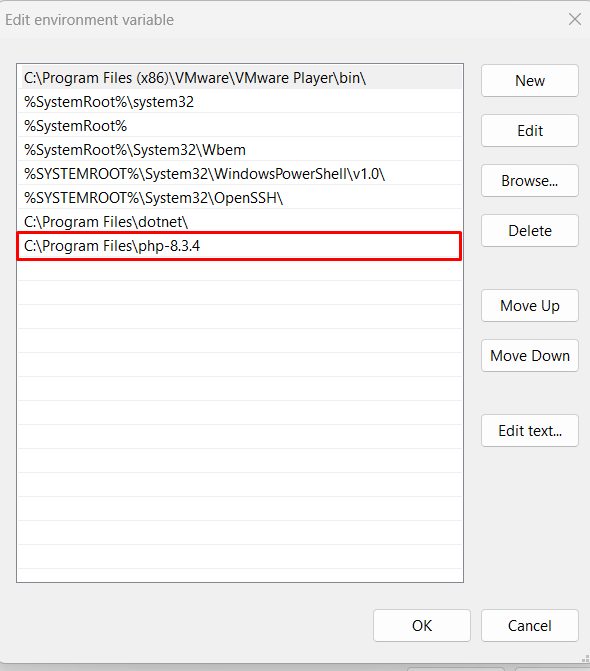
- Open a new Command Prompt and check:
php --version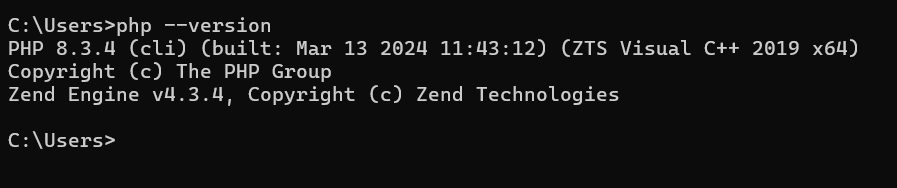
Step 2: Install Composer
- Download
Composer-Setup.exefrom the Composer website.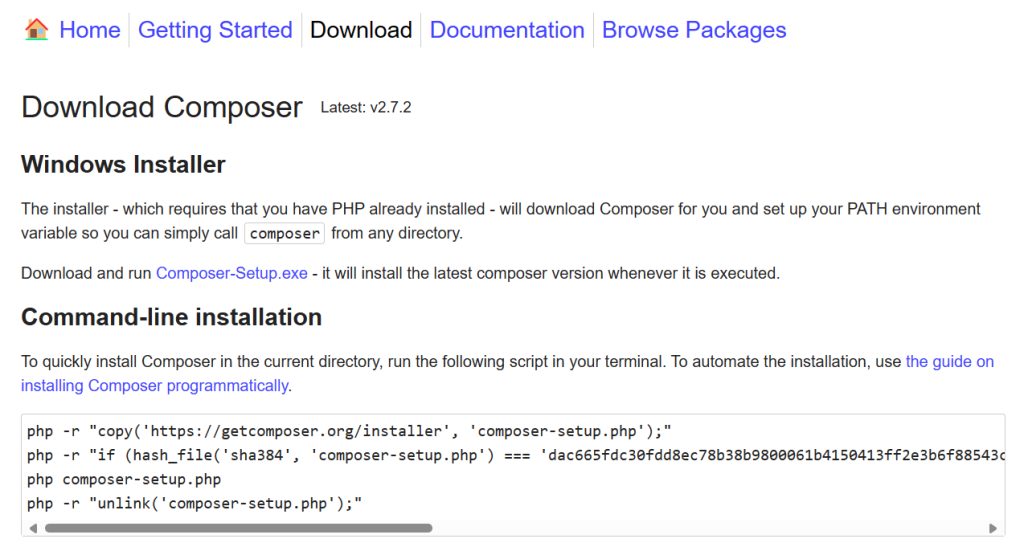
- Run it. Let it find your
php.exe.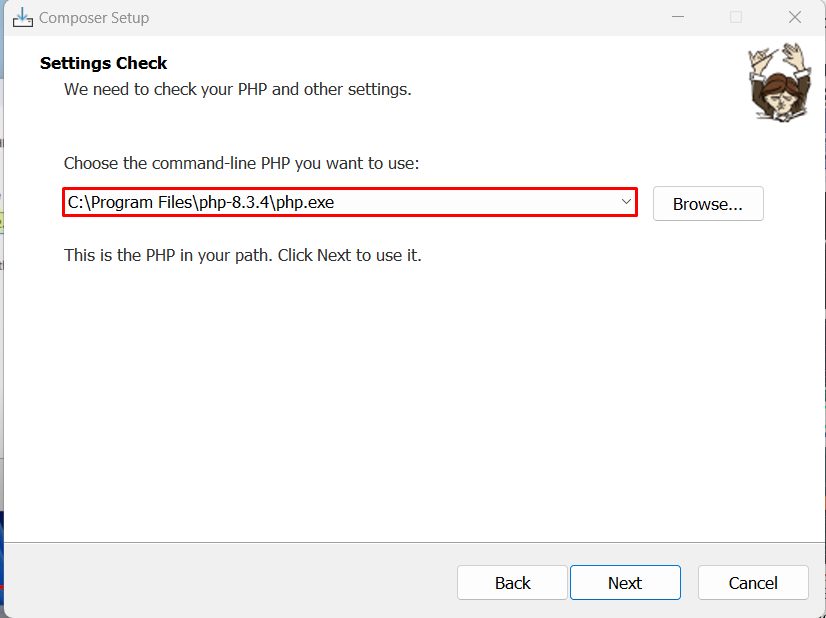
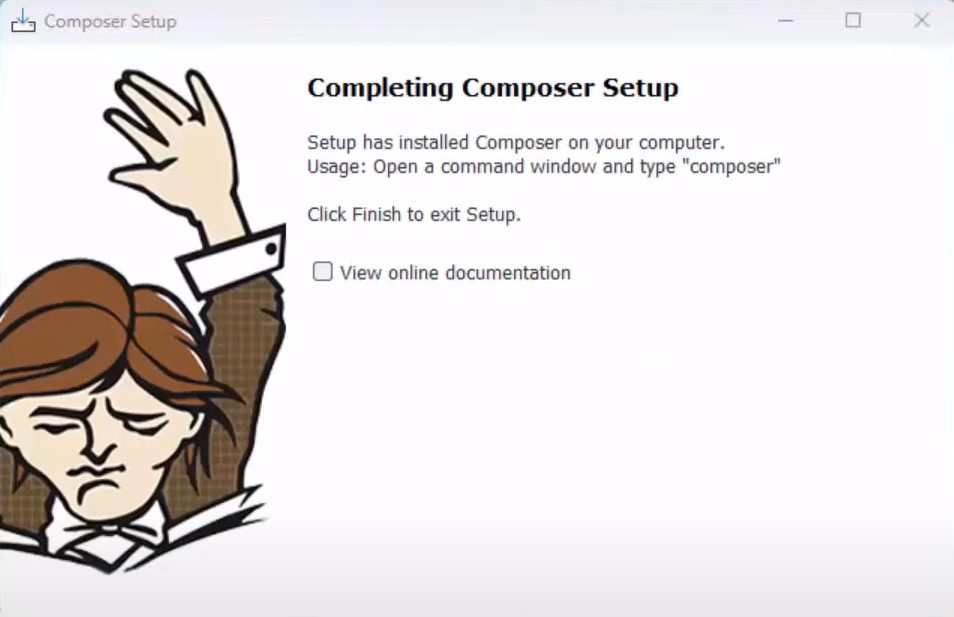
- Open a new Command Prompt and check with
composer -V.
Step 3: Create a Laravel project
Go to the folder where you want to keep your projects and run:
composer create-project --prefer-dist laravel/laravel app-name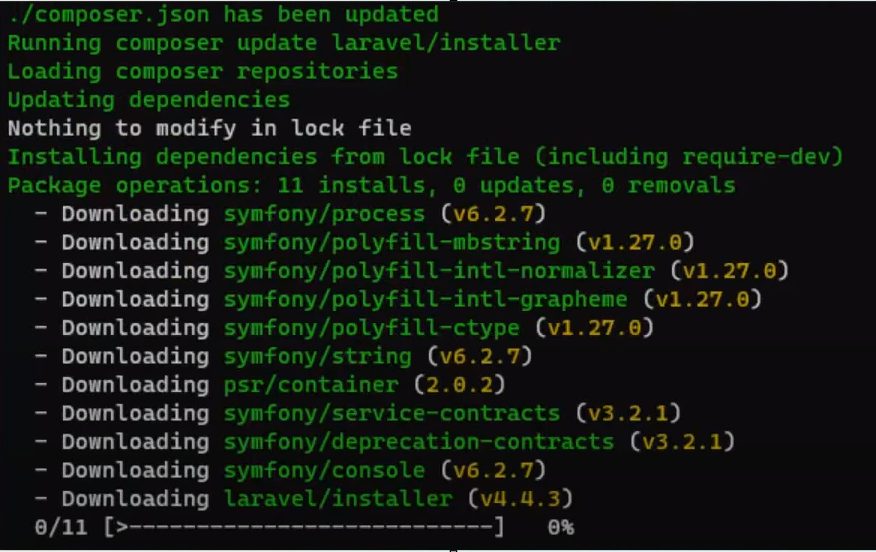
You can name a version, for example Laravel 11:
composer create-project laravel/laravel:^11.0 example-app
cd example-app
Step 4: Add a test route
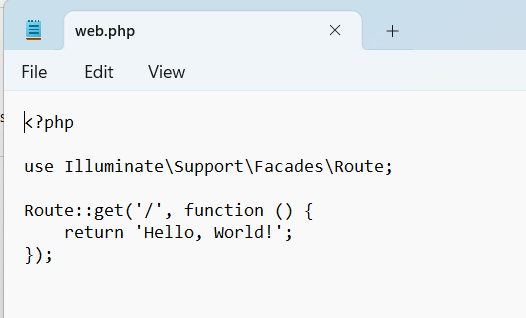
Open routes/web.php and change it to:
<?php

use Illuminate\Support\Facades\Route;

Route::get('/', function () {
    return 'Hello, World!';
});
Step 5: Start the server
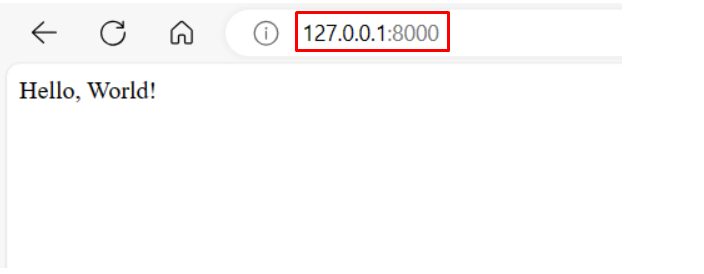
php artisan serve
Open http://127.0.0.1:8000 in your browser. You see "Hello, World!".
Why use Laravel on Windows
- Easy local development without a Linux machine.
- Fast start with Composer and Artisan.
- A rich framework: routing, Eloquent ORM, Blade templates, queues and more.
- You can later deploy the same project to a Linux server.
Quick recap
- Install PHP and Composer.
composer create-project laravel/laravel app-name.php artisan servestarts the site.