

Free access to Microsoft 365
You can use the Office apps for free in a browser with a Microsoft account (at office.com). The web versions of Word, Excel and PowerPoint are simpler than the desktop apps, but cover the basics.
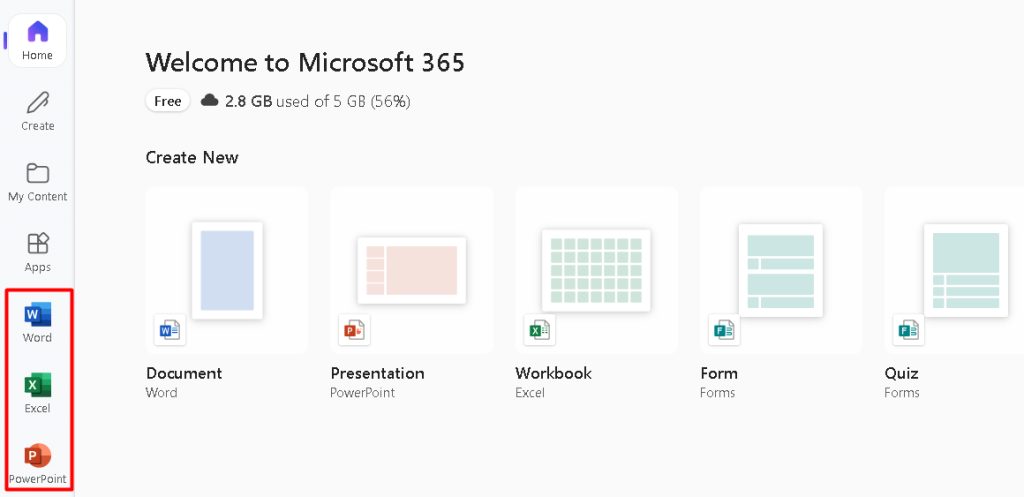
Install the free version (apps from the web)
- Go to
office.comand sign in (or create a free Microsoft account). - Open Word, Excel or PowerPoint in the browser. Save your files in OneDrive.

- Some plans let you install the desktop apps from the Install apps button in your account page.
Install the paid version
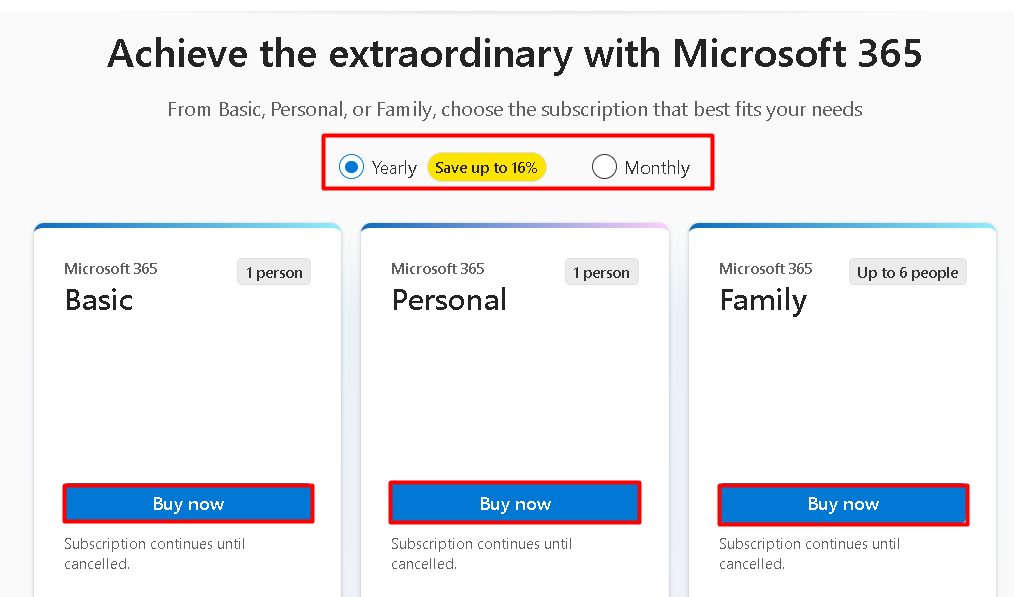
- Go to the Microsoft 365 website and buy a plan (Personal, Family or a business plan).
- Sign in, open the Services & subscriptions page and click Install apps.
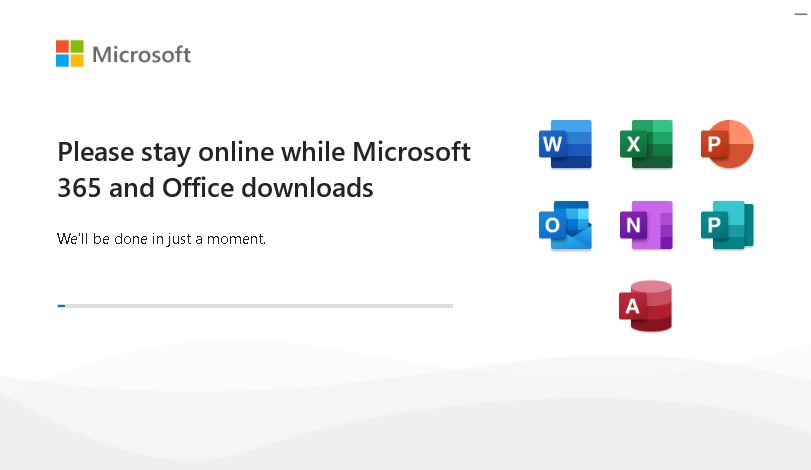
- Run the downloaded installer. It downloads and installs the apps (Word, Excel, PowerPoint, Outlook and more). Keep your computer online.
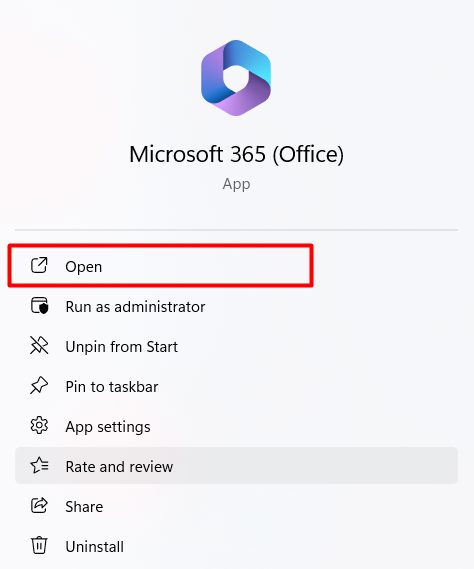
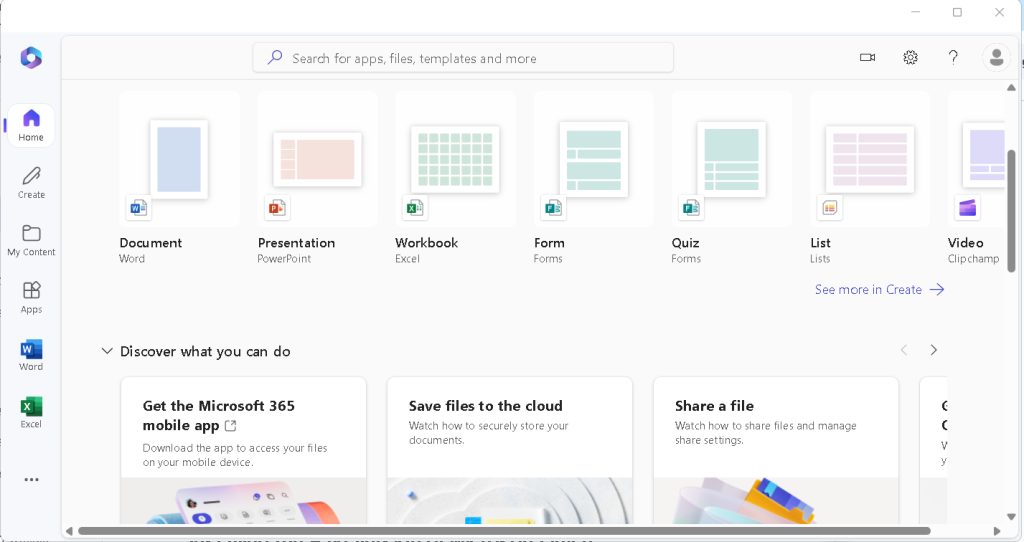
- Open an app and sign in with your Microsoft account to activate it.
What you get
- Word for documents.
- Excel for spreadsheets and data.
- PowerPoint for presentations.
- Outlook for email, calendar and contacts.
- OneNote for notes and teamwork.
- OneDrive for cloud storage and sync.
Tips
- Keep the apps updated from File, then Account, then Update Options.
- Use only the official Microsoft website to download. Cracked copies often contain malware.
- To remove Office, use Settings, Apps, find Microsoft 365 and click Uninstall.
Quick recap
- A free web version is available with a Microsoft account.
- A paid plan gives the desktop apps through Install apps.
- Sign in to activate.